CNC Operation
en-938821/2 5 - 17
5
The automatic tool setting mode authorises axis jog (See 5.1.1) without manual mode being selected.
OP
2
Z..
X..
Z
X
1
3
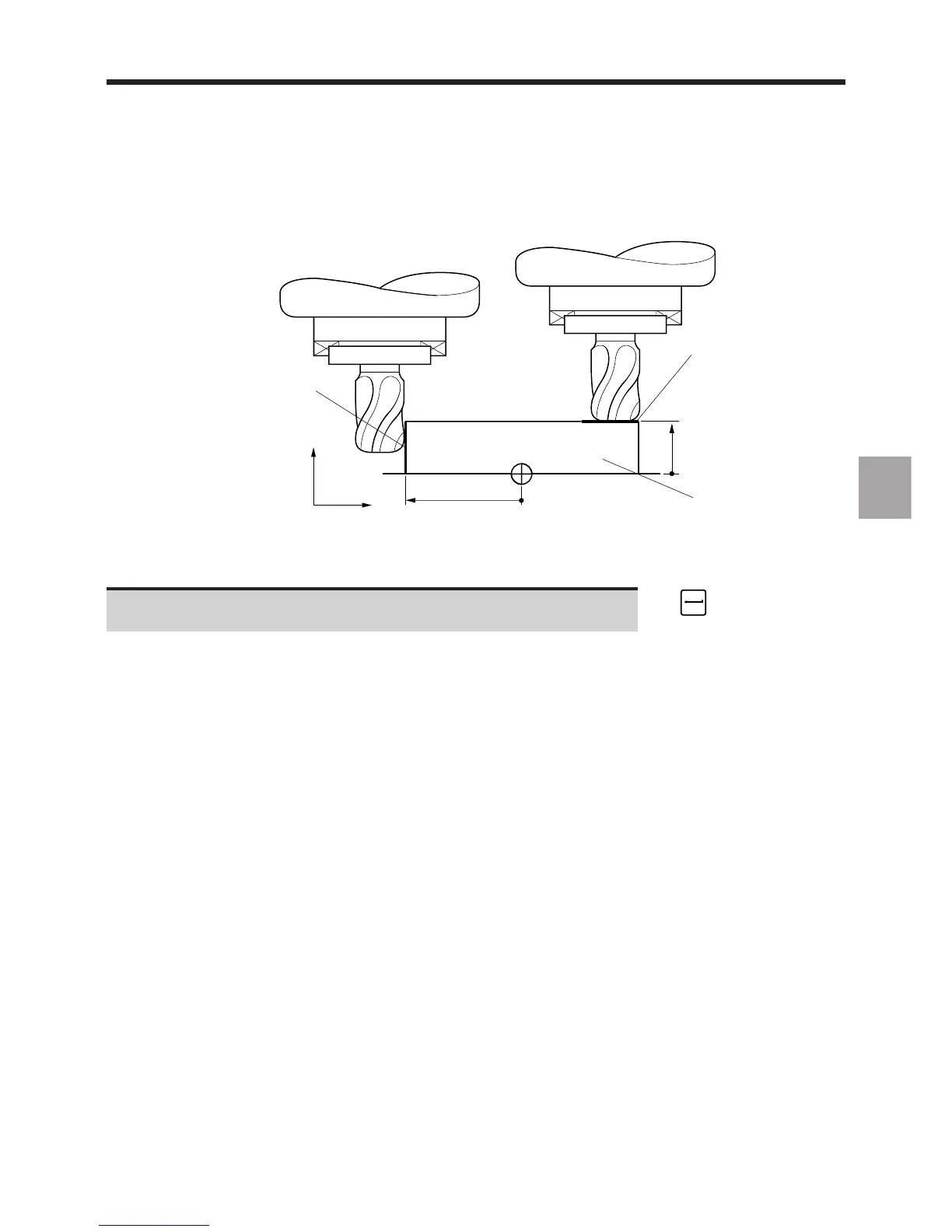
1 - Preset contact surface in X axis
2 - Preset contact surface in Z axis
3 - Setting piece itself
Enter the reference part dimensions: "X.. Y.. Z.." (with respect to ☞
the programme origin).
Display on the dialogue line of the new dimensions of the reference part.
REMARK Tool dimensions L and R can be measured along two axes. Therefore, it is
unneccessary to enter the dimension of a contact surface along the third axis.



 To Next Page