5 - 18 en-938821/2
For each axis:
Bring the tool into contact with the reference part using the jog controls or
the handwheel.
Transfer the measured dimension to the tool correction ☞
(See syntax given below).
Dimension to be transferred Syntax
Radius: R D [Correction No.] [axis name] R @ [corner radius]
(only enter @.. if modified)
Length: L D [Correction No.] [axis name] ± L @ [corner radius]
(+ L if the tool is pointing in the positive direction of the axis, - L in the negative
direction) (only enter @.. if modified)
Transfer of the dimension to the tool dimension table and display in the "TOOL CORRECTIONS" page.
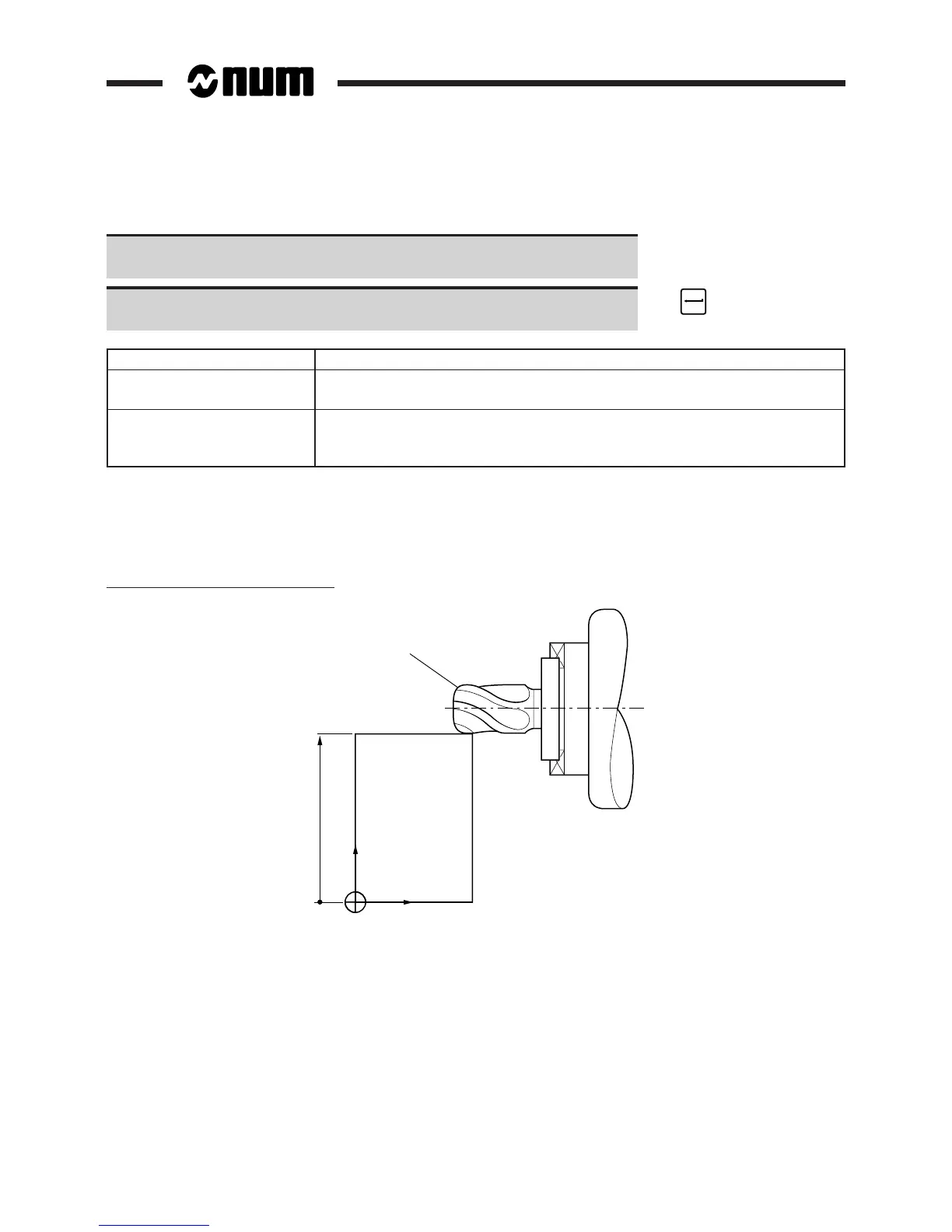
Example
Transfer of dimensions to correction D11
Measurement of R along the Z axis
r = 1.1
Part dimension in Z axis
Z
X
OP
Syntax: D11 Z R @ 1.1



 To Next Page