Use of Peripherals
en-938821/2 C - 5
C
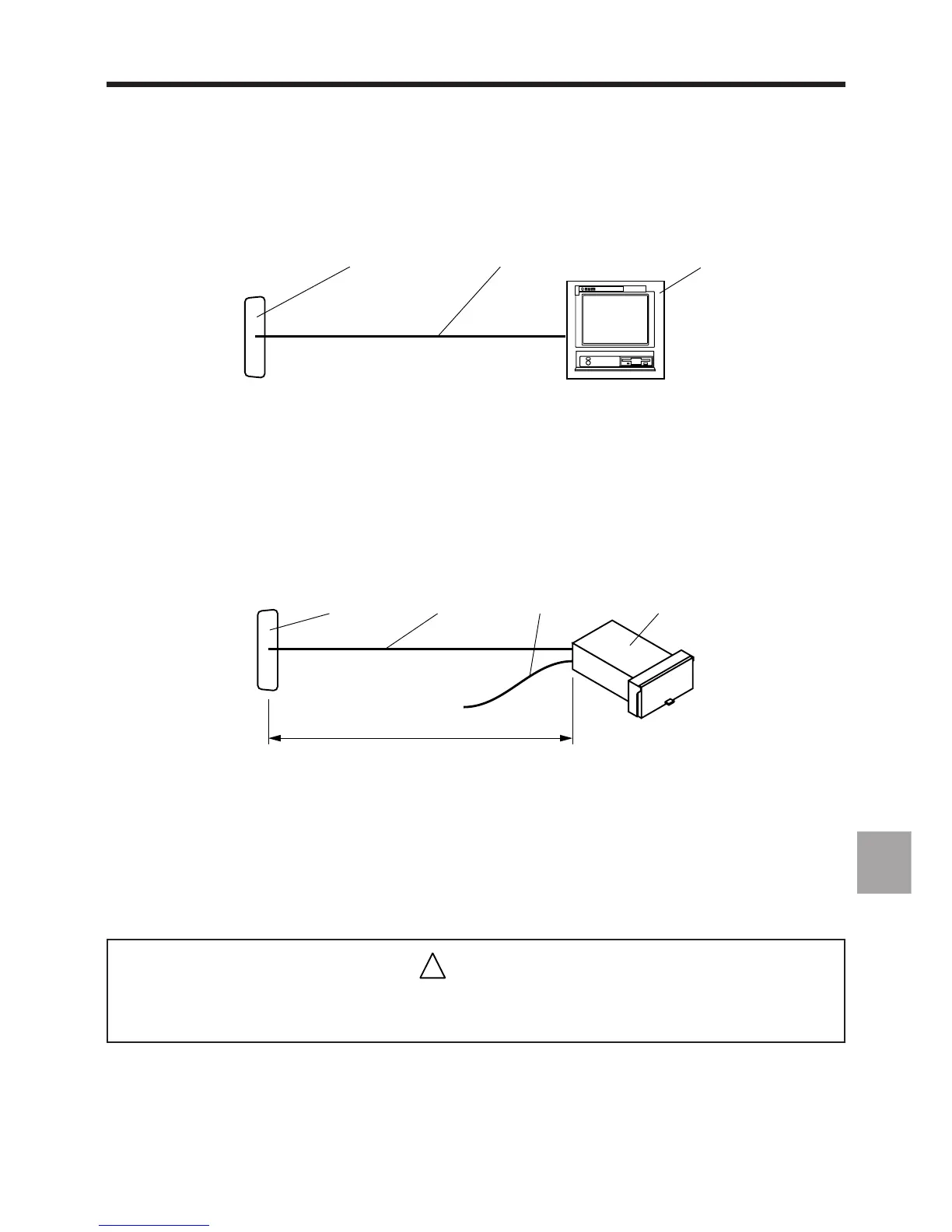
C.1.1.4 Connection of a Peripheral to an RS 422, RS 485 or RS 422 Synchronous and High Speed
Line
1 2
3
1 - Serial line:
. 15 contacts on IT/serial line card configured for RS2 422 or RS 485 and high speed line of the CNC V2 processor
. 9 contacts on V2 machine processor, V2 CNC and UC SII, 1020, 1040 and 1050 (serial) CNCs.
2 - Serial interface cable:
. RS 422 and high speed on V2 CNC processor (See C.1.2.9)
. RS 485 on V2 machine processor and V2 CNC processor (See C.1.2.9)
. RS 422 synchronous on 1060 CNC (See C.1.2.9)
3 - Peripheral or NUM PC panel (example).
REMARK Configure the serial lines using the serial line parameters utility (See 8.3).
C.1.1.5 Connection of NUM Diskette Drive to an RS 232 Line
1 2 4
24 V
3
≤ 10 m
1 - RS 232 line:
• 25 contacts on machine and CNC processors, TTL/RS 232 adapter or UC SII CPU or remote on machine panel
• 9 contacts on UC SII CPU, V2 machine processor, V2 CNC processor, 1020, 1040, 1050 or remote on compact
panel
2 - RS 232 serial link cable (See C.1.2.4) or cable supplied (P/N 206203324)
3 - Drive power cable (See C.1.2.5)
4 - NUM diskette drive
REMARK Configure the serial lines using the serial line parameters utility (See 8.3). Set the
lines for RS 422 standard.
!
CAUTION
The NUM diskette drive can only be used on the 25-contact line of the UC SII CPU when the
UC SII CPU has a card with an index number equal to 204202896/H or above.



 To Next Page