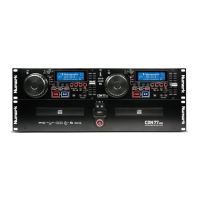
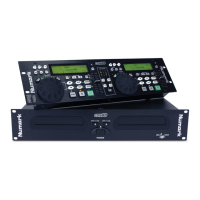
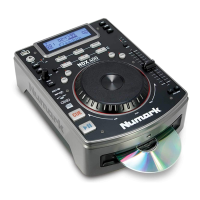
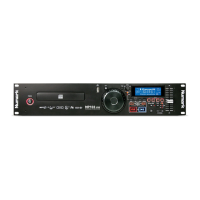
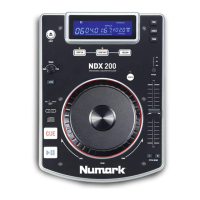
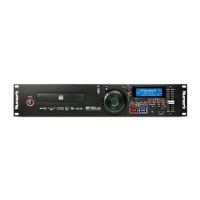
CDN-34
EXAMPLE OF MIXING USING BOTH PLAYERS OF THE CDN34
While playing a disc on PLAYER 1 load a disc into PLAYER 2 and select your next track, match its pitch to the track playing
on PLAYER 1 and when you are ready use the crossfader on your mixer to fade from PLAYER 1 to PLAYER 2.
Load a disc in PLAYER 1
and select the track and
press PLAY.
Load a disc in PLAYER 2
and select the track then
play.
Set and edit a start cue
point on PLAYER 2
Check you new cue point
Do a MIX!
PLAYER 1
Load a disc and press the
OPEN/CLOSE button.
PLAYER 2
Load a disc and press the
OPEN/CLOSE button.
PLAYER 2
Press the Pause button of
PLAYER 2.
PLAYER 2
Listen with the monitor and
press the play button.
PLAYER 2
With a matching downbeat from
Player 1 press the play button.
PLAYER 1
Select the track to be played.
PLAYER 2
Select the track to be played.
PLAYER 2
Rapidly search for a cue point
using the outer wheel
PLAYER 2
Press the cue button then
play to be sure of the set cue
point.
PLAYER 2
If you are beat mixing turn on
your Pitch adjust and follow
the directions for beat
matching.
PLAYER 1
Press the PLAY button
PLAYER 2
Press the PLAY button
PLAYER 2
Slowly set the right point using
the inner wheel
PLAYER 2
Set the player to the Cue point
by pressing Cue
MIXER
When you are happy with you
mix adjust you mixer
accordingly.
- The Leader in DJ Technology
©1999 Industries 21 http://www.numark.com



 To Next Page