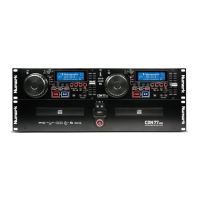
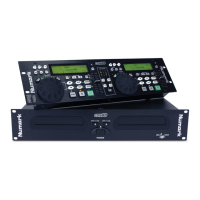
CDN-34
BEFORE SWITCHING OFF THE POWER:
When you have finished using the CD player, be sure that the disc tray is closed with the “OPEN/CLOSE” button before
switching off the power .
DO NOT switch off the power when
the disc holder is open.
Switch off the power after the
disc holder has been closed
with the “OPEN/CLOSE” button
THIS CD PLAYER IS EQUIPPED WITH AUTO LOCKING LASER HEADS TO PROTECT ALIGNMENT DURING
TRANSPORTATION. IN ORDER FOR THIS FEATURE TO FUNCTION PROPERLY, POWER MUST BE TURNED
OFF ON THE CD PLAYER ITSELF BEFORE CURRENT IS REMOVED FROM THE UNIT.
(Example: AN EXTERNAL POWER SUPPLY SHOULD NOT BE TURNED BEFORE THE CD PLAYER)
Troubleshooting Guide
Symptom Possible Cause Corrective Action
The power fails to switch on when the
POWER switch is set to on
Poor power plug connection at unit or
the AC outlet
Insert the power plug firmly into unit and
the AC outlet
Disc play does not start The disc is loaded upside down
The disc is too dirty
Reload the disc with the label side up
Clean the disc
No sound Improper output cable connections
Improper amplifier operation
Connect the output cables correctly
Check amplifier setup
Sound skips The disc is dirty Clean the disc
Programmed disc play will not function The CD player is in normal disk play
mode
Hold down the Program button for 3
seconds then program the tracks
Hum Loose cable connections Firmly connect all audio plugs
- The Leader in DJ Technology
©1999 Industries 22 http://www.numark.com



 To Next Page