56
EN
Press ENTER to confirm and then press
RESET
to quit the sub menu.
4.12 ENERGY SAVING
It is possible to enable/disable the power saving
mode (0-1-2).
Pressing ENTER
to open the submenu; the
keys serve to select 0 to deactivate
or 1-2 to activate the energy-saving function. If you
select 1, when the machine is switched off manually
or automatically, the temperatures of the boiler tanks
drop respectively to 80°C for the coffee boiler tank,
110°C for the steam tank and 80°C for the group.
If you select 2, when the machine is switched off
manually or automatically, the temperatures of the
boiler tanks drop respectively to 85°C for the coffee
boiler tank, 115°C for the steam tank and 85°C for
the group. Press ENTER
to confirm the
setting and then press RESET
to quit
the sub menu.
4.13 RINSE GROUP
It is possible to programme a standby time after
which the machine will carry out a group rinse cycle
using hot water only, to keep the coffee circuit hot
and clean.
Pressing ENTER
it is possible to enter the
sub menu, the
keys are used to
select OFF – 5 – 10 – 20 – 40.
Press ENTER
to confirm and then press
RESET
to quit the sub menu.
4.14 DAY/HOUR
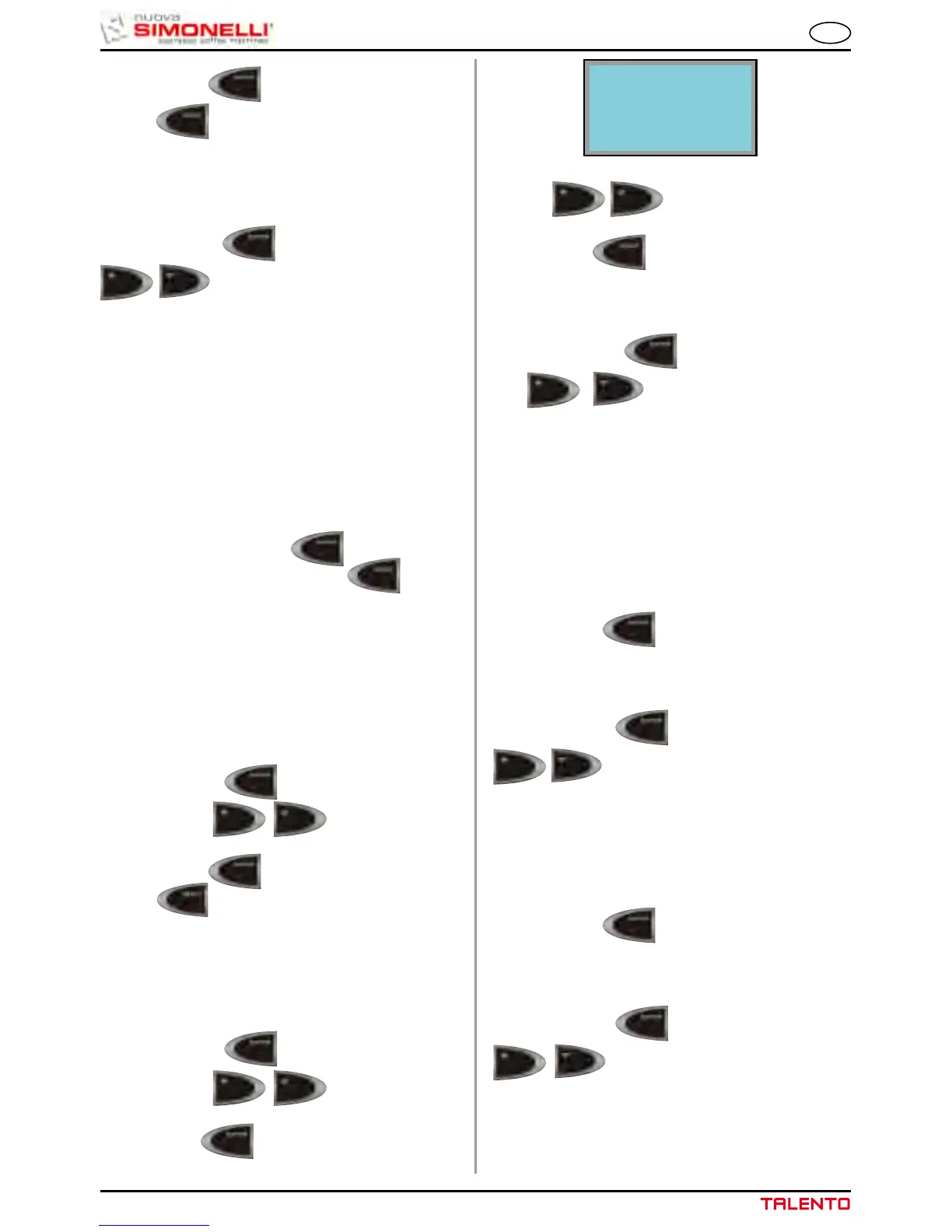
This programmes the day, hour and minutes, which
will be shown on the machine display.
Pressing ENTER
it is possible to enter the
sub menu, the
keys are used to
select the required day.
Press ENTER
to confirm.
Use the
keys to set the HOUR and
MIN.
Press RESET
to quit the sub menu.
4.15 STEAM OPTION
Pressing ENTER
to open the submenu;
the
keys serve to select the
required option; DISABLED, MANUAL STEAM or
AUTOSTEAM. When the function is DISABLED, the
steam cycle does not appear in the cycle selections
for beverages 1-10. With the MANUAL STEAM func-
tion, it is possible to select the MANUAL STEAM
function for beverages 1-10. With the AUTOSTEAM,
function, it is possible to select the MANUAL STEAM
or AUTOSTEAM function for beverages 1-10.
Press ENTER
to confirm the setting.
4.16 TEA OPTION
Pressing ENTER
to open the submenu; the
keys serve to select the required hot
water option: DISABLED, ENABLED. With the func-
tion DISABLED, the hot water cycle does not appear
in the cycle selections for beverages 1-10. With the
function ENABLED, it is possible to select the TEA
cycle for beverages 1-10.
Press ENTER
to confirm the setting.
4.17 SELF SERVICE
Pressing ENTER
to open the submenu; the
keys serve to select the required
SELF SERVICE option: DISABLED, ENABLED.
With the function ENABLED, the 2X, LEFT GRINDER
and beverage manual stop functions are disabled.
DAY
FRIDAY












 To Next Page