FUNCTIONS (Continued)
Delay: This function allows you to set a specic time you would like to
start cooking.
Directions:
Press the “delay” button. The delay bar will light up and the rst set of “00”s
will be ashing.
Press the “+” or “-” button to increase or decrease the hours.
To change minutes press the “hours/minutes” button. The second set of
“00”s will be ashing. This indicates that you can change the minutes.
Press the “+” or “-” button to increase or decrease the minutes.
Press the desired function button to continue your program based on
your recipe.
Press the “start/stop” button.
1
2
3
4
5
6
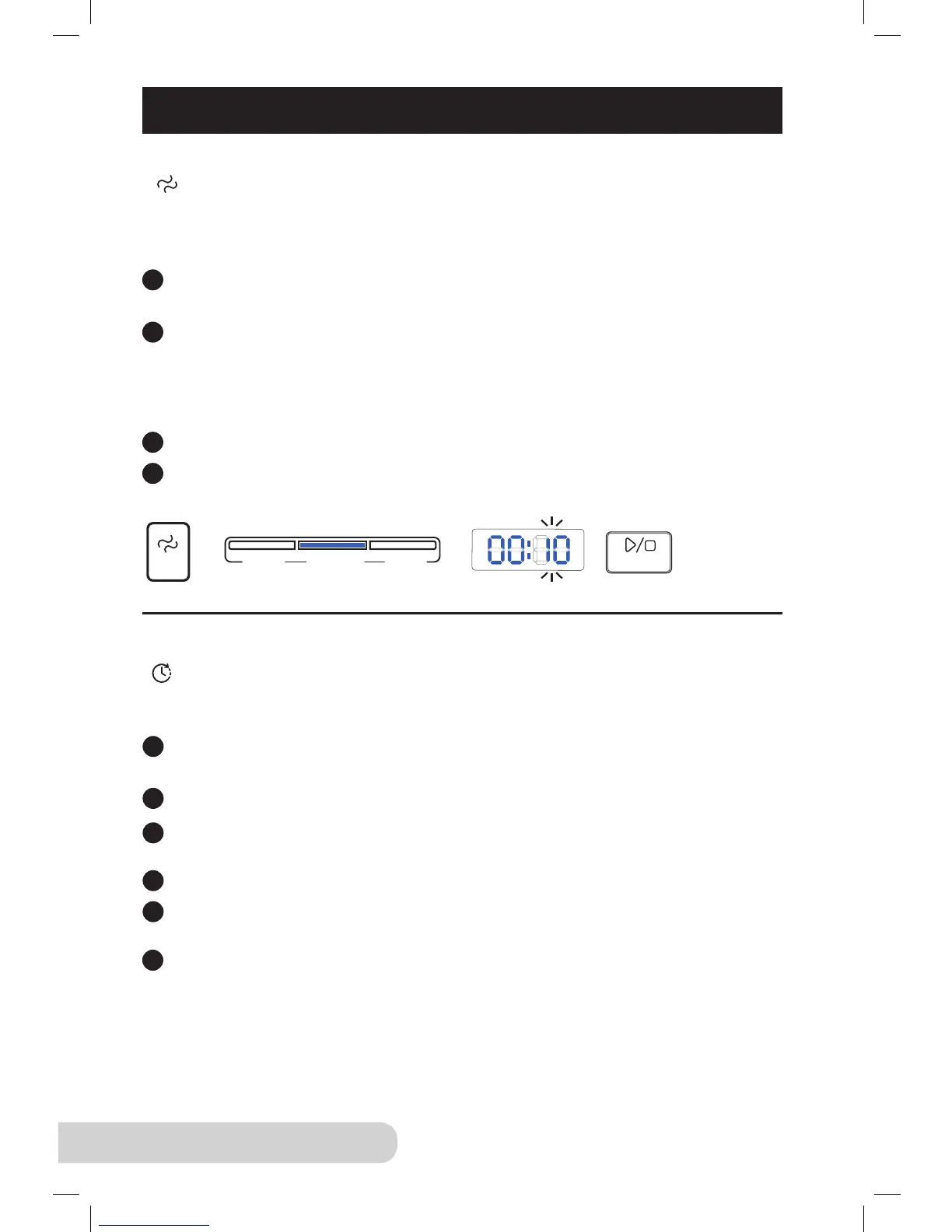
Texture: This is a function used to help change the consistency of your foods.
“less”, “normal” and “more” are selected guides that increase
or decrease the cooking time while under pressure.
Directions:
Press a desired preset button. The display will default to “normal” time.
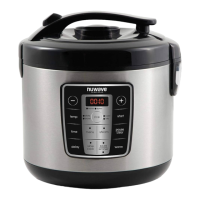
(Ex: Press “rice” and the display will show 00:10).
To change the consistency of the food (less, normal, more), simply press
“texture”. The appropriate light will display, indicating that the time has
been changed. The time in the display will automatically adjust accordingly.
(Ex: For the “rice” function, less is 7 minutes, normal is 10 minutes and more
is 13 minutes).
Press the “start/stop” button.
See page 20-21 for times for each function.


 To Next Page