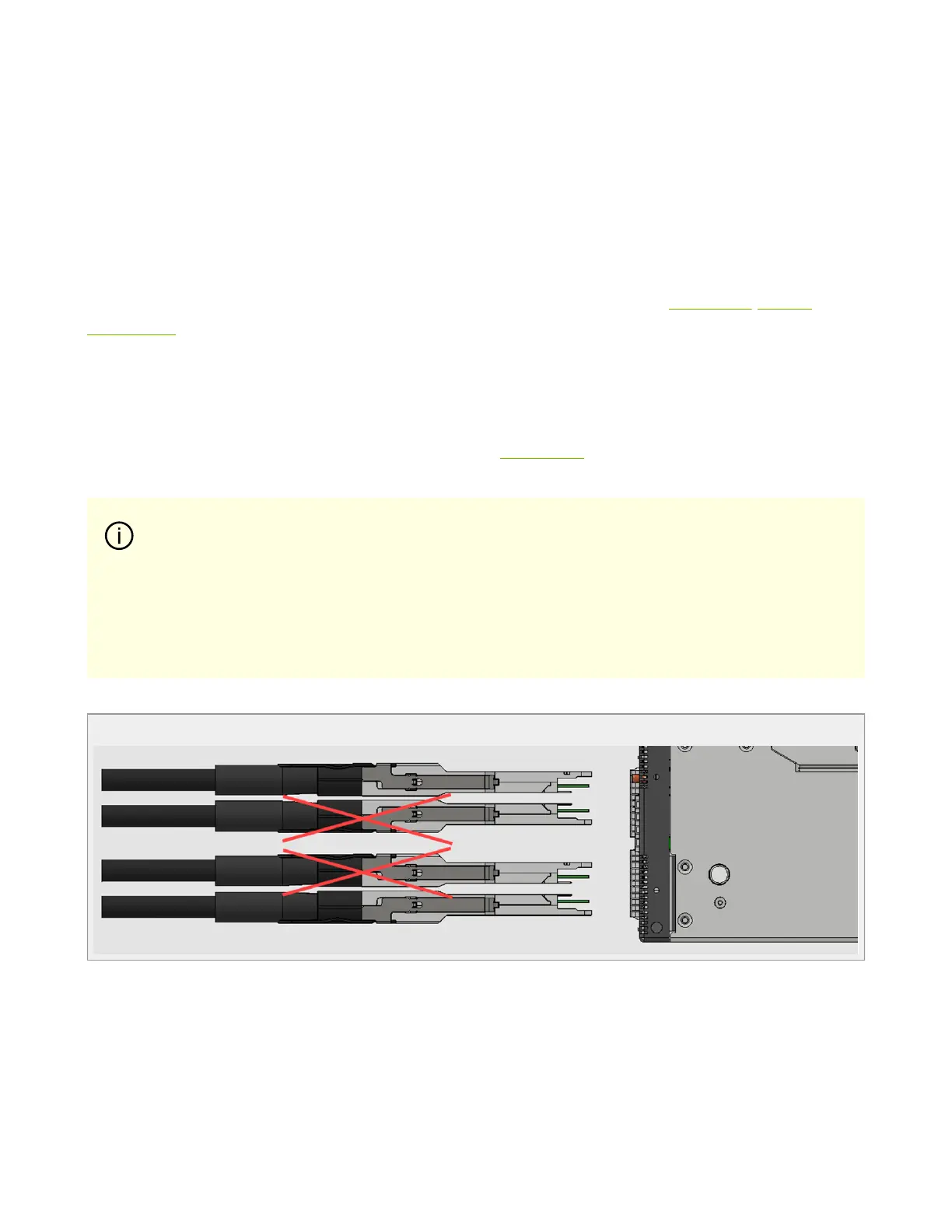
To insert a cable, press the connector into the port receptacle until the connector is firmly
seated. The LED indicator, corresponding to each data port, will light orange when the
physical connection is established. When a logical connection is made, the LED color will
change to green .
To remove a cable, disengage the locks and slowly pull the connector away from the port
receptacle. The LED indicator for that port will turn off when the cable is unseated.
For a list of Supported Cables and Transceivers, please refer to the SN5000 Systems
Datasheet.
For full cabling guidelines, ask your NVIDIA representative for a copy of NVIDIA Cable
Management Guidelines and FAQs Application Note.
For more information about port LEDs, refer to Port LEDs.
QSFP Cable Orientation
Splitter (Breakout) Cables and Adapters
When using an NVIDIA splitter cable, the following splitting options are available:
Important
Do not push the cable connector into the receptacle using excessive
force, as this may cause damage to the cable or to the cage.



 To Next Page