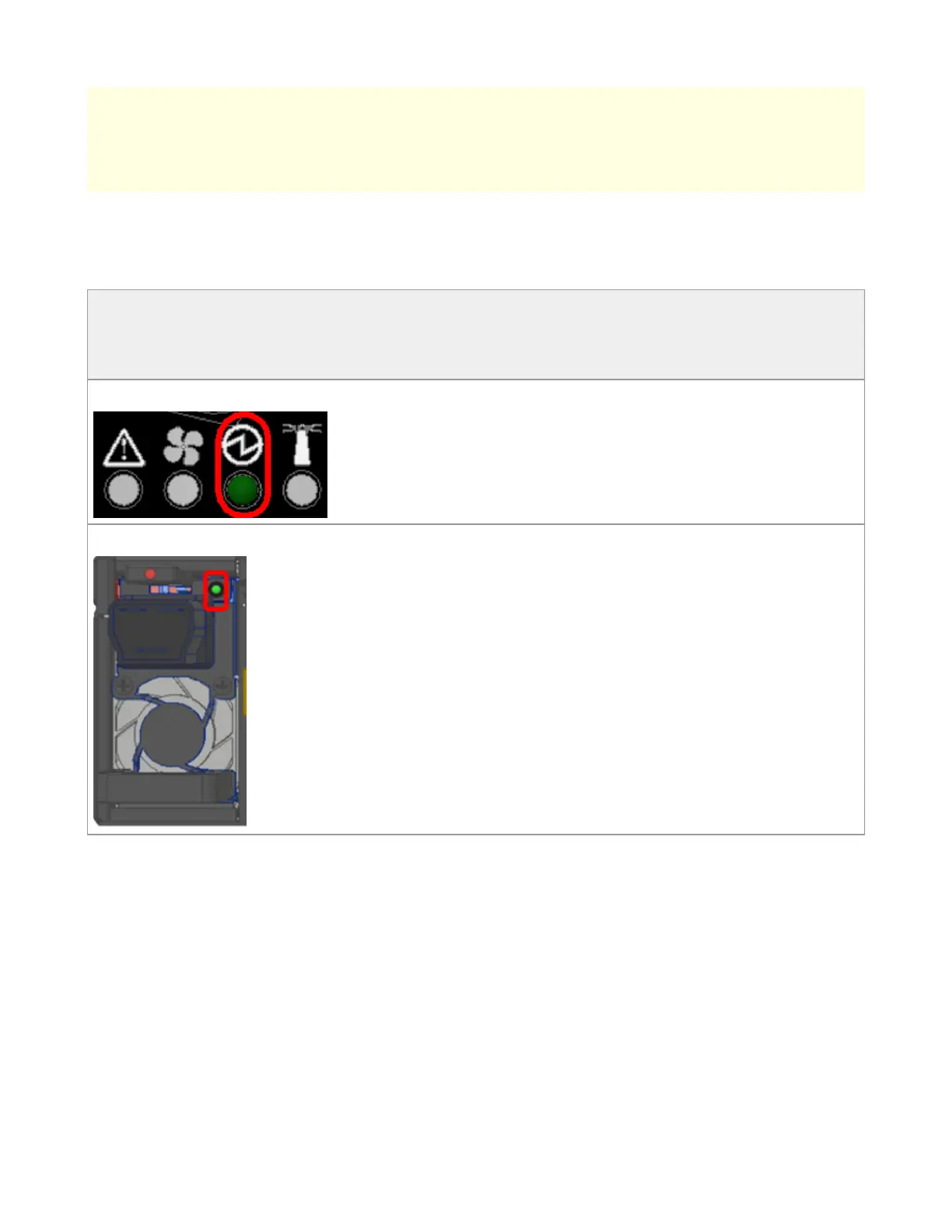
Power Supply Status LEDs
The LEDs in the red ovals show the power supply status.
*The figures are provided for Illustration purposes only. The design may slightly vary in
different systems.
Front Panel LED:
Rear Panel LED:
In the SN5400 and SN5600 switches there are two power supply inlets in each system (for
redundancy). The system can operate with only one power supply connected. Each power
supply unit has two single color LEDs on the right side of the unit, that indicate the status
of the unit.
When looking from the FRUs side, the first power supply (PS) unit is located on the left
side of the system, and the second unit is located on the right side.
Rear Side Panel
Risk of Electric Shock! Do not insert tools or body parts into the fan
module cavity.



 To Next Page