27
e700 User Manual
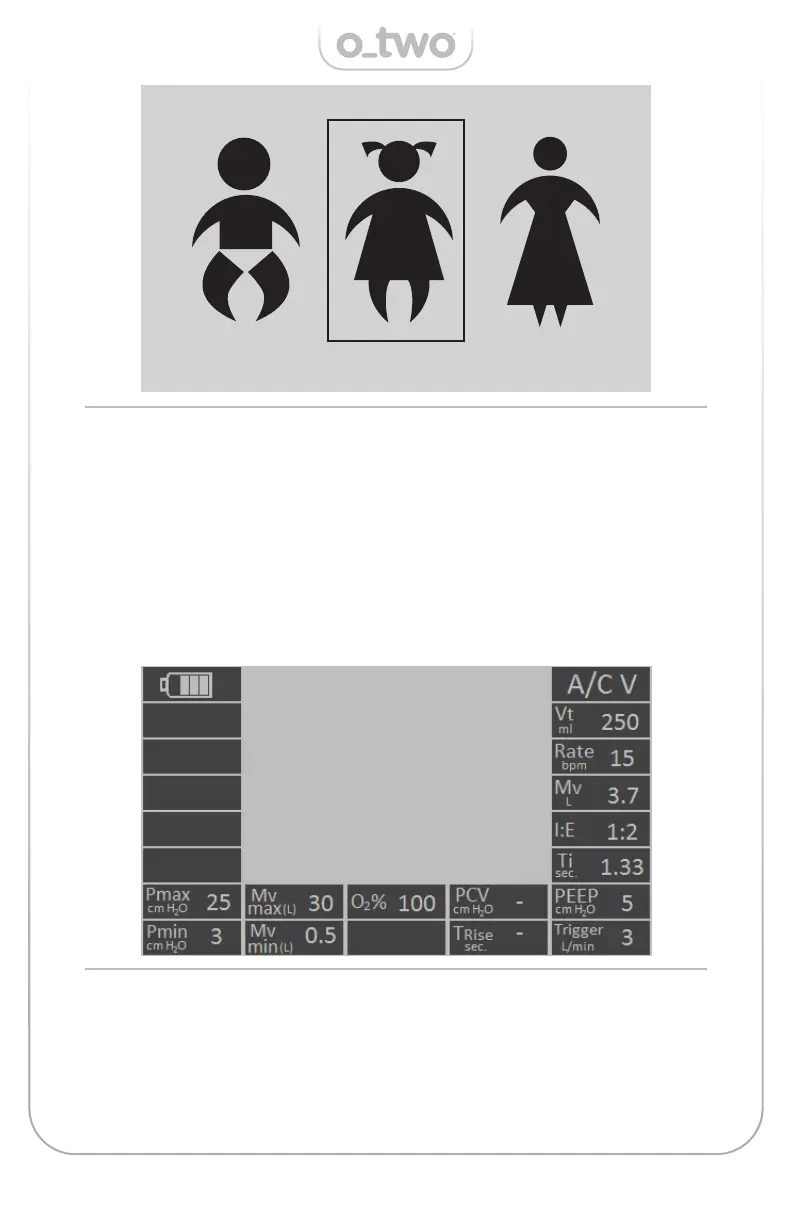
Figure 06 - Start-up Figures
Figure 07 - A/C V mode screen w/ default parameters (Child setting)
Navigate among the three start-up fi gures by rotating the Control
Selection Knob (M) (Figure 01) and a square frame will move around
the selected fi gure. Once the desired patient size is selected, the
user must confi rm the selection by pressing the Control Selection
Knob (M) (Figure 01) to start ventilation. If no selection occurs with-
in 20 seconds, the ventilator will start ventilation with child setting
as its default start-up (Figure 07).
o-two e700 v1.9.15
01:23:48 PM
11/07/20


 To Next Page