45
e700 User Manual
7.2. Battery Status Indicator
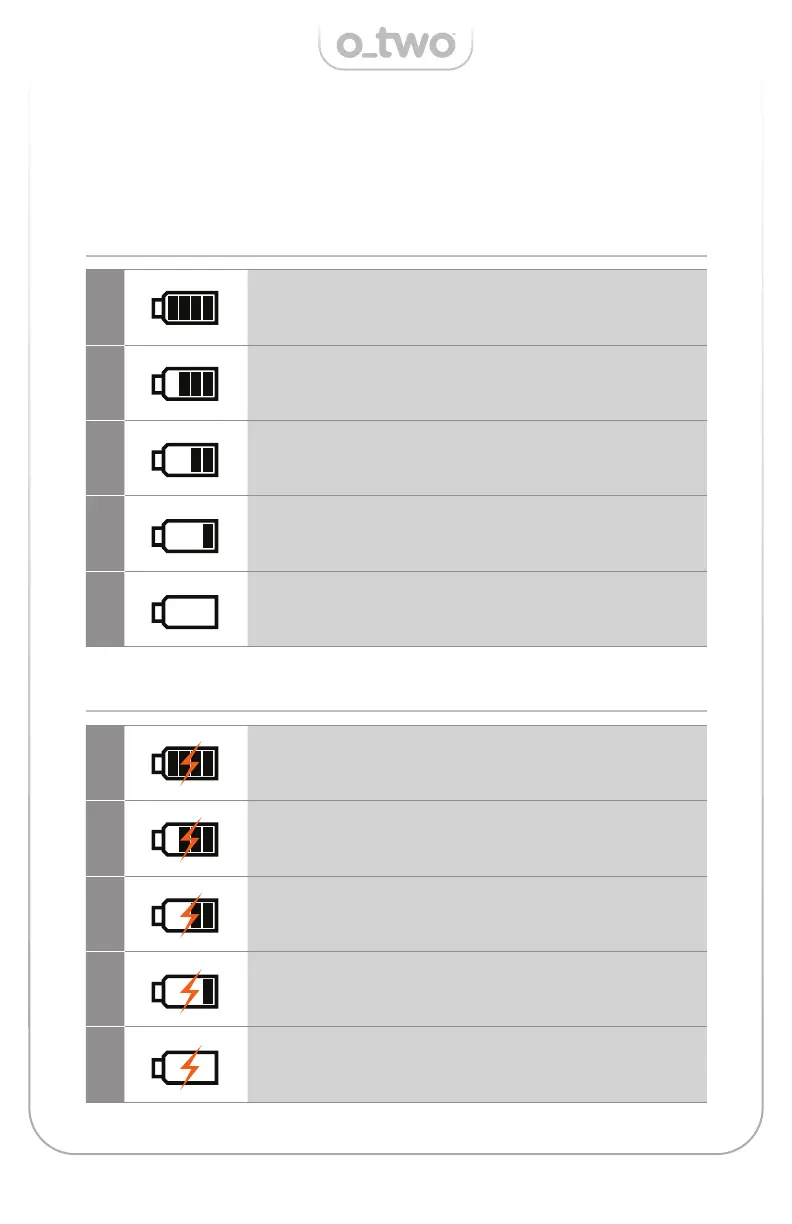
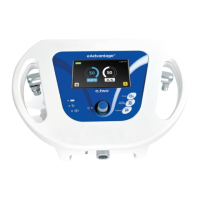
The battery status will be displayed in section 1 of the display (Figure
04). There are two di erent status indicators showing battery
discharging (Table-8.1) and charging (Table-8.2) status respectively.
TABLE 8.1 - Battery discharging status
TABLE 8.2 - Battery charging status
1
Full Capacity
2
Approx. 75% of full capacity
3
Approx. 50% of full capacity
4
Approx. 25% of full capacity.
Symbol changes to yellow fl ashing
5
Approx. 5% of full capacity.
Symbol changes to red fl ashing with associated red colour LED
1
Full Capacity
2
95% of full capacity
3
90% of full capacity
4
80% of full capacity
5
65% of full capacity



 To Next Page