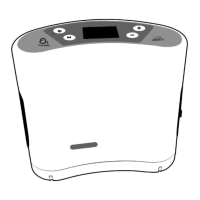
Accessing the Menu Screen
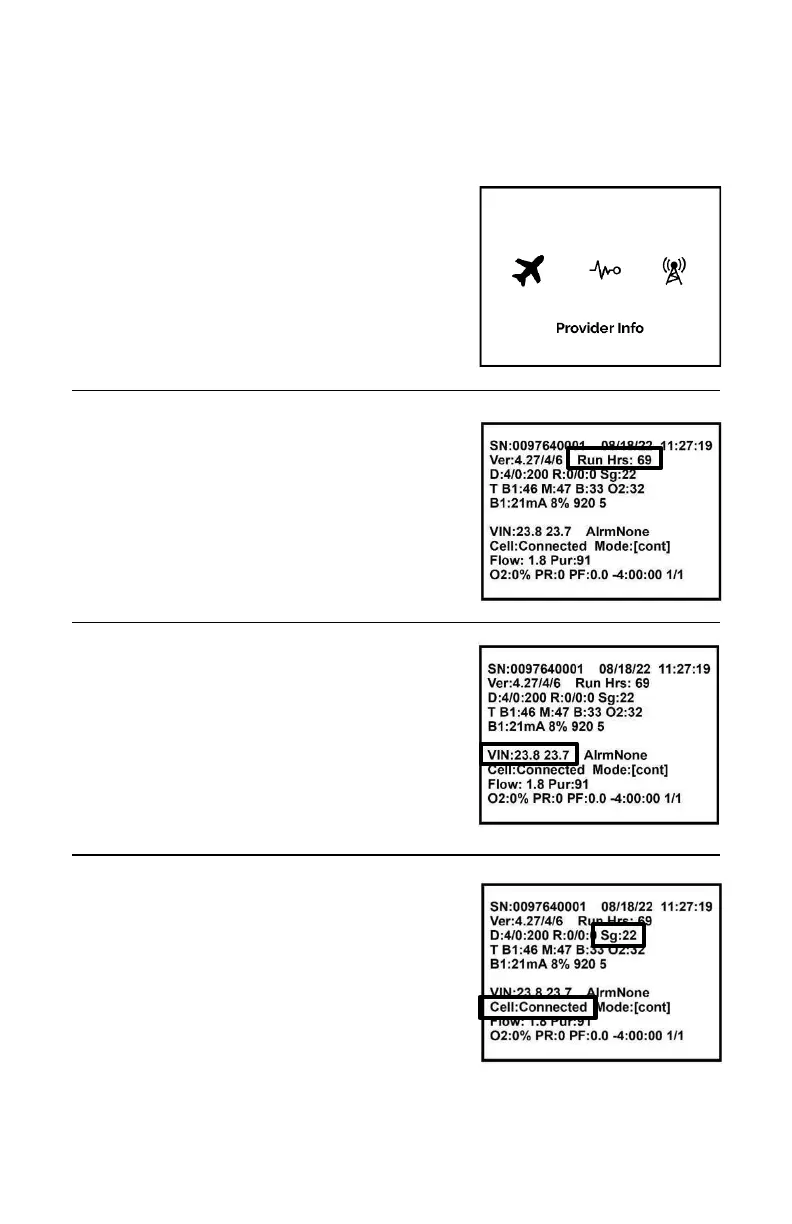
The provider screen shows information about the device’s status and run hours.
To access the Menu screen:
› Press the Mode (M) and Minus (-) buttons
simultaneously.
› Press the Plus (+) button or Minus (-) button
to scroll through the screen options.
› To enter and exit a screen, press the
Mode (M) button.
› Select the icon to enter the provider screen.
Run Hours:
The run hours are the total life hours the device
has run.
(Example: Run Hrs: 69, where the device has
been run a total of 69 hours)
Voltage In:
Voltage In is the voltage that
the device is receiving from an external power
source such as the AC power supply or DC
power cord.
(Example: VIN: 23.8 where 23.8 is in volts)
Cell Status and Signal Strength:
The cell status is listed in the eighth row.
(Example: Cell: Connected)
The cell signal strength is listed in the third row
on a scale of 0 – 31.
(Example: Sg:22)

 To Next Page
 Loading...