EasyManua.ls Logo

Oasis RAPID PRO RP14 - Status Checking

Oasis RAPID PRO RP14
44 pages
Print Icon
To Next Page IconTo Next Page
To Previous Page IconTo Previous Page
Loading...
Page 21 of 43
Controller Operation
Status Checking
Running status checking
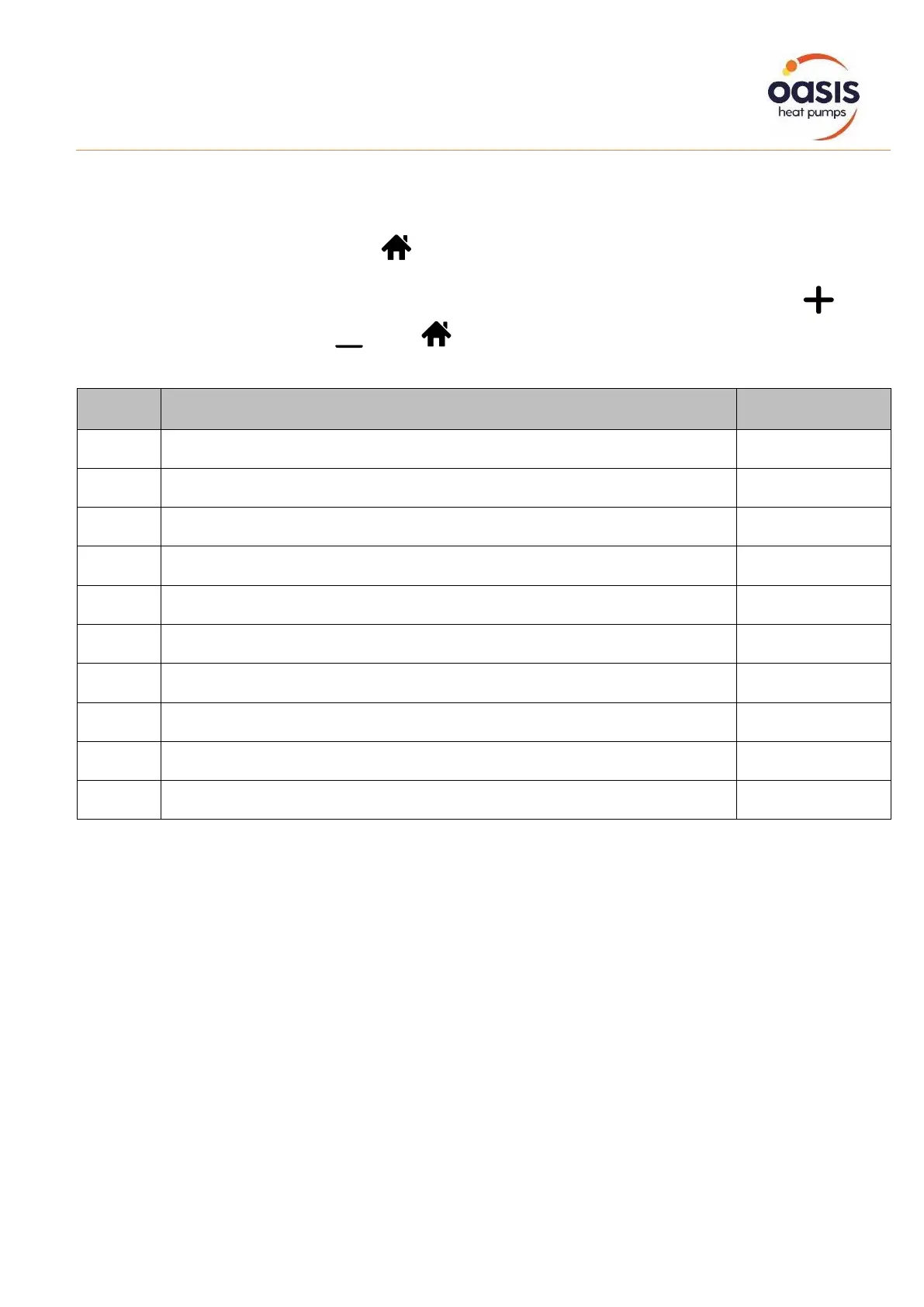
Press for 5 seconds, enter into “Running status checking”, and the
screen alternately shows status point “C0” and its corresponding value.
Check all status points and their corresponding value through or
, Press to quit “running status checking” mode
Symbol
Content
Unit
C0
Inlet water temp.
°C / °F
C1
Outlet water temp.
°C / °F
C2
Ambient temp.
°C / °F
C3
Exhaust temp.
°C / °F
C4
Outer coil pipe temp. (Evaporator)
°C / °F
C5
Gas return temp.
°C / °F
C6
Inner coil pipe temp. (Titanium heat exchanger)
°C / °F
C9
Cooling plate temp.
°C / °F
C10
Electronic expansion valve opening
P
C11
DC fan speed
(r/min)

Related product manuals