11
616 02 1018 00
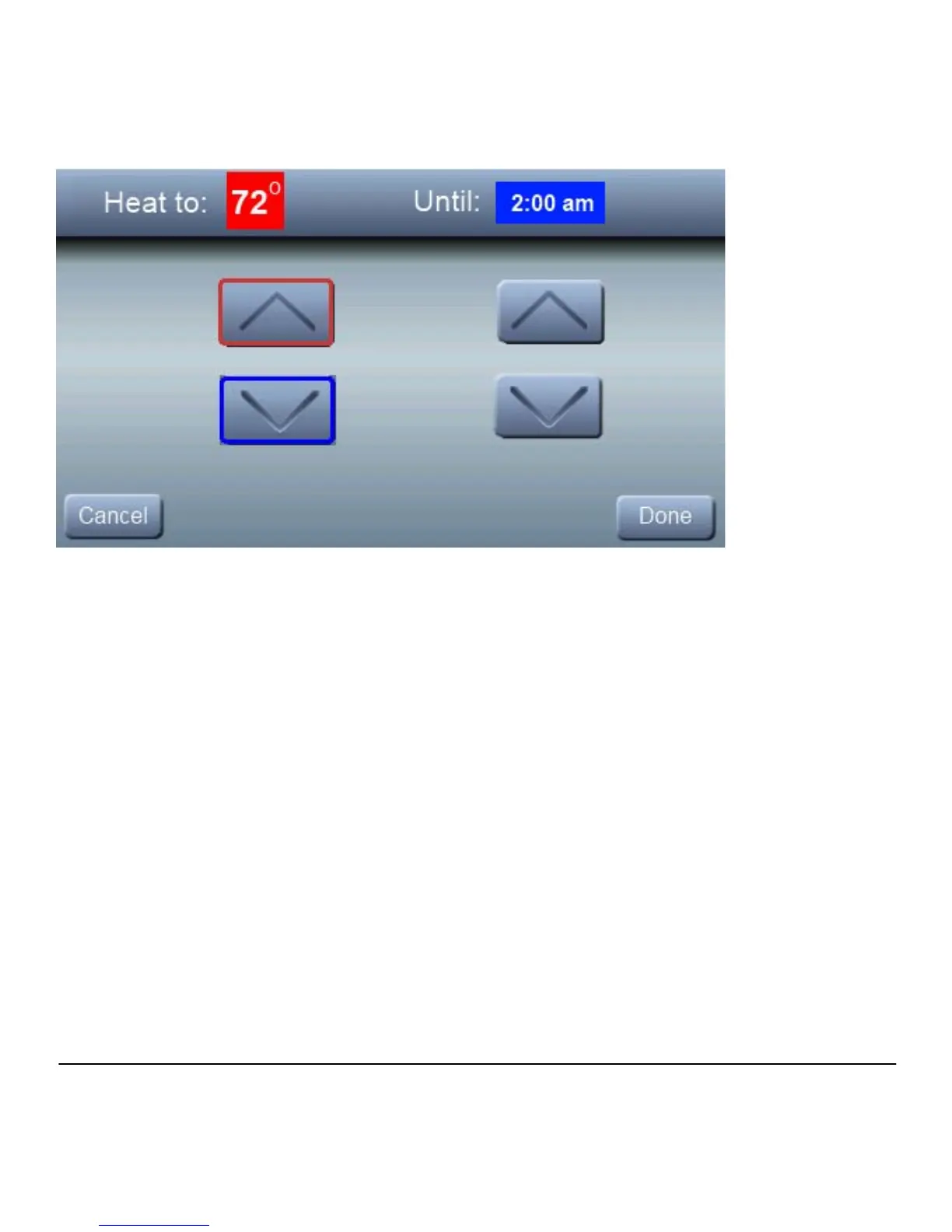
An override time will be displayed on the right side of the
screen. You can change the override time in 15minute
increments by pressing the arrows below the time. When you
have completed your changes, press DONE.
Cooling
To change the cooling set point, press COOL TO; then use the
arrow buttons to set the desired temperature.



 To Next Page