10
616 02 1018 00
NOTE: For Zoning, overriding the program schedule can be
done for each individual zone by pressing the Zone name
button. The HOLD / RESUME override prgogram schedule can
be independently selected for each zone.
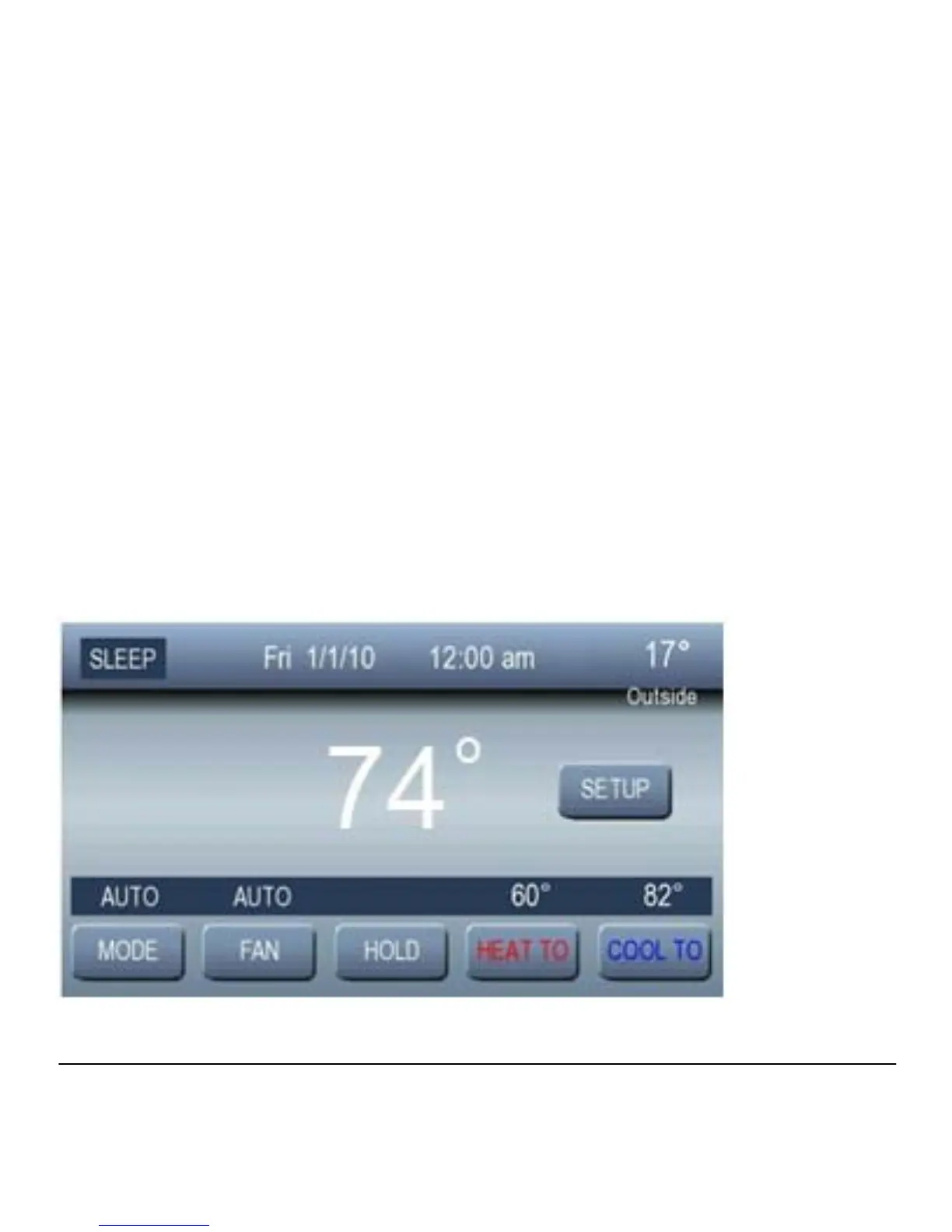
Adjusting Temperature (Temporary Hold)
The Observer Control allows you to adjust the indoor
temperature at any time, overriding the programmed schedule
Heating
To change the heating set point, press HEAT TO; then use the
▲ and ▼ buttons to set the desired temperature.



 To Next Page