8
616 02 1018 00
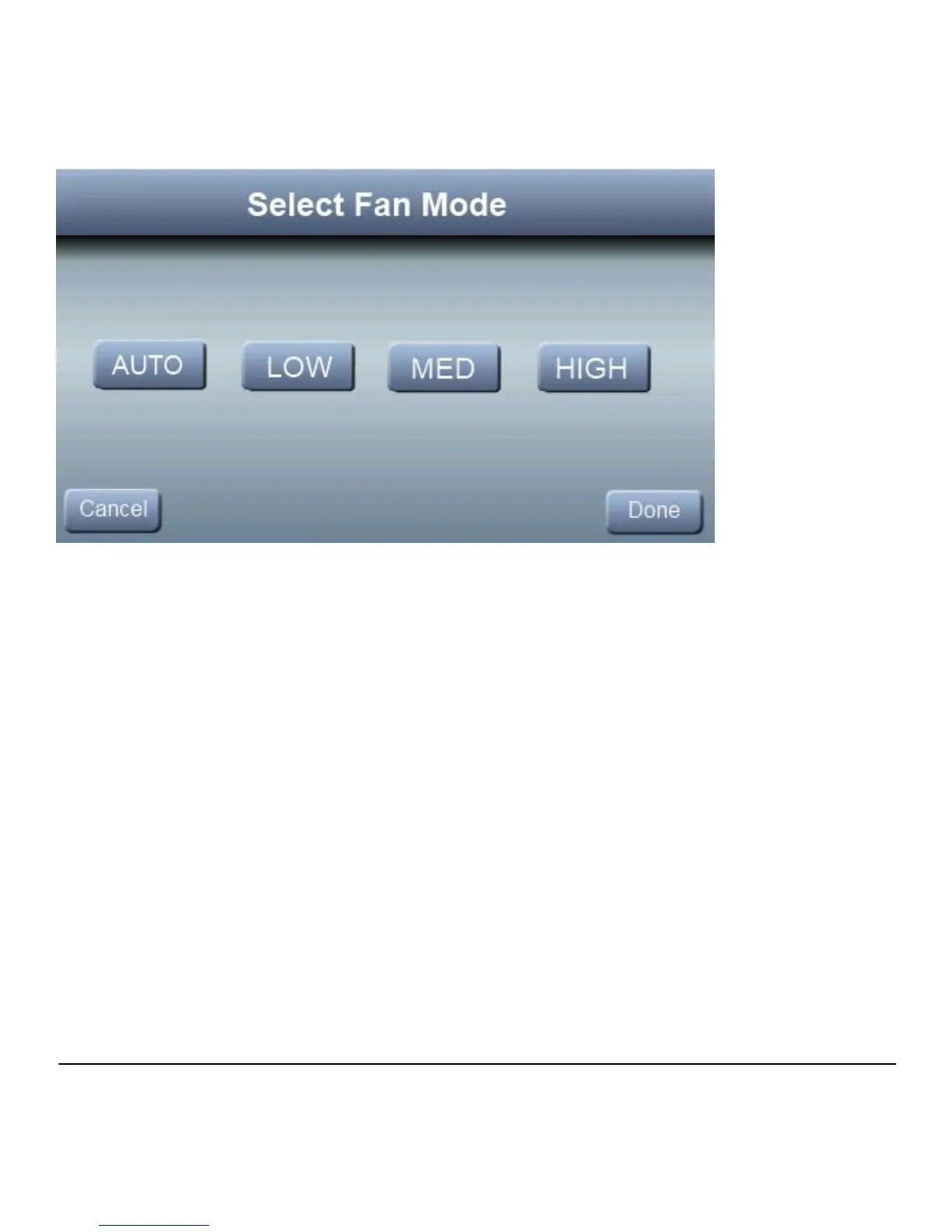
Press FAN, then select the desired fan speed; then press
DONE
LOW, MEDIUM, HIGH
AUTO: Fan only runs when the heating or cooling system is
running.
Fan Airflow is not selectable by zone. When continuous fan is
used, all zones will be open.
Hold Current Temperature
The Observer Control allows you to maintain your current
temperature by overriding the program schedule. Press the
HOLD button to override the program and maintain your
current indoor temperate setting indefinitely.



 To Next Page