13
616 02 1018 00
increments by pressing the arrows below the time. When you
have completed your changes, press DONE.
NOTE: For Zoning, temporarily overriding the program
schedule can be done for each individual zone by pressing the
Zone name button. The HEAT TO / COOL TO override feature
can be independently selected for each zone.
Setup
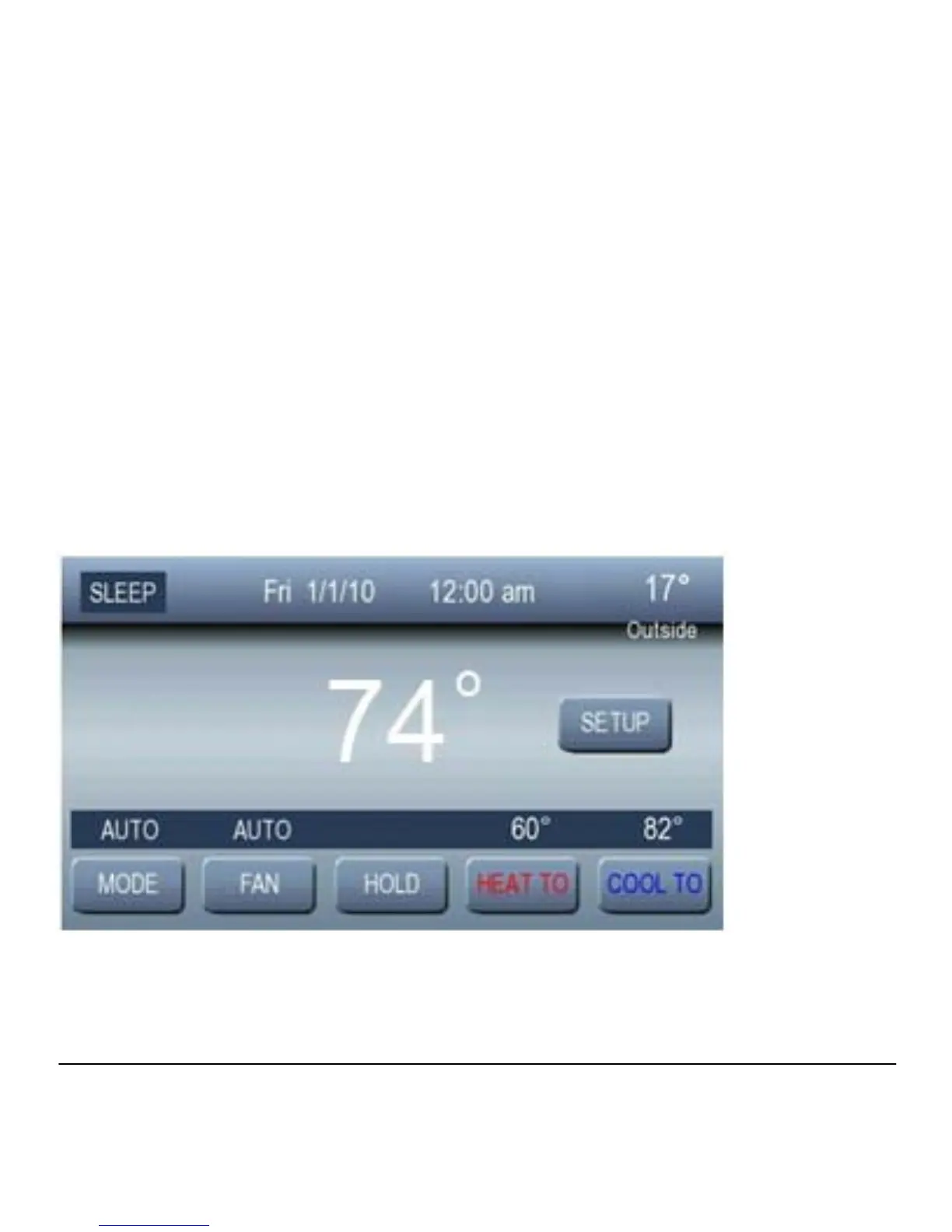
From the Home Screen, press SETUP to access the Basic
Setup Screen.



 To Next Page