32
616 02 1018 00
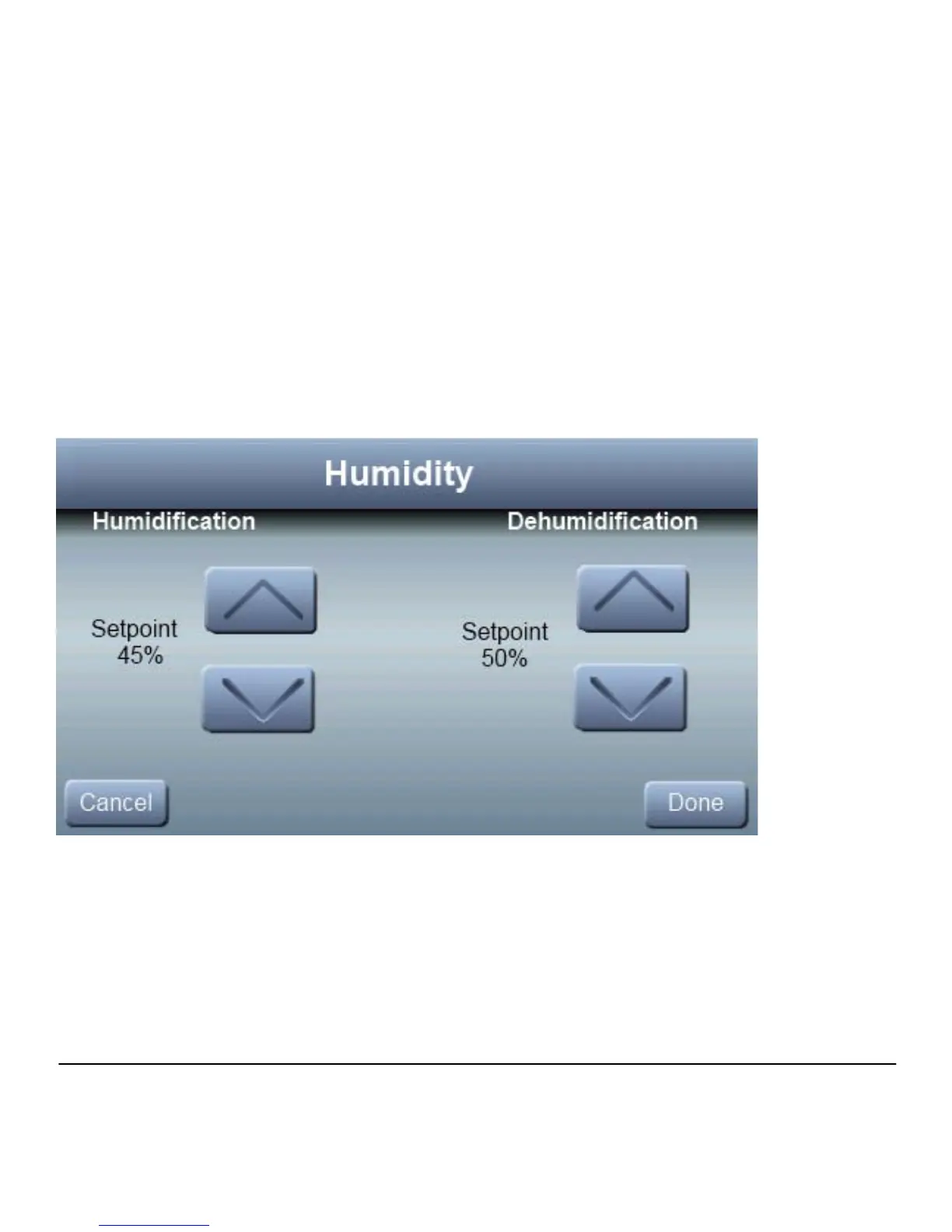
Humidity Settings
The Observer Control allows you to manually set your humidity
set points to me your comfort levels.
If you have a humidifier installed, press SETUP; then press
HUMIDITY. Under HUMIDIFICATION, use the ▲ and ▼
buttons to select your desired humidity level during heating
mode. Press DONE to return to normal operation.
During warm weather periods, under DEHUMIDIFICATION,
use the ▲ and ▼ buttons to select your desired humidity level
during cooling mode. Press DONE to return to normal
operation.



 To Next Page