37
616 02 1018 00
Zoning Features
When installed as a complete Observer Zoning System, the
Observer Control can be installed as a Master Control with up
to five additional sensors. Sensor options can include any
combination of the following:
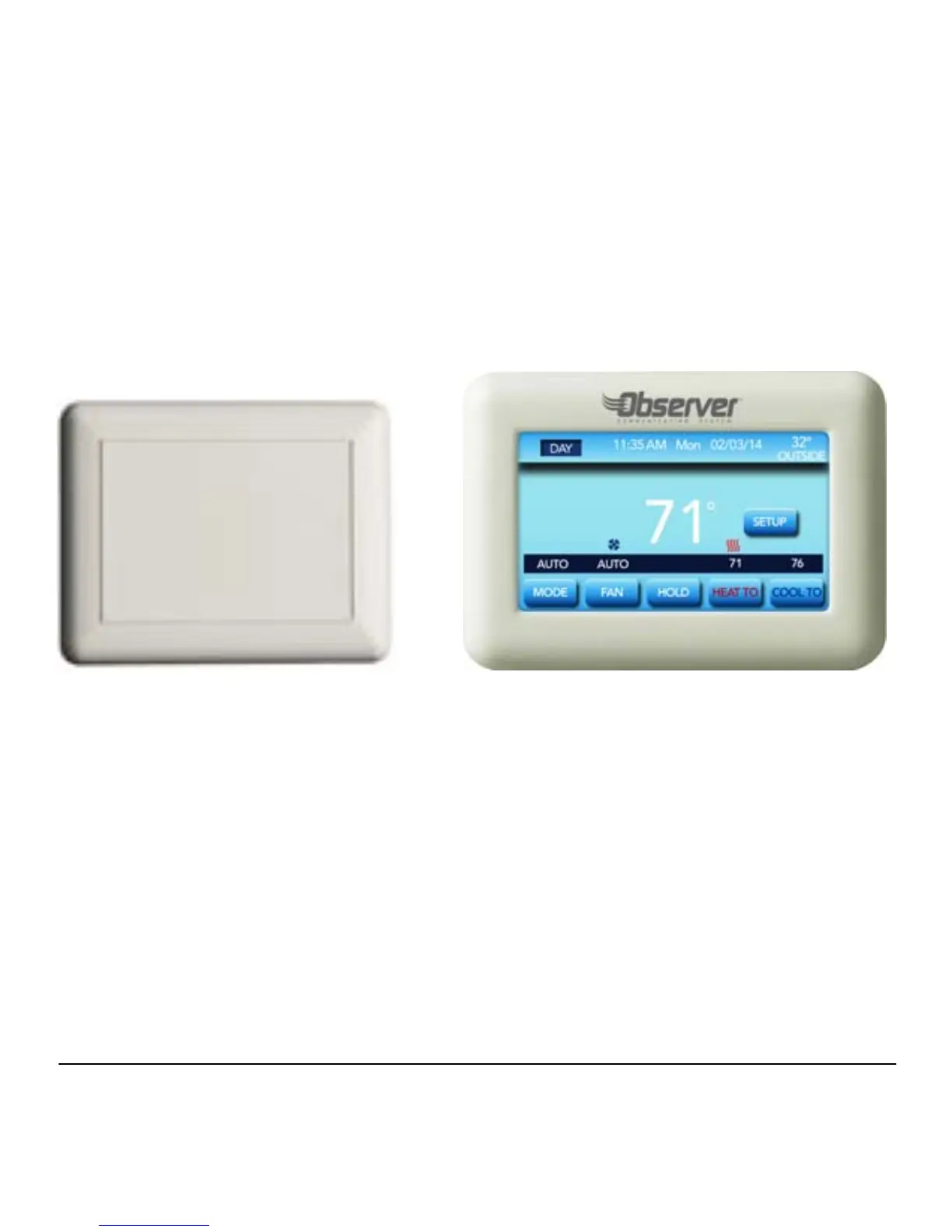
Room Sensor Zone Sensor
OR
When installed as a complete Zoning System, the Master Zone
Control will serve as the central location for controlling the
temperature and schedule for each individual zone.
From the Home Screen, you can override the program
schedule by using the Hold, Heat To or Cool To settings for
each individual zone which can be accessed by pressing the
Zone Name button located in the bottom left hand section of the
screen.



 To Next Page