18
616 02 1018 00
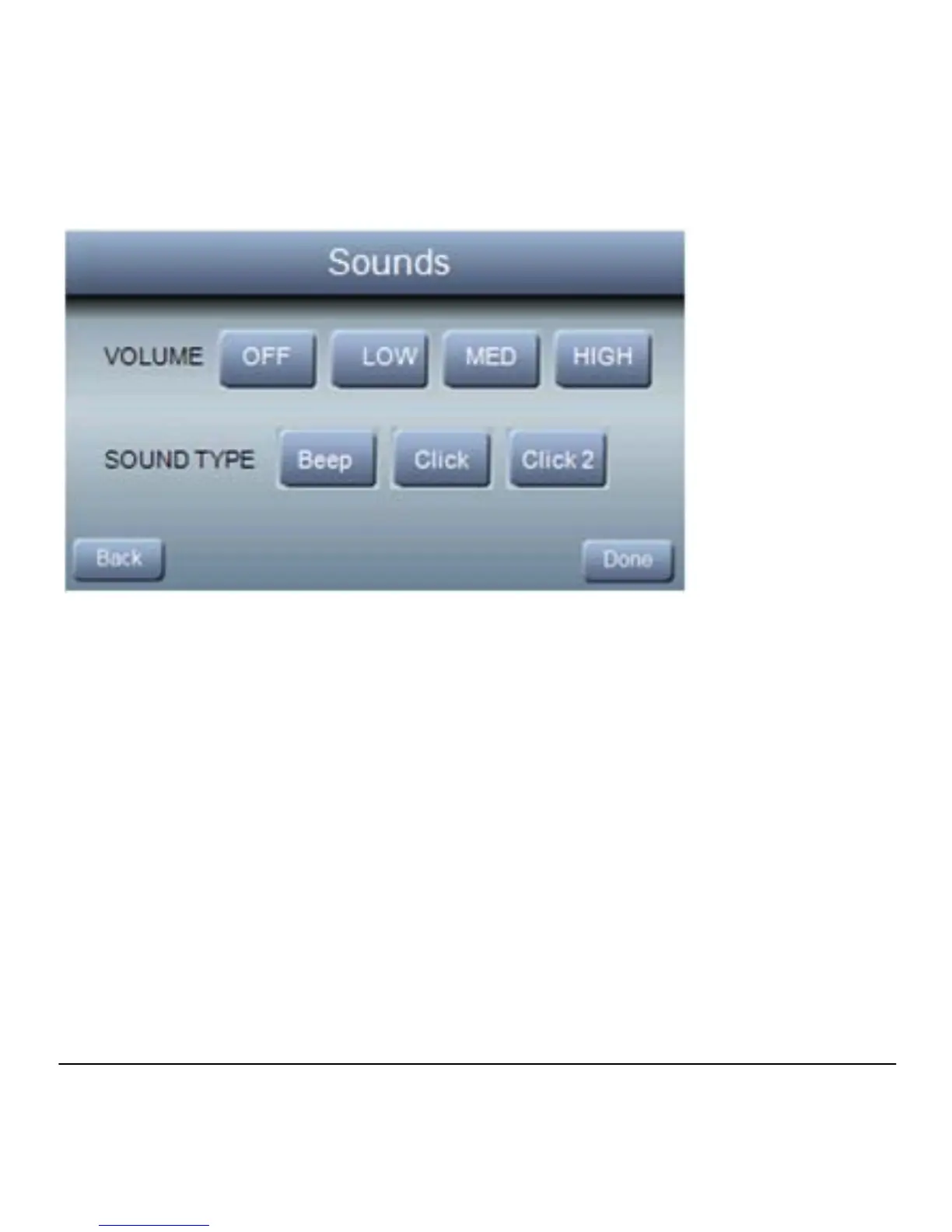
Sounds
Press Sounds from the Basic Setup screen to adjust the
Volume and Sound Type heard from your Observer control.
Volume options include: OFF, LOW, MED or HIGH
Sound Types include: Beep, Click and Click 2 (Double Click)
NOTE: When OFF is selected, the sound features of the
Observer Control are disabled
Reminders
Reminder messages alert you to when it is time to replace your
filter. When your alert appears on the screen, press the
REMINDER button. After you have replaced your filter hit the



 To Next Page