44
616 02 1018 00
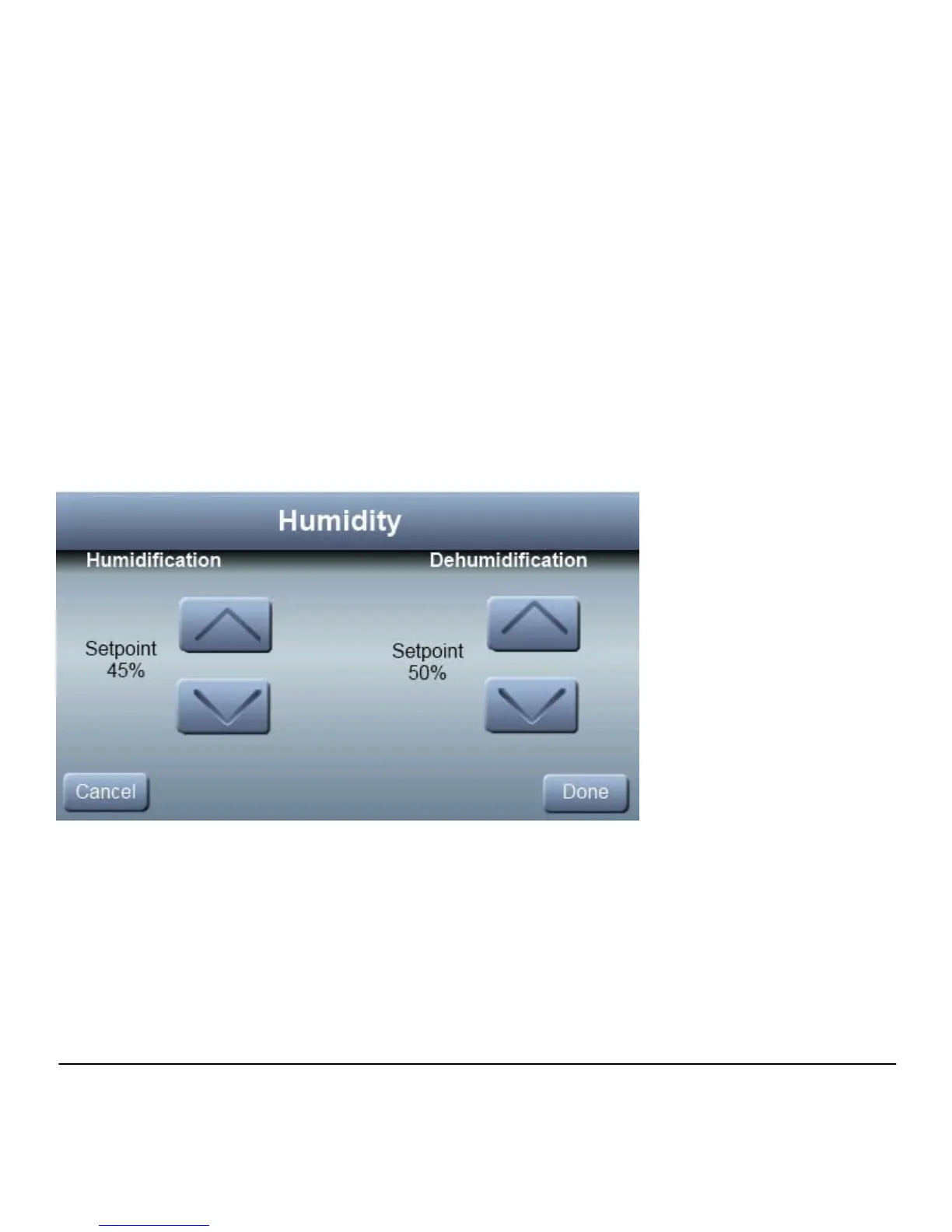
Humidity: From this menu selection, you will have the option to
adjust the Humidity settings for the entire system.
Note: Any changes to the Humidity settings from the Zone
Sensor are system specific and will be applied to all zones.
Note: The main wall control has the only humidity sensor in the
system. Ensure that it has been installed in an area where it
can properly sense humidity.



 To Next Page