16
616 02 1018 00
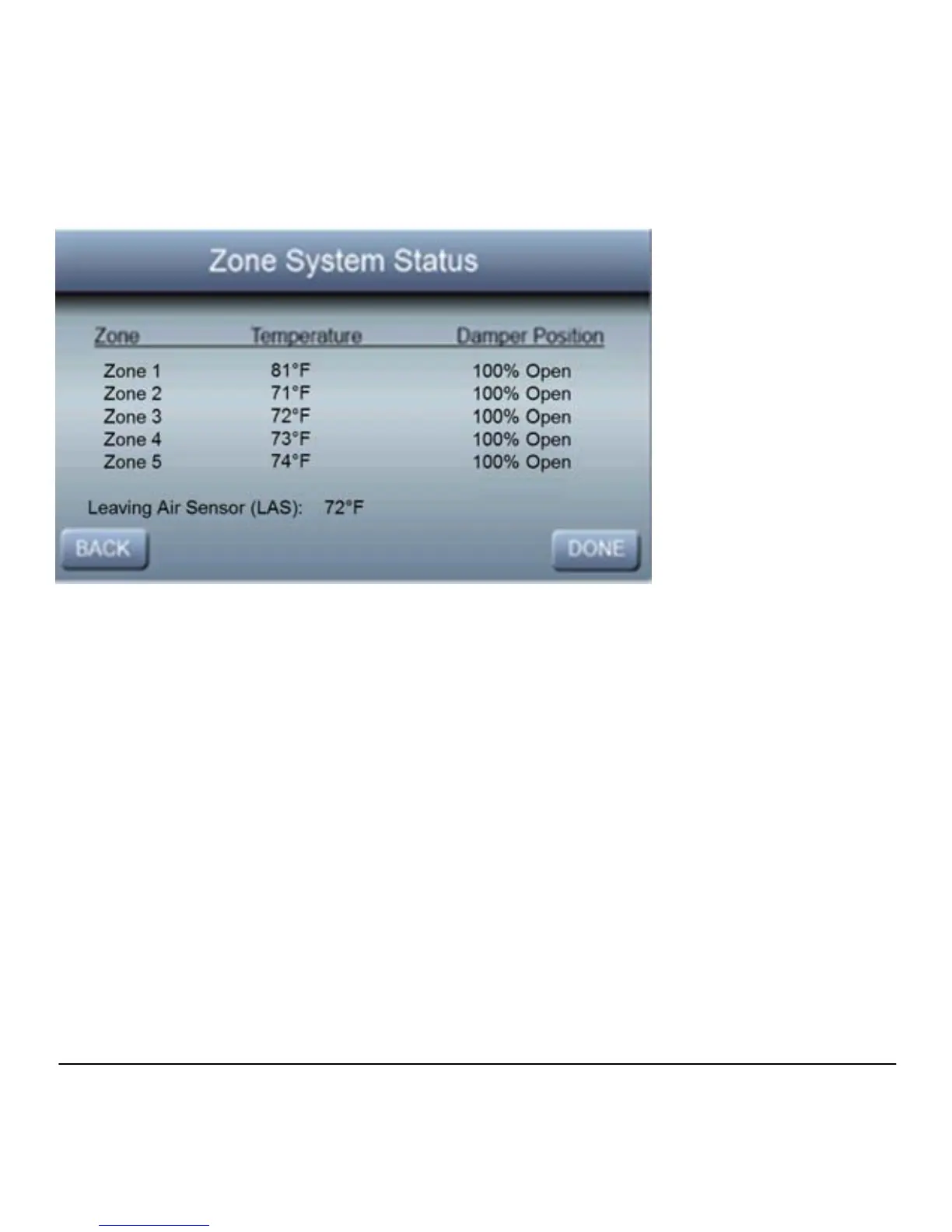
Zone Status
To view the status of each zone, press Zone Status to see the
current Temperature and Damper Position for each of your
installed zones. In addition, the current temperature from the
Leaving Air Sensor will also be displayed on this screen.
NOTE: Please see the Zoning section for more information
regarding the features available with Observer Zoning System.
Zone Names
Press Zone Names to customize the descriptions for each of
your installed zones.



 To Next Page