24
616 02 1018 00
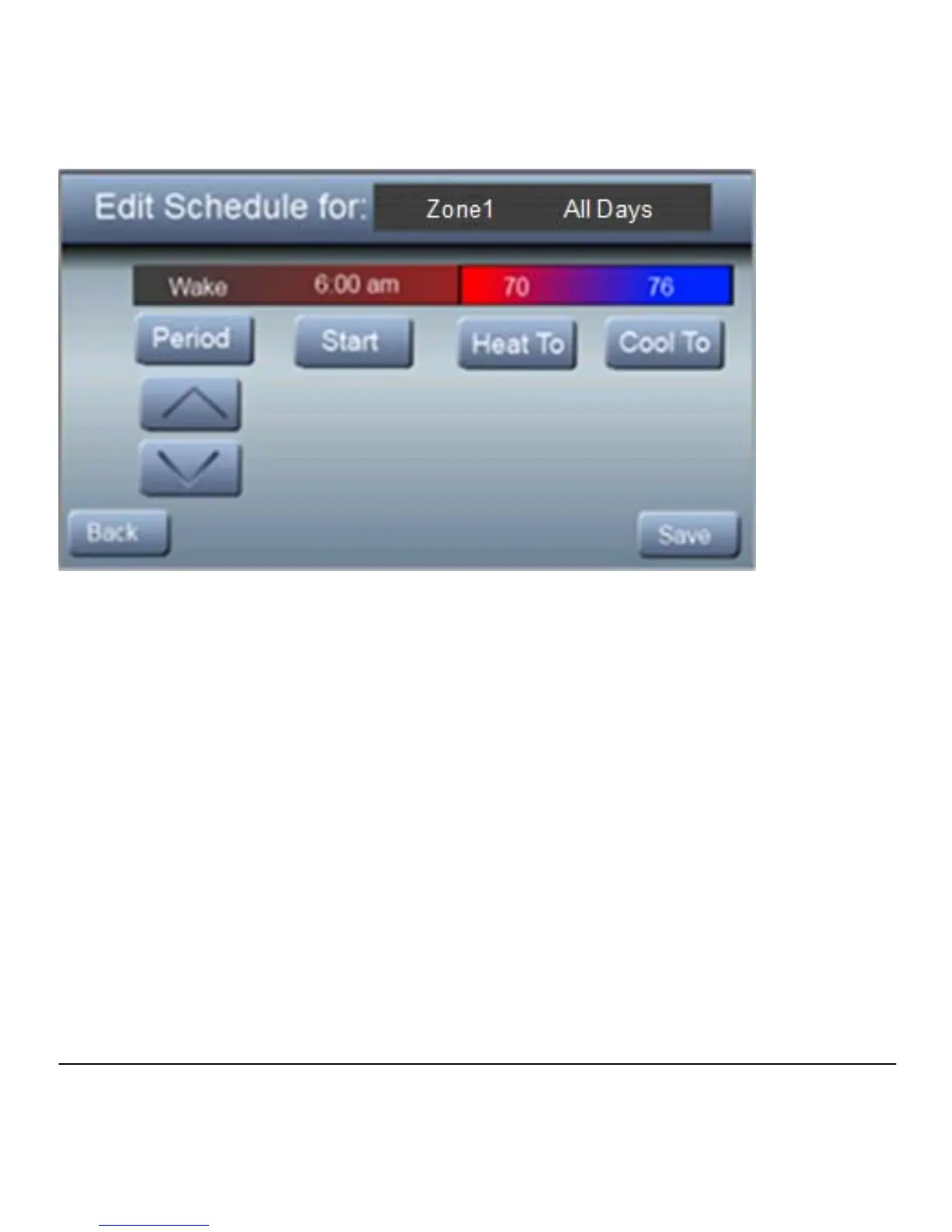
Follow Steps 1 – 7 for each individual Zone using the ▲ / ▼
arrows to select the desired zone.
Weekday/Weekend
You can create a schedule for your work week and a separate
schedule for the weekend.
1. Press SETUP, then SCHEDULE
2. Press ▲ under “Weekday/Weekend”; then press EDIT to
modify the weekday schedule. To modify the weekend
schedule, press the WEEKEND button.



 To Next Page