28
616 02 1018 00
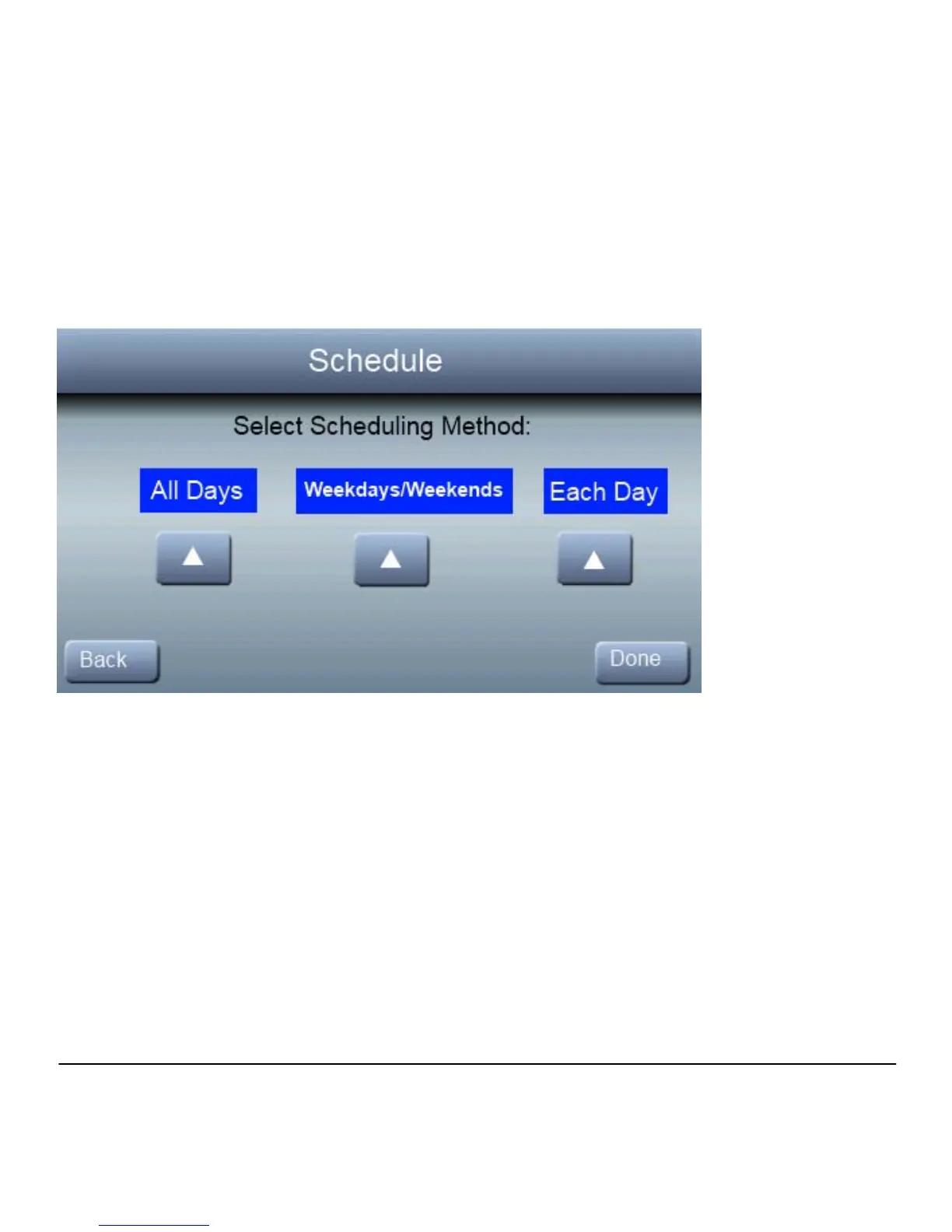
Each Day
You can create a different schedule for each day of the week.
1. Press SETUP, then SCHEDULE
2. Press ▲ under “Each Day”; then press EDIT to modify the
schedule for that day. To modify a different day, press one of
the day buttons on the bottom to scroll through the week to find
the day you wish to change.



 To Next Page