Output Modes 6-13
Output Modes
Manual Stapling (continued)
MANUAL OPERATION
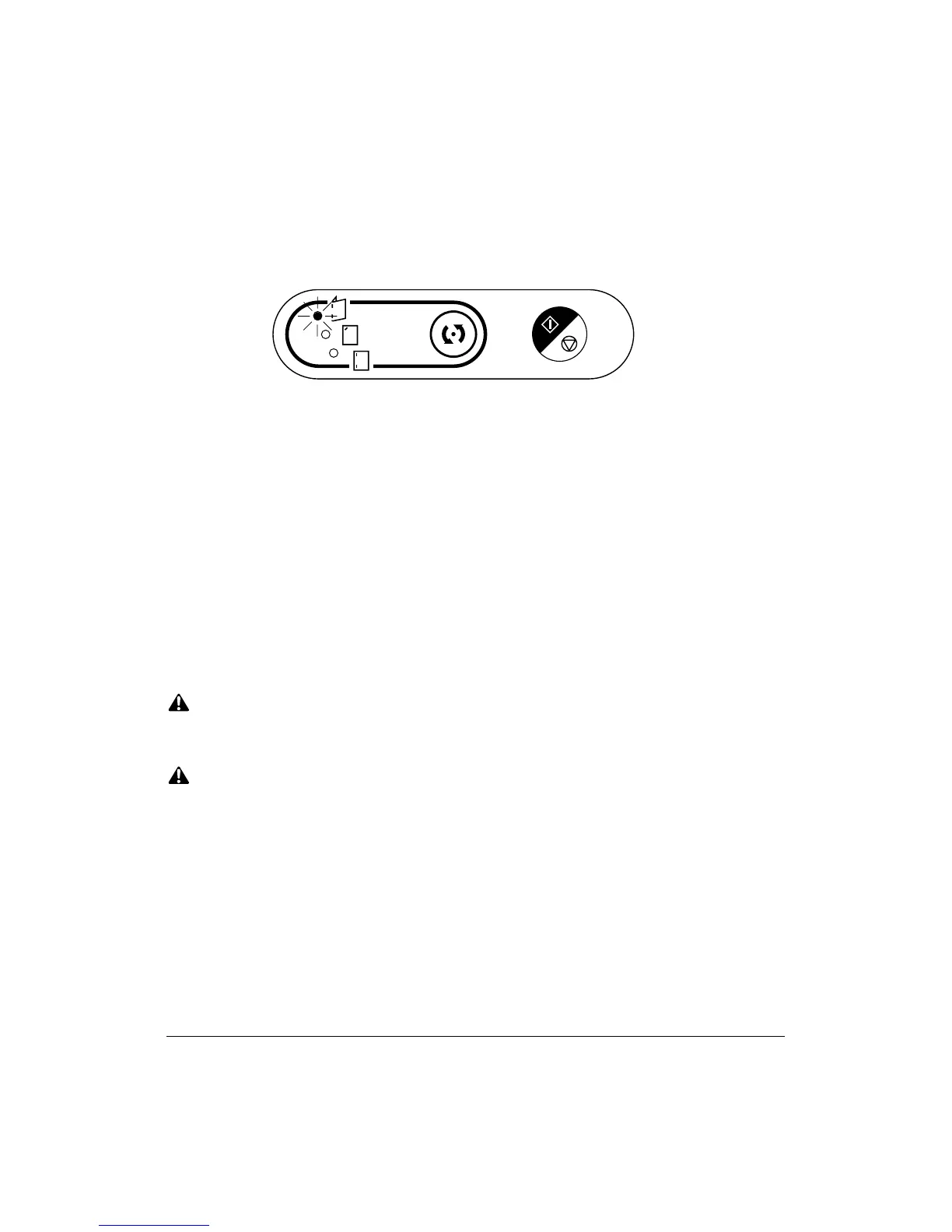
Staple Mode
Selection button
Staple Start/Stop button
1 Place a set of paper to be stapled into the cover sheet feeder, then align the guide
plate. The indicator light of [Staple Start/Stop] key will turn green.
NOTE: Refer to the specifications on previous page for available paper size in each mode.
2 Press [Staple Mode Selection] key to select the desired staple mode.
3 Press [Staple Start/Stop] key.
Stapled sheets will be delivered to the appropriate tray according to the selected
staple mode.
NOTE: CLOSE THE TRIMMER STACKER COVER; otherwise the machine cannot print.
DO NOT OPEN THE TRIMMER STACKER COVER DURING PRINTING; otherwise, the machine
will cease operating and a paper misfeed will occur.
NOTE: If you want to stop the manual stapling operation, press the [Staple Start/Stop] key again. The
finisher will cease operating. When using Stapling & Folding mode, the unfinished set will be left in
the stacker unit inside the finisher.
CAUTION
When the Booklet tray / Trimmer Unit tray capacity is exceeded, the finisher will cease operating. To
avoid such trouble, select an appropriate print quantity from the specifications on p. 6-8 ~ p. 6-9.
CAUTION:
When the selected print quantity exceeds the Finisher’s maximum capacity, remove the copied sheets
while paper is exiting to avoid paper mishandling.



 To Next Page