Key Operator Mode 8-1
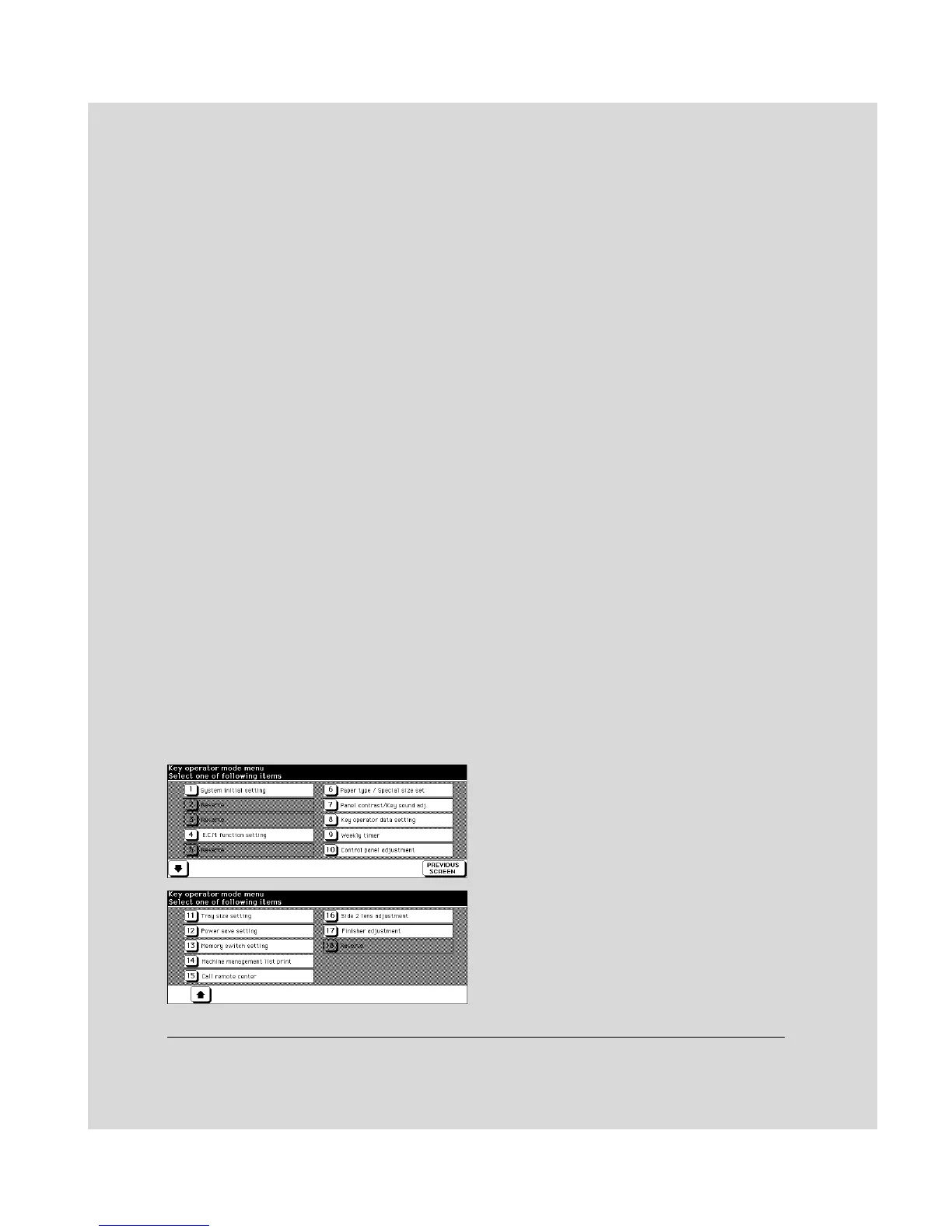
Section 8 : Key Operator Mode
To the Key Operator ....... 8-2
How to Access the Key Operator Mode.........8-3
Function Menu Map ....... 8-4
System Initial Setting [1] ....... 8-6
Date & Time Setting [1].........8-6
Language Select Setting [2].........8-7
ECM (Electronic Copy Monitor) Function Setting [4] ....... 8-8
How to Access the ECM Setting Mode.........8-9
E.C.M. Data Edit [1].......8-10
E.C.M. All Count Reset [2].......8-14
E.C.M. Function Setting [3].......8-15
Paper Type / Special Size Set [6] ..... 8-16
Panel Contrast / Key Sound Adjustment [7] ..... 8-18
Key Operator Data Setting [8] ..... 8-19
Weekly Timer [9] ..... 8-20
How to Access the Weekly Timer Setting Mode.......8-21
Weekly Timer On/Off Setting [1].......8-22
Timer Setting [2].......8-23
Timer Action On/Off Setting [3].......8-25
Lunch Hour Off Setting [4].......8-27
Timer Interrupt Password Setting [5].......8-28
Control Panel Adjustment [10] ..... 8-29
Tray Size Setting [11] ..... 8-30
Power Save Setting [12] ..... 8-31
Memory Switch Setting [13] ..... 8-32
Machine Management List
Print [14] ..... 8-34
Call Remote Center [15] ..... 8-35
Side 2 Lens Adjustment [16] ..... 8-36
Finisher Adjustment [17] ..... 8-37
Key Operator ECM Form ..... 8-38



 To Next Page