23
Use Océ Doc Works to create booklets
Required tools
Océ VarioPrint
®
6160/6200/6250
Océ Doc Works
®
V3.6.2
Print job with job ticket
Create the page order and media size with Adobe Acrobat
®
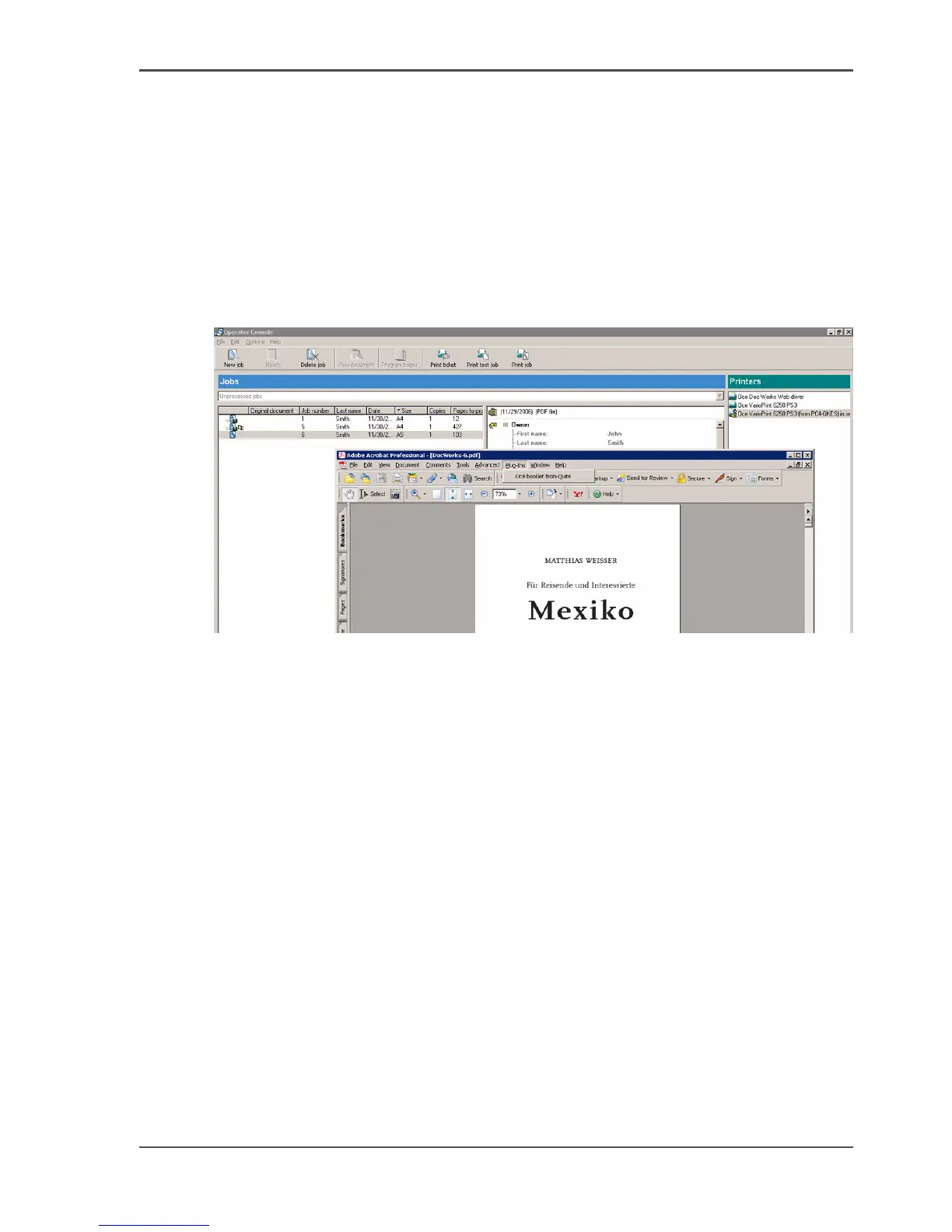
1. From the Océ Doc Works
®
operator console, select 'View document' and start
therewith Adobe Acrobat
®
.
2. Select 'Plug-Ins' --> 'Océ booklet from Quite'.
[11]
3. Select the required properties in the next 3 pop-up windows.














 To Next Page