24 Chapter 2 Prepare and print
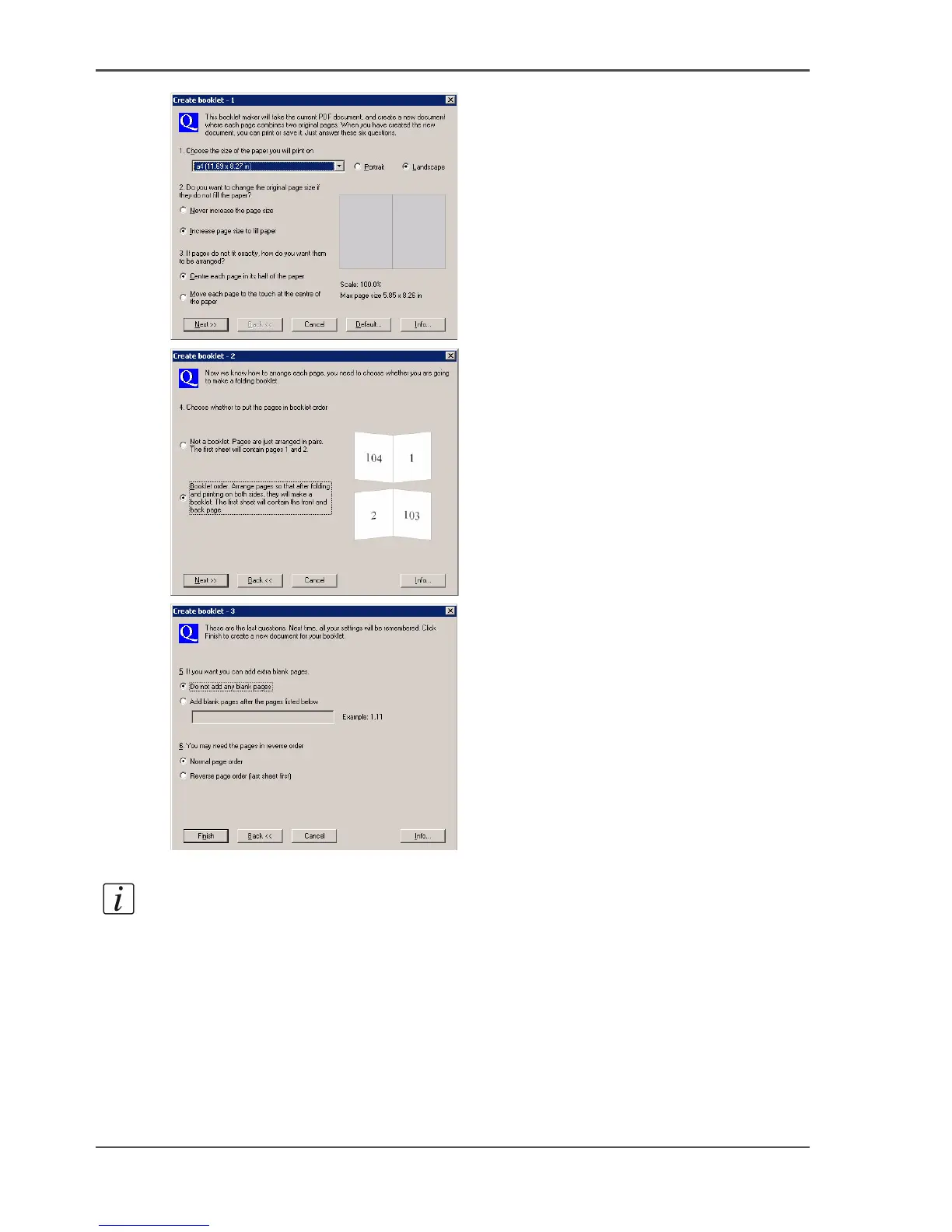
Use Océ Doc Works to create booklets
[12]
[13]
[14]
4. Close Adobe Acrobat
®
and attach the new document to the job.
Note: You will see that the media size and the number of pages have changed.
Do the additional page programming via the page programmer
1. Use 'Program pages' to select the page programmer.
2. Select the first 2 pages, then select 'Assign media type...'.
3. Select 'A4 yellow' and apply.














 To Next Page