45
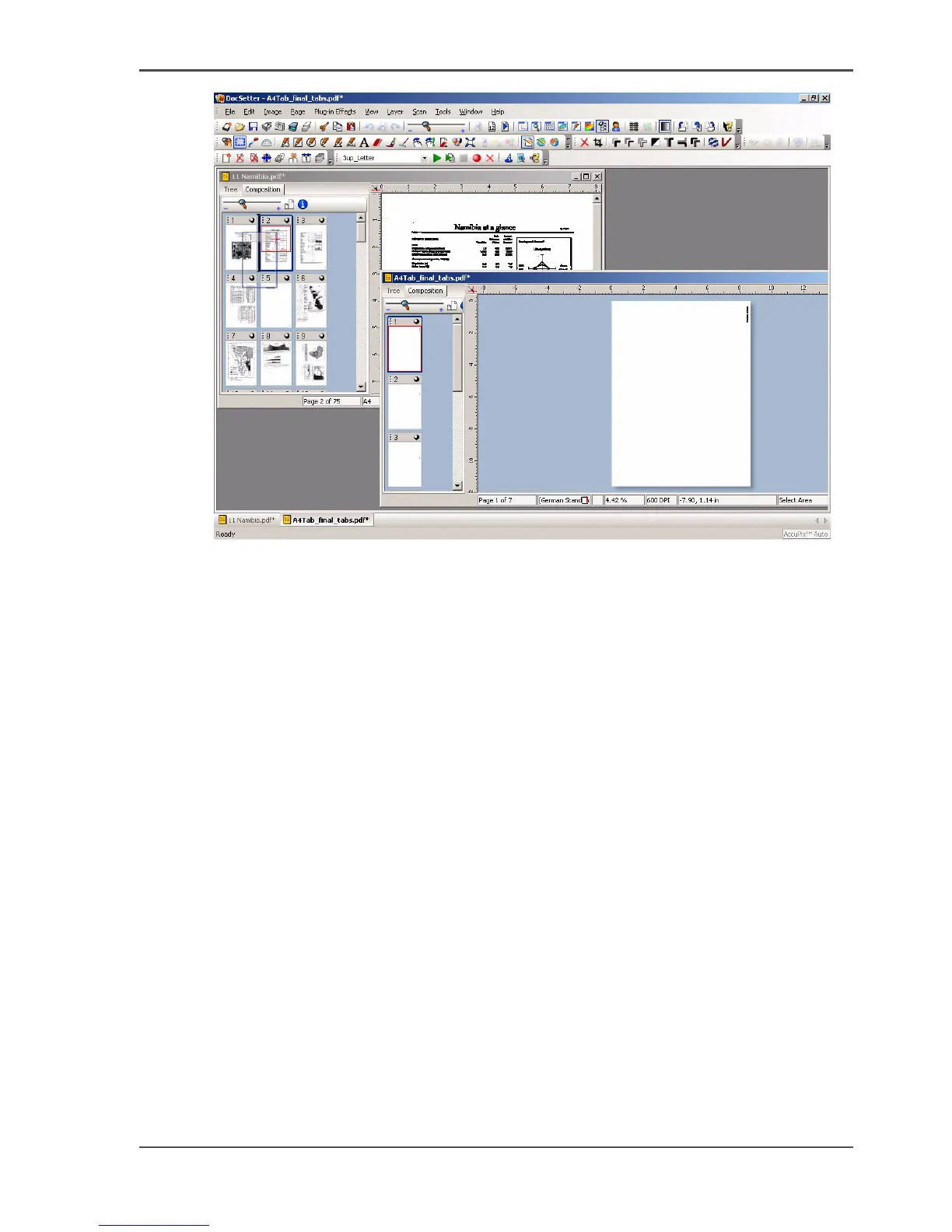
Use Océ DocSetter and Océ PRISMAproduction to create and print a document with tab
[35]
4. Save the new print file.
Result
You can now send the generated print file to the Océ VarioPrint
®
6160/6200/6250
with the Océ DocSetter
®
and Océ PRISMAproduction
®
applications.
Print the created file with the tab sheets
1. Start the Océ DocSetter
®
application.
2. From the 'File' menu, select 'Open' to open the file that you want to print.
3. From the 'File' menu, select 'PRISMAproduction Print'.
The Océ PRISMAproduction
®
job ticket is displayed.
4. Define the print job on the 'Job Setup / Notes' tab.














 To Next Page