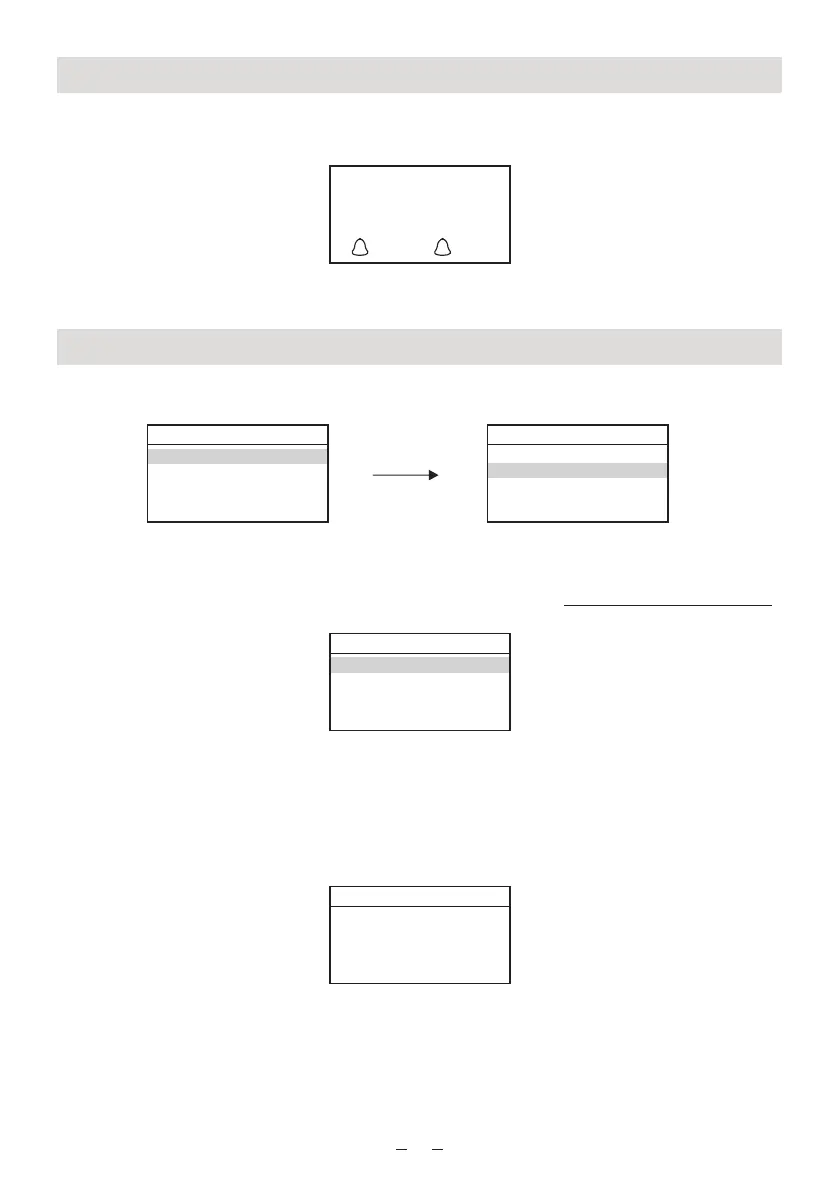
Turning on/off the Radio
To turn OFF the radio to Standby, press and hold the Power/Mode button. It will switch to
Standby.
It will display the clock and alarm time if it is set.
To turn it ON again, do the same by pressing and holding the Power/Mode button.
Internet radio Mode
You can enjoy thousands of radio stations in the world.
Return to the main menu, select Internet Radio and choose Station List
Then it will enter into the sub menu of the Internet radio and classify into different categories:
<My Favorites>
This option can be used after you register your radio on the Portal www.wifiradio-frontier.com
See below more details under Internet Radio Portal Registration to personalize your radio.
<Local XXXX >
The radio will categorize the radio stations in your country. You can enjoy listen to the radio
stations in your country instantly by selecting this option.
<Stations >
Choose this option to select radio stations in worldwide. It will be classified as Location,
Genre, Search stations…
<Podcasts >
There are thousands of Podcasts available for you to choose from. Select this option to
choose your favorite program to listen.
<My Added Stations>
If you have found a station that is not in our list, you can add it yourself. It will then display the
new added stations under this option. For detailed operation, please see below section under
Internet Radio Portal Registration.
8
21
10/10/2015
18:19
22:00 06:15
Main Menu
Internet Radio
Music Player
Sleep
Alarms
System settings
Internet Radio
Last listened
Station list
System settings
Main Menu
Internet Radio
My Favourites
Local XXXX
Stations
Podcasts
My Added Stations
Stations
Location
Genre
Search stations
Popular stations
New Stations


 To Next Page