16
Introduction
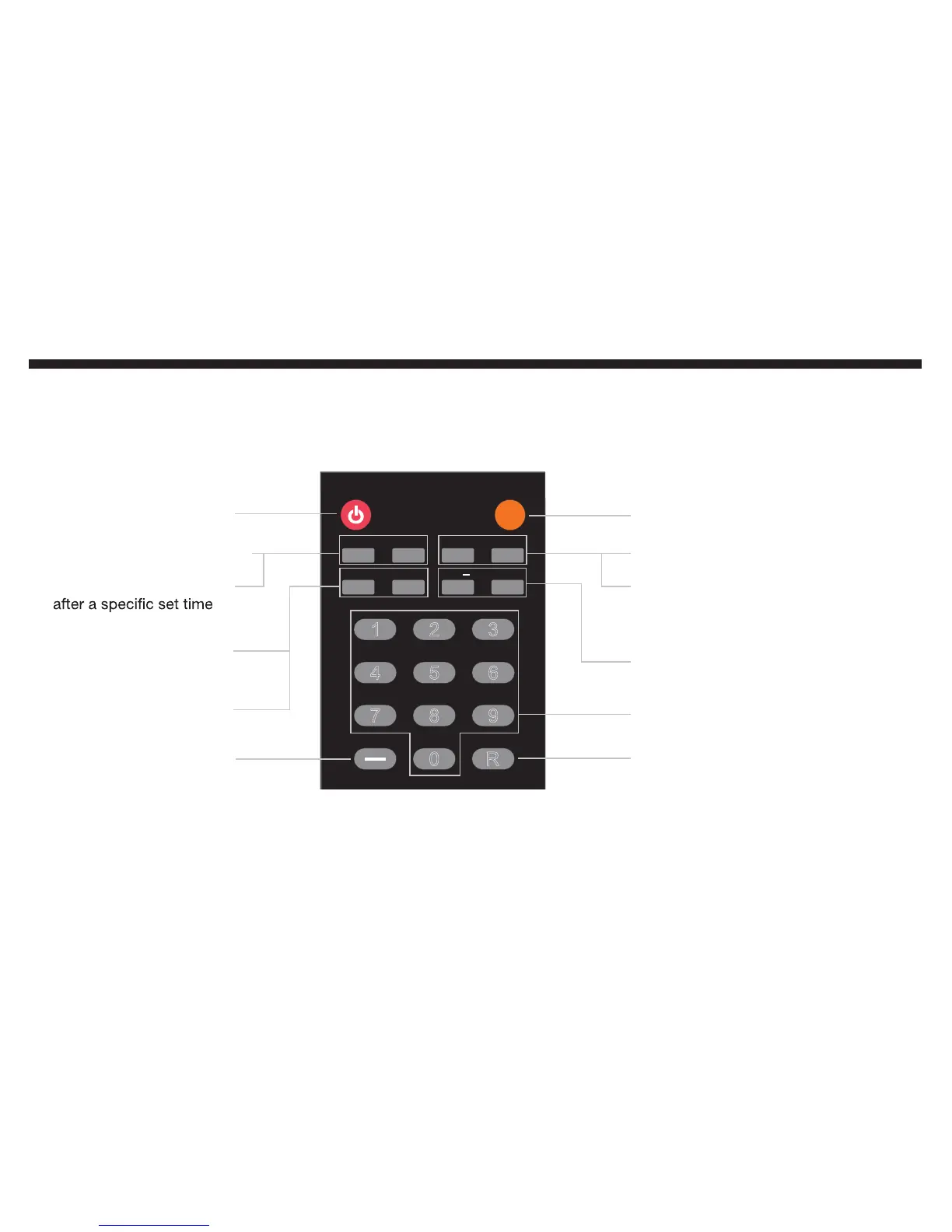
Power
Info
Freeze
Sleep
CC
MTS
Fav
Fav
Add/Del
Fav
1
2
3
4
5
6
7
8
9
0
R
+
_
Shows current video
source and resolution
Turns the
TV on and off
Freeze button will freeze
the current displayed picture
Sleep button turns TV off
CC button turns on or
off closed captioning
MTS button selects the
second audio programming
FAV (+/-) buttons act as channel up
and channel down for the favorites list
Fav button shows the
favorite channels list
Add/Del button adds or
removes current channels
from the favorites list
Adds the dash sign for
you to switch channels
Numbers (0-9) switches channels
directly when used together with the
dash button (-)
Returns to the
previous channel



 To Next Page