33
Operation
sition of the PC picture.
Vertical Position: This option adjusts the up or down posi-
tion of the PC picture.
Clock: This option tunes in large increments the syncing of
the PC video signal.
Phase: This tunes in small increments the syncing of the
PC video signal.
Reset: This option resets all the adjusted setting under PC
SETTINGS.
COLOR TEMPERATURE: This option adjusts the general col-
or of the entire picture from warm to cool.
3.
4.
5.
6.
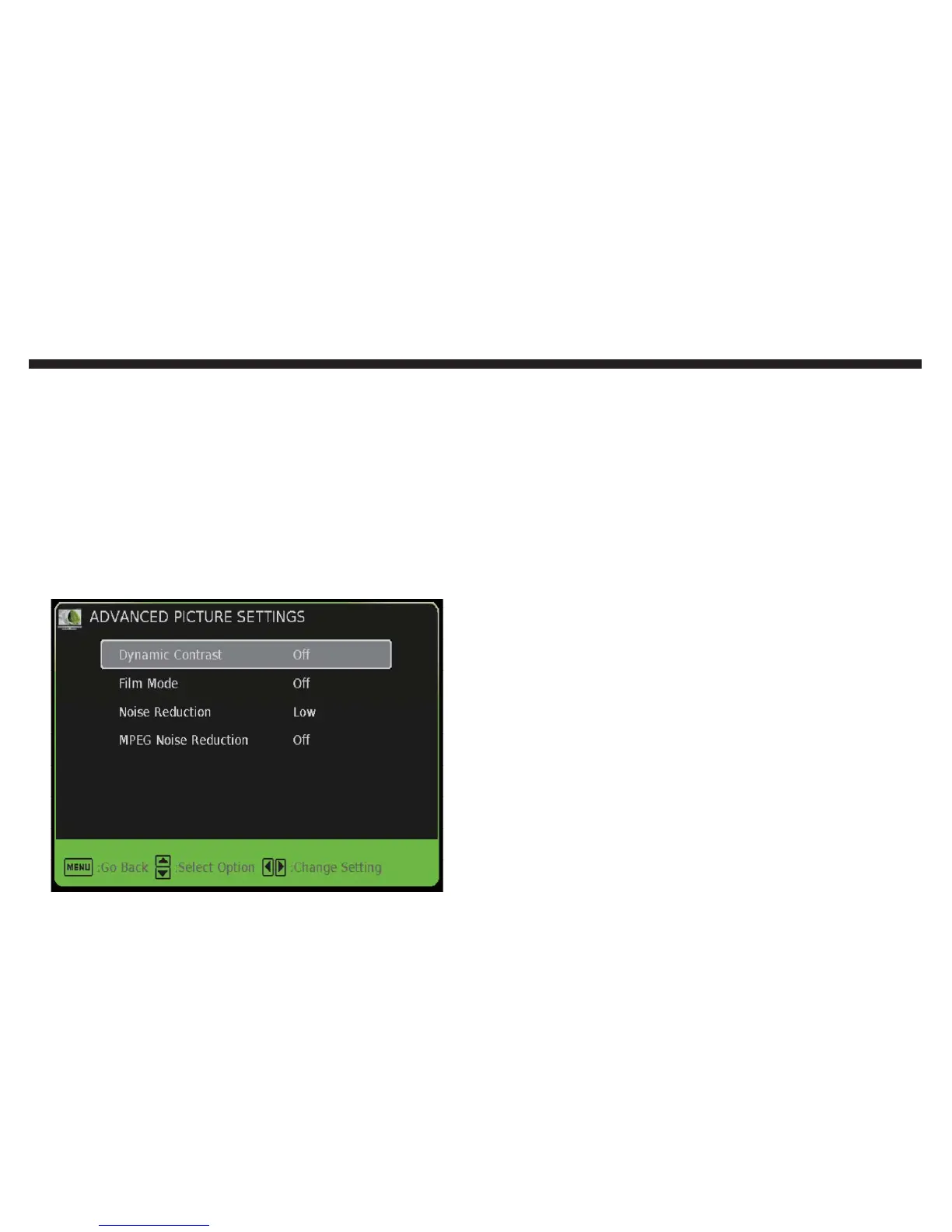
ADVANCE PICTURE SETTINGS: This option contains vari-
ous special picture functions.
Dynamic Contrast: This option allows the TV to automati-
cally adjust the contrast of the TV depending on the picture
you are viewing.
Film Mode: This option will enable the TV to support 24p
mode for movies so that they will play smoother.
Noise Reduction: This option will reduce general pixilation
by blurring them.
MPEG Noise Reduction: This feature reduce DVD video
pixelation by blurring them.
1.
2.
3.
4.


 To Next Page