29
Setup
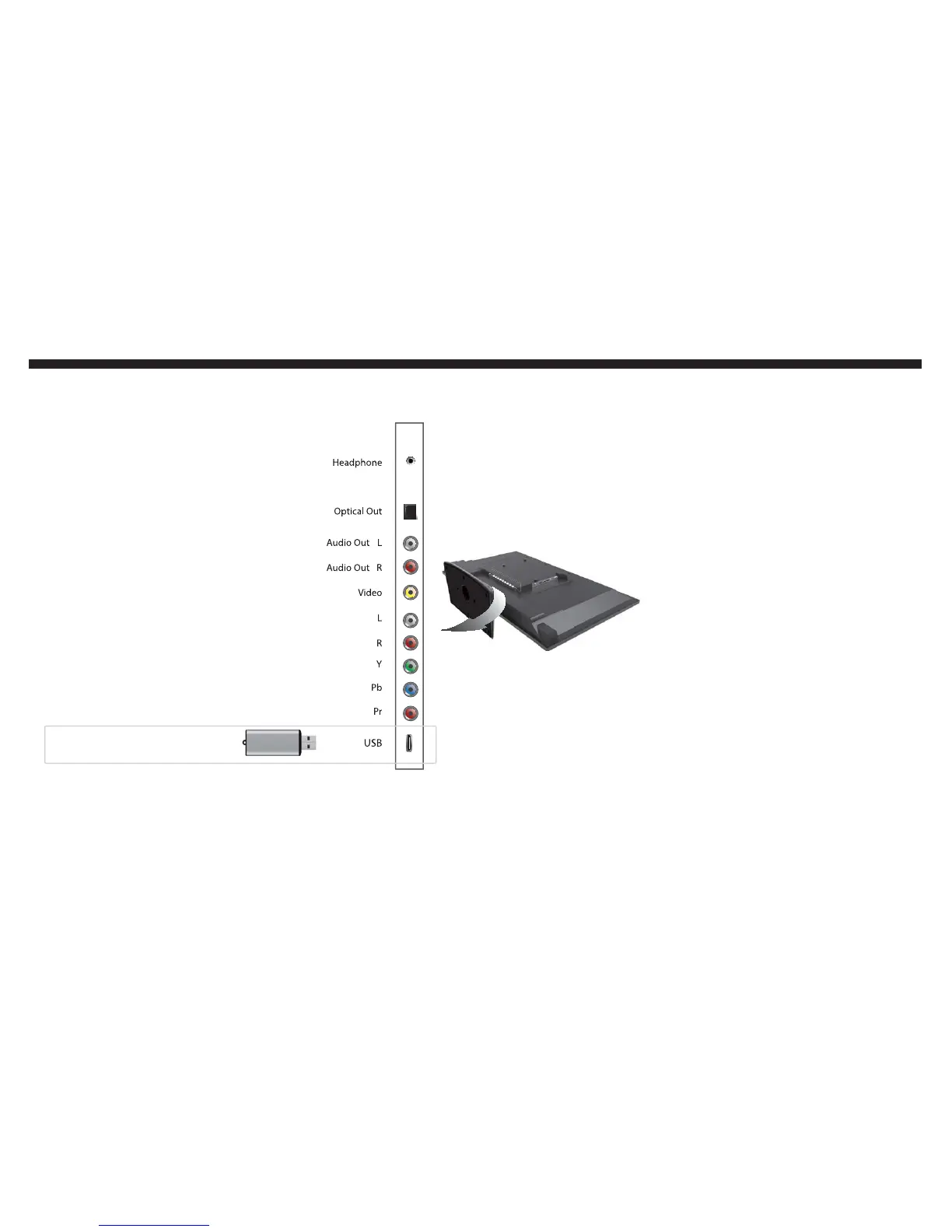
Once you plug in the USB flash drive
into the USB connection on the back
of the TV, press the USB button on
the TV’s remote control to display
picture files or play music.
Please Note:
The USB connection on the
TV only recognizes USB flash
drives, any other USB storage
device or USB peripherals will
not work on the TV.
The TV only plays MP3 music
files and JPEG non-progressive
picture files.
r
r
If you want to use the USB connection on the TV...


 To Next Page