50
DE
4 Basic operation
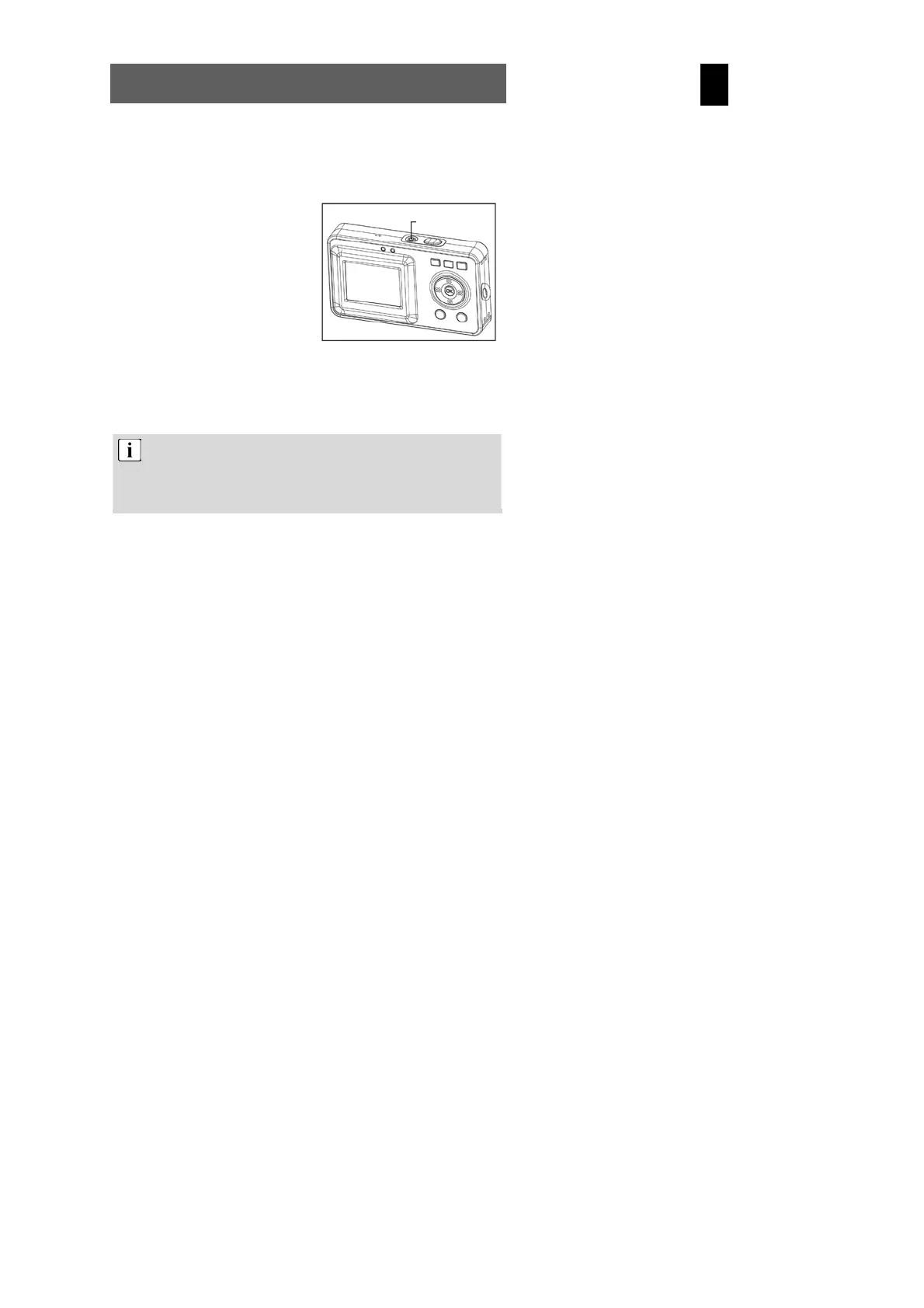
4.1 Switching the camera on and off
Switching the camera on
Press the On/Off button for 1-2
seconds to switch the camera on.
If the camera is not switched on,
check the polarity of the batteries
and ensure that they are charged.
Switching the camera off
Press and hold the main switch
for several seconds to switch
the cameral off. The LCD goes
blank.
If the camera is idle for more than three minutes, it is switched off
automatically to save battery power. Press the On/Off button for
1-2 seconds to switch the camera on again.
Automatic deactivation is not active in USB or record mode.
On/off button



 To Next Page