52
DE
4.3 Taking photographs
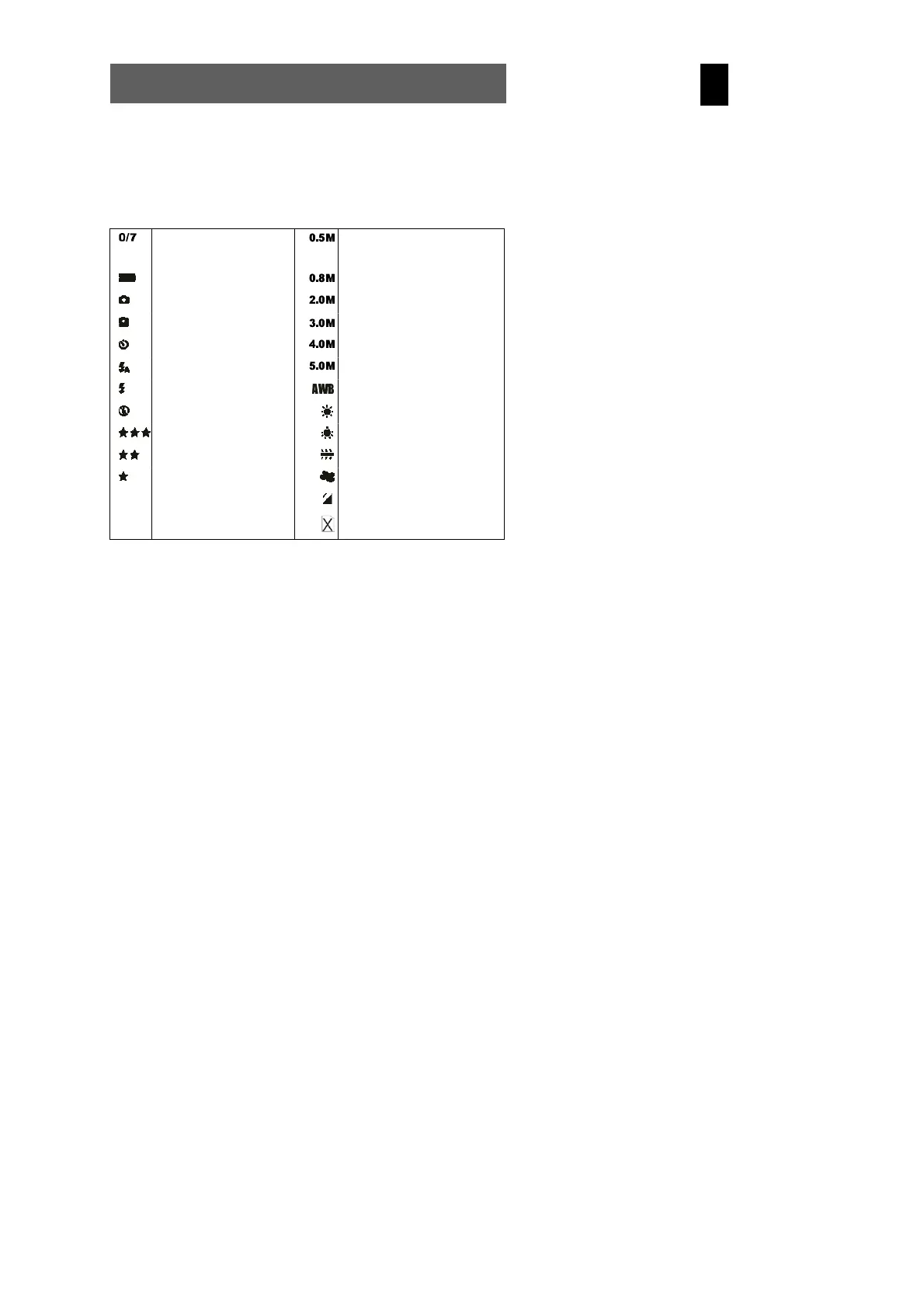
4.3.1 LCD descriptions display
Status symbols in the photography mode
Number of photographs
taken, number of
photographs available
0.5 megapixel image mode
Battery status 0.8 megapixel image mode
Single shot mode 2.0 megapixel image mode
Burst mode 3.0 megapixel image mode
Self-timer mode 4.0 megapixel image mode
Automatic flash 5.0 megapixel image mode
Flash always on Automatic white balance
Flash off Daylight white balance
Best image quality Tungsten white balance
Medium image quality Fluorescent white balance
Standard image quality Cloudy white balance
Using external memory card
The external SD card is
write-protected (locked)



 To Next Page