58
DE
5.3 Changing menu options
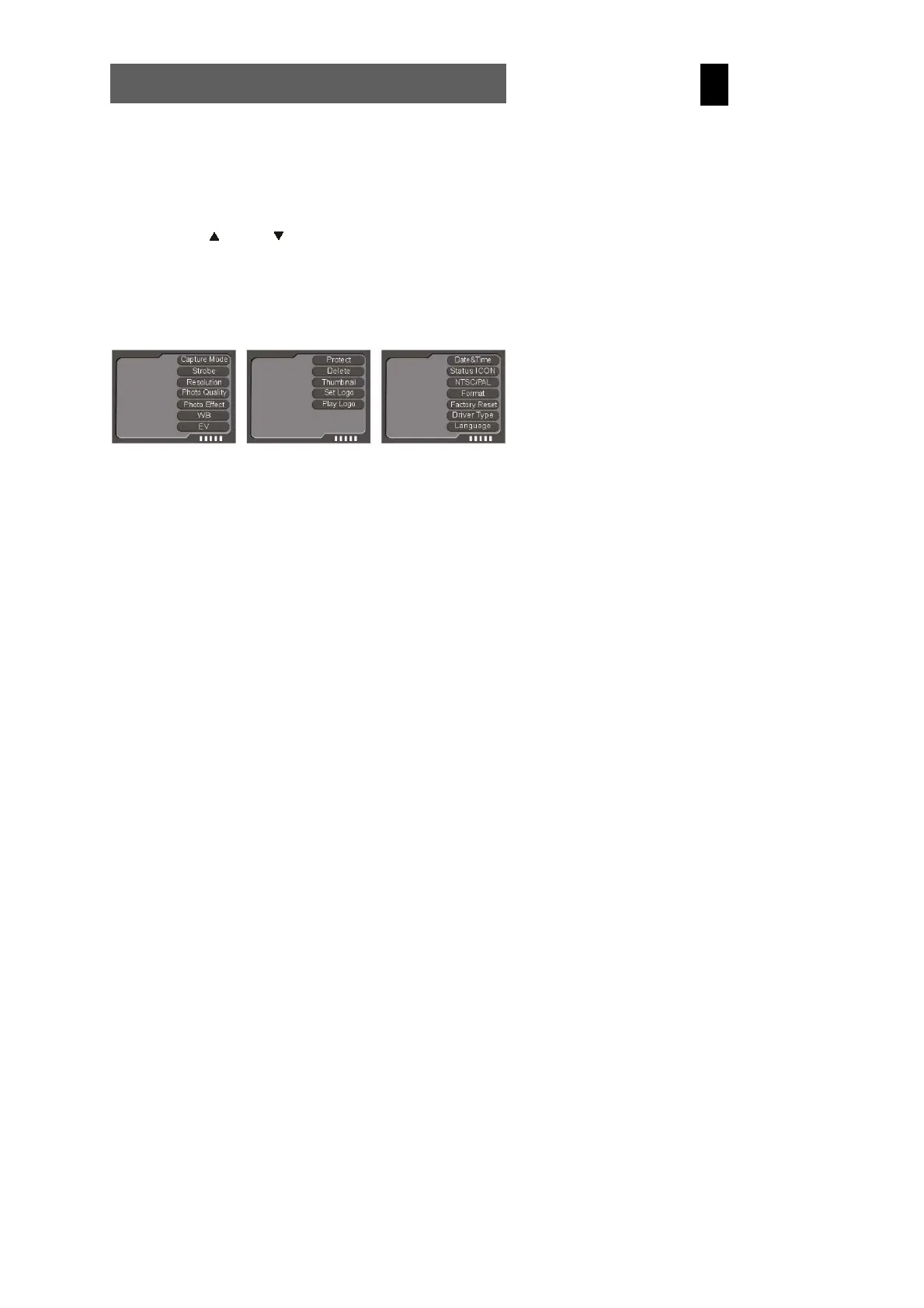
The camera features image, playback and configuration menus.
1
Press the menu button to select these menus from the
photography, playback or configuration mode.
2
Press the (up) and (down) buttons to select the
corresponding option and press the OK button to confirm.
The respective option selected is highlighted in colour.
Photography mode menu Playback mode menu Configuration mode menu
5.4 List of menu options
The menu contents vary in accordance with the operating mode. The menu contents may vary in accordance with the camera
model. See “Specifications” on page 34 for further details.



 To Next Page