www.oes-scoreboards.com | 1.877.652.5833
4056 Blakie Rd., London ON Canada N6L 1P7
Issued: 2017-05-15
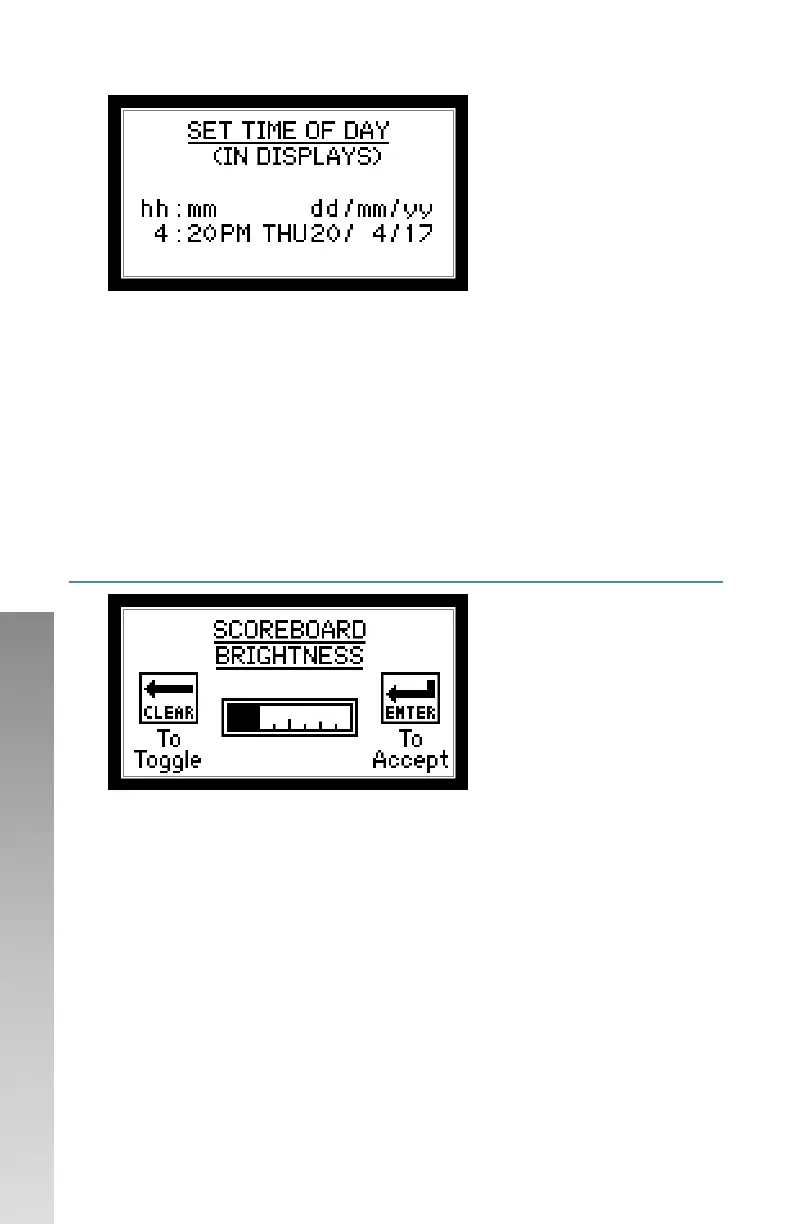
• For numeric values:
o Enter value on numeric keypad.
o Press ENTER.
• For AM/PM and day of week, press CLEAR to toggle between different
options. ENTER to accept.
• Time of day will be sent to clocks when all values are set.
Once the time is sent to the clocks, the clocks take over timekeeping,
the controller is only used to set or change the time.
CONFIGURATION OPTION #4 – SB BRIGHT. (SCOREBOARD
BRIGHTNESS)
Follow on-screen instructions.
• When adjusted, scoreboard will change brightness. When a
scoreboard is powered on, it defaults to 100% brightness.
• Scoreboard LEDs may turn off when being adjusted but entry will still
be accepted.



 To Next Page