www.oes-scoreboards.com | 1.877.652.5833
4056 Blakie Rd., London ON Canada N6L 1P7
Issued: 2017-05-15
• If CLEAR or ENTER buttons are not pressed within 60 seconds, a new
game is automatically selected.
• Proceeds to game mode after this.
MAIN MENU
To access Main Menu:
• Ensure GAME TIME is stopped.
• Press and release MENU button (This ensures you are on main screen)
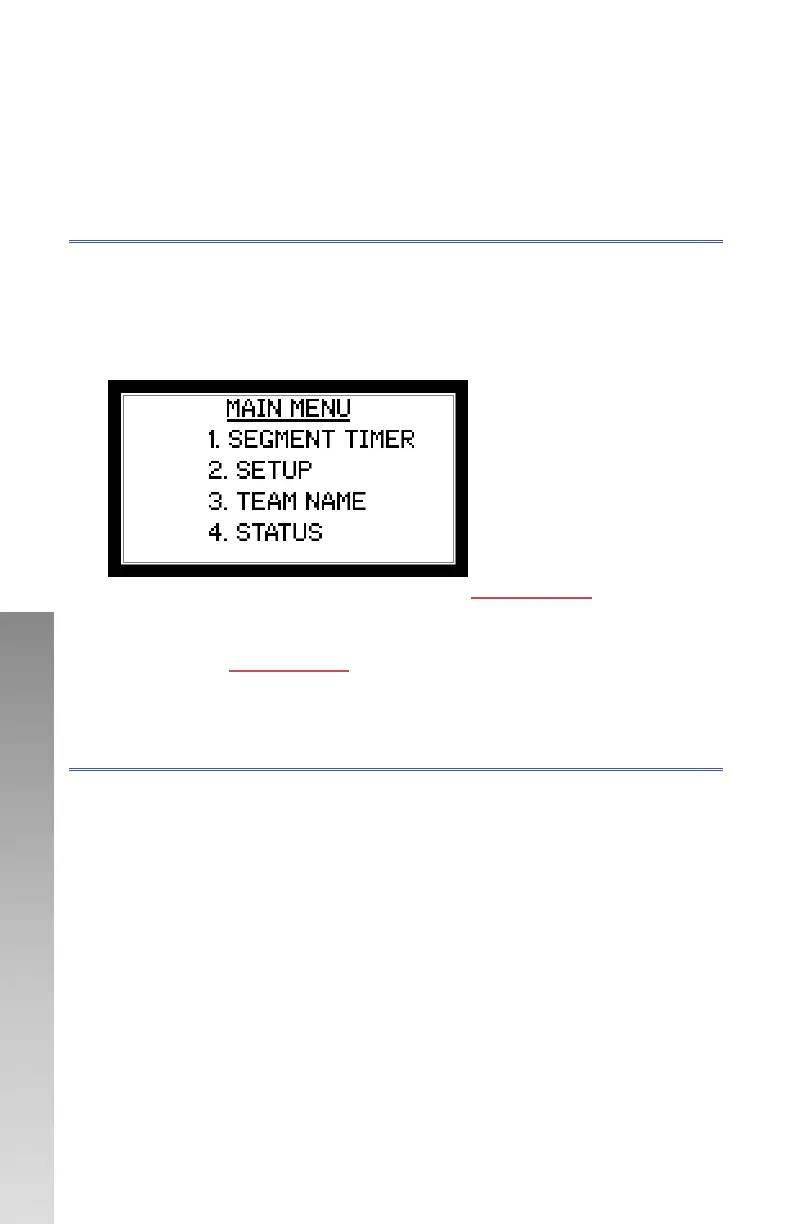
• Press and hold MENU until main menu appears
• Once Menu appears use numeric keypad to make selection
1. Segment timer are detailed in sections : S
EGMENT TIMER
2. Setup is detailed in next section.
3. Team name is where the team names are entered. More information
is section: TEAM
NAMES
4. Status will display the program revision, date, and the controller
operating mode.
CONFIGURATION
To enter into setup menu:
• Ensure GAME TIME is stopped.
• Press and release MENU button (This ensures you are on main screen)
• Press and hold MENU until main menu appears
• Once Menu appears use numeric keypad to select 2.SETUP
Setup is password protected.



 To Next Page