www.oes-scoreboards.com | 1.877.652.5833
4056 Blakie Rd., London ON Canada N6L 1P7
Issued: 2017-05-15
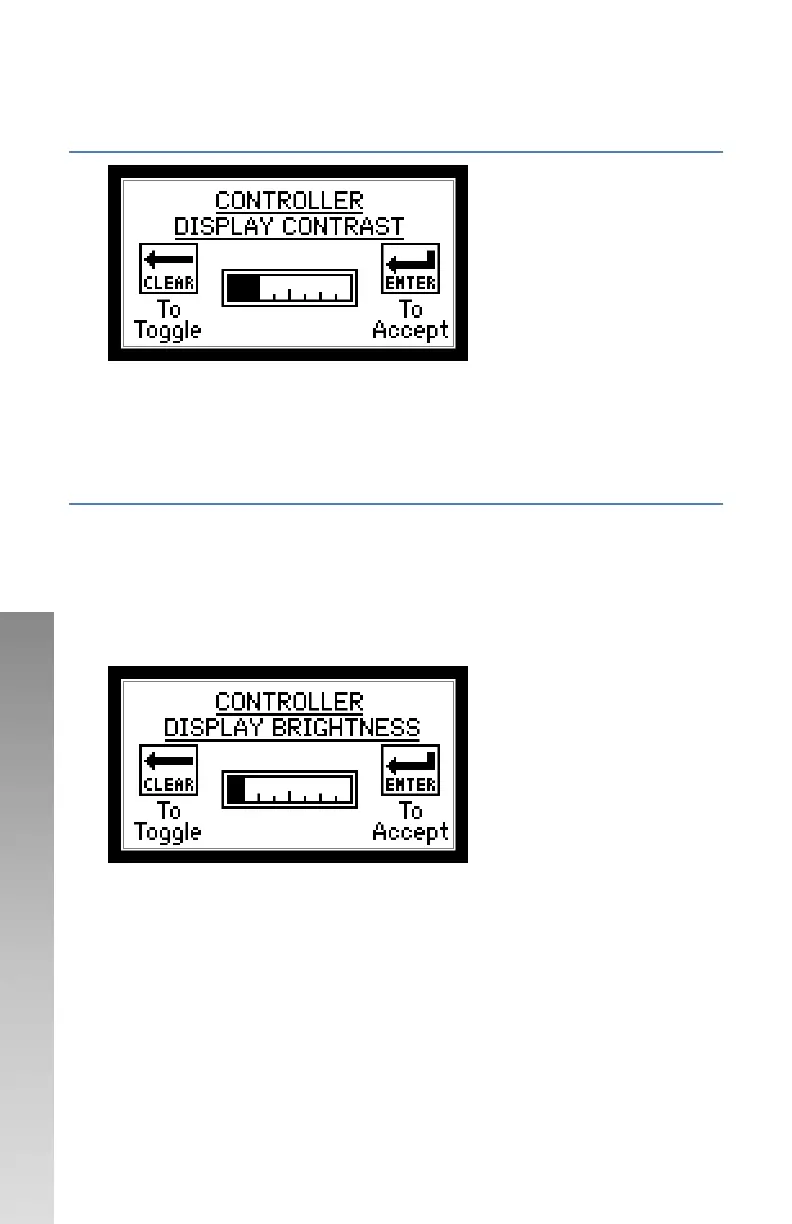
CONFIGURATION OPTION #5 – ISC CONTRAST (DISPLAY
CONTRAST)
Follow on-screen instructions.
• When adjusted, controller display will change contrast. Controller will
save the setting, when powered on, it will return to the last set value.
CONFIGURATION OPTION #6 –BRIGHT (DISPLAY
BACKLIGHT BRIGHTNESS)
There is a multi-colored backlight in the ISC-HHX. Turning up the brightness
will affect the battery life.
• YELLOW – General backlight, comes on for 10 seconds with regular
button presses
• RED – Comes on for 5 seconds when clock stops or expires
• GREEN – Comes on for 5 seconds when clock starts
Follow on-screen instructions.
• When adjusted, controller display will change backlight brightness.
Controller will save the setting, when powered on, it will return to the
last set value.


 To Next Page