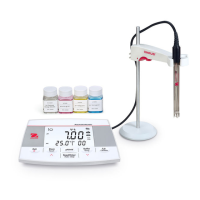
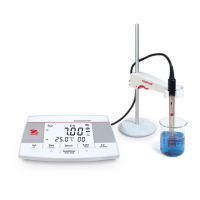
10. First measurement channel (a-AB33M1)
Note: a-AB33M1 supports dual channel measurement, other models only
support one measurement channel.
11. Temperature: touch to switch between MTC and ATC temperature.
12. Measurement mode area: touch to switch between different pH and
conductivity measurement modes.
PH, mV, ORP (a-AB33M1, a-AB33PH and a-AB41PH);
EC, TDS, SAL (Salinity), RDS (Resistivity) (a-AB33M1, a-AB33EC);
13. Second measurement channel (a-AB33M1)
Note: a-AB33M1 supports dual channel measurement, other models only
support one measurement channel.
14. Beaker icon: touch to recall measurement data.
15. User ID icon: touch and then press the or button to select user by
user ID.
Touch the Menu icon to enter the following menu:
16. Setup: touch to enter parameter setup menu.
17. i-Steward: touch to enter electrode condition menu.
18. Settings: touch to enter meter's setup menu.
Note: when you enter the three menus introduced above, touch the related
sub-menu items to continue settings.


 To Next Page