EasyManua.ls Logo

OHAUS BC Series - User Manual

OHAUS BC Series
18 pages
Print Icon
To Next Page IconTo Next Page
Loading...
BC Series
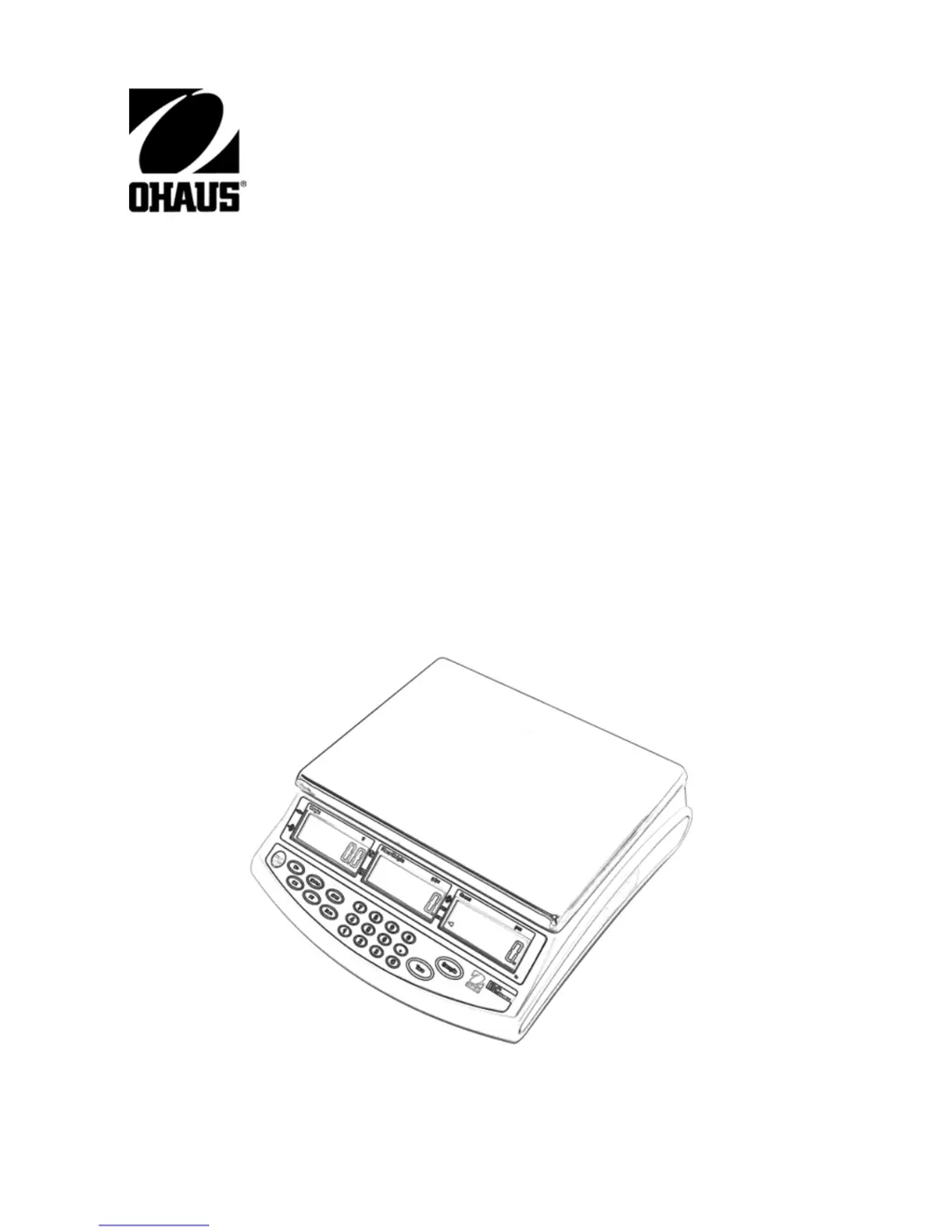
Compact Counting Scale
INSTRUCTION MANUAL

Questions and Answers

  • M
    Mrs. Carla JacksonAug 1, 2025
    Why OHAUS BC Scales not turning on?
    • S
      Sandra ClarkAug 1, 2025
      Your OHAUS scale might not be turning on because the AC power is not connected. Ensure that the scale is properly connected to a power source. Alternatively, the battery may be discharged. In this case, connect the scale to a power source to charge the battery.
  • H
    Heather FuentesAug 6, 2025
    What to do if OHAUS BC Scales does not display accurately?
    • J
      James LewisAug 6, 2025
      If your OHAUS scale isn't displaying weight accurately, it might be due to improper calibration. Calibrate the scale using the correct calibration weights to resolve this issue.
  • D
    Dominique McdanielAug 13, 2025
    What to do if OHAUS BC Scales weight reading does not stabilize?
    • M
      michaelleeAug 13, 2025
      If the weight reading on your OHAUS scale is unstable, it could be due to an unstable environment. Make sure the scale is placed in a stable location. Another potential cause is interference under the pan. Ensure that the weighing pan is unobstructed and free to move.
  • C
    Christopher FloresAug 19, 2025
    What does --OL-- displayed mean on OHAUS BC?
    • D
      diamondsalinasAug 19, 2025
      If your OHAUS scale displays '--OL--', it means the load on the pan exceeds the scale's capacity. Reduce the weight on the pan to resolve this.
  • H
    Heidi HallAug 26, 2025
    What does E1, E2, E3 displayed mean on OHAUS BC Scales?
    • H
      hudsonrichardAug 26, 2025
      If your OHAUS scale is displaying 'E1, E2, E3', it could be due to the pan being incorrectly positioned. Reposition the pan correctly. It may also indicate that the zero limit was exceeded during power up. Make sure the pan is empty before switching the scale on.

Summary

1. Introduction

1.1 Product Description

Overview of the Ohaus BC Series compact counting scale's design and purpose.

1.2 General Features

Lists key features and capabilities of the Ohaus BC Series counting scale.

1.3 Safety Precautions

Essential safety guidelines for the safe and dependable operation of the scale.

2. Installation

2.1 Unpacking and Components

Instructions for unpacking the scale and verifying included components.

2.2 Installing Components

Procedures for assembling scale components, including shipping screw removal.

2.3 Location Selection

Guidance on choosing an appropriate environment for optimal scale performance.

2.4 Leveling the Scale

Steps to ensure the scale is properly leveled for accurate measurements.

2.5 Connecting Power

Instructions for connecting the scale to AC power and battery charging.

2.6 Initial Calibration

Recommendation for performing initial calibration for accurate weighing.

3. Overview of Controls and Functions

3.1 Display Symbols

Explanation of the various symbols displayed on the scale's interface.

3.2 Controls and Functions

Details the functions of the buttons and controls on the scale's keypad.

4. Operations

4.1 Switching the Unit On and Off

Instructions for powering the counting scale on and off.

4.2 Manual Tare Operation

Procedure for performing a manual tare to zero out container weight.

4.3 Pre-set Tare Function

How to enter and use a pre-defined tare value for weighing.

4.4 Zero Operation

How to zero the weight display using the ZERO button.

4.5 Calculating Average Piece Weight (APW)

Steps for sampling items to calculate the Average Piece Weight (APW).

4.6 Entering Known Piece Weight

Method for manually inputting a known piece weight for counting.

4.7 Storing Piece Weight into Memory

How to save APW values into the scale's memory locations.

4.8 Recalling Piece Weight from Memory

Procedure for retrieving stored APW values from memory.

4.9 Accumulation: Weight and Quantity

Using the M+ and MR functions to accumulate weight and count data.

4.10 Check-Counting

Performing quantity checks against pre-set high and low limits.

4.11 Check-Weighing

Performing weight checks against pre-set high and low limits.

5. Scale Settings

5.1 Auto-Off Setting

Configuration of the automatic power-off timer for the scale.

5.2 Zero Tracking Range

Setting the tolerance for maintaining the zero reading on the display.

5.3 Zero Display Range

Defining the range within which the zero indication is active.

5.4 Filtering Level

Adjusting the filter level to control weighing stability and response time.

5.5 Zero Return Range

Setting the level of stability for the scale's zero point.

5.6 Backlight Configuration

Options for activating and controlling the display backlight.

5.7 Unit Selection

Choosing the active weighing unit (Grams or Pounds).

5.8 APW Re-computing Mode

Setting the mode for automatic recalculation of APW.

5.9 Check-alarm Range

Configuring the conditions for the check-alarm beeper activation.

6. Calibration

Calibration Process

Step-by-step guide for calibrating the Ohaus BC Series scale.

7. Troubleshooting

Troubleshooting Guide

Common problems, their possible causes, and recommended remedies.

8. Technical Data

Product Specifications

Detailed technical specifications for the BC Series counting scales.

OHAUS BC Series Specifications

General IconGeneral
BrandOHAUS
ModelBC Series
CategoryScales
LanguageEnglish

Related product manuals