EasyManua.ls Logo

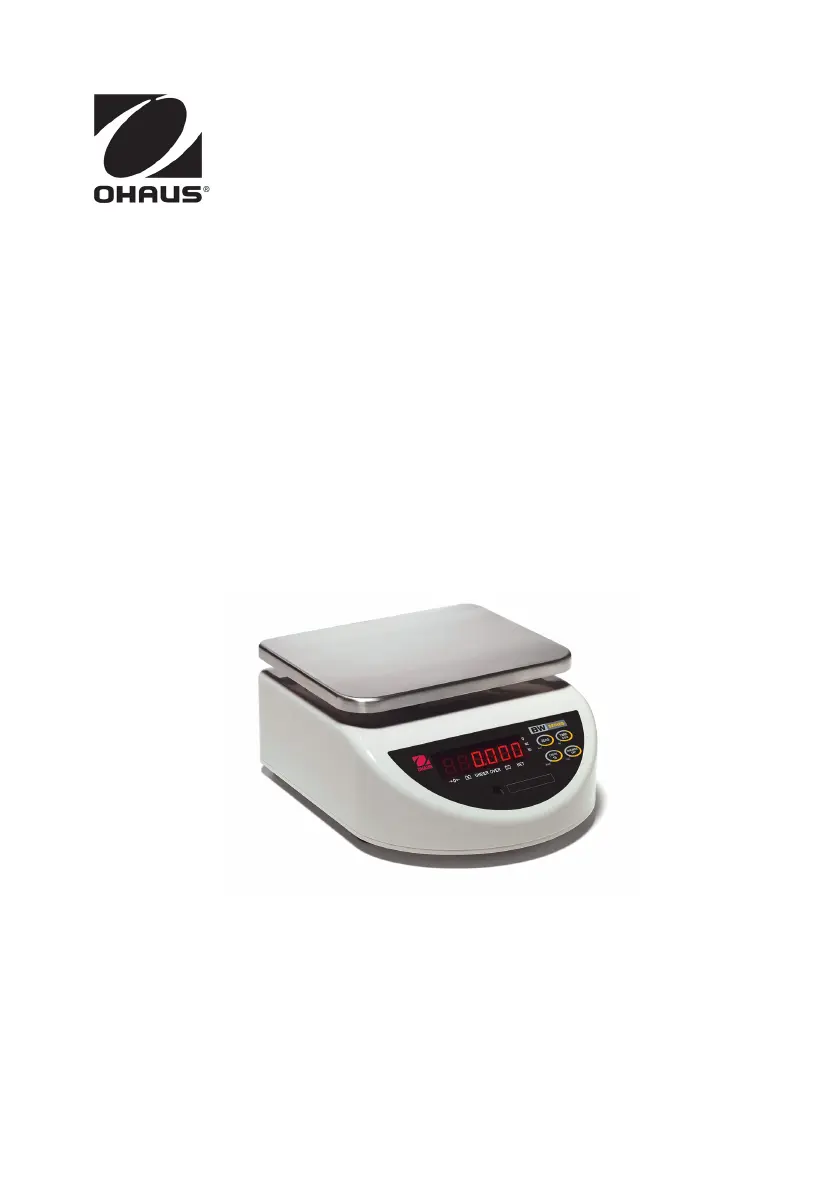
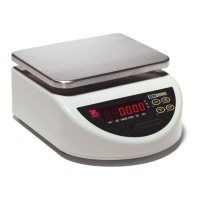
OHAUS BW1.5TUS - User Manual

OHAUS BW1.5TUS
52 pages
Print Icon
To Next Page IconTo Next Page
Loading...
i
BW Series Compact Bench Scale
Báscula compacta de mesa de la Serie BW
Balance de table compacte, série BW

Table of Contents

Questions and Answers

  • T
    Tanner RuizAug 17, 2025
    Why OHAUS BW1.5TUS does not display accurately?
    • N
      Natalie BrownAug 17, 2025
      If your OHAUS scale isn't displaying weight accurately, it might need calibration. Calibrate the scale using the correct calibration weights to ensure accurate readings.
  • W
    william86Aug 20, 2025
    What to do if weight reading does not stabilize on OHAUS BW1.5TUS Scales?
    • D
      Darrell BoydAug 20, 2025
      If the weight reading on your OHAUS scale is unstable, it could be due to an unstable environment or interference under the pan or sub-platform. Make sure the scale is placed in a stable environment and that the weighing pan and sub-platform are free from any obstructions.
  • D
    Donna BushAug 22, 2025
    What to do if OHAUS BW1.5TUS Scales displays “nnnnnn“?
    • N
      Nichole FergusonAug 23, 2025
      If your OHAUS scale displays “nnnnnn“, it indicates an overload condition, meaning the load on the pan exceeds the scale's capacity. To fix this, reduce the weight on the pan and then re-zero the scale.
  • R
    Randall HahnAug 26, 2025
    Why OHAUS BW1.5TUS displays ”- - - - - -”?
    • R
      Rhonda MillerAug 26, 2025
      If your OHAUS scale displays ”- - - - - -”, it means there's an unstable condition preventing it from establishing zero. To resolve this, place the scale in a stable environment. Additionally, relieve any internal pressure by loosening the leveling feet, clear any obstructions on the vent holes under the rear feet, and remove any weight on the pan that exceeds the power-on zero range.
  • N
    natasha85Aug 28, 2025
    What does “uuuuuu“ displayed on OHAUS BW1.5TUS Scales mean?
    • T
      Todd OrtizAug 28, 2025
      If your OHAUS scale displays “uuuuuu“, it indicates an underload condition, meaning there is no load on the pan, exceeding the scale's zero. To correct this, install the pan on the sub-platform and then re-zero the scale.
  • I
    Isabella MercerAug 31, 2025
    What to do if OHAUS BW1.5TUS Scales displays “Error”?
    • A
      Angela WalkerAug 31, 2025
      If your OHAUS scale displays “Error”, it indicates a software running error. Try turning the scale off and then on again. If the issue persists, consider replacing the battery.
  • B
    bradjonesSep 3, 2025
    What does ”E 11“ displayed on OHAUS BW1.5TUS mean?
    • N
      nmuellerSep 3, 2025
      If your OHAUS scale displays “E 11“, it indicates a RAM error. Try turning the scale off and on again to resolve the issue.
  • M
    Michael DuranSep 5, 2025
    Why OHAUS Scales battery fails to charge fully?
    • S
      Scott MorrisSep 6, 2025
      If the battery in your OHAUS scale isn't charging fully, it may be defective or past its useful life. You should have the battery replaced by an authorized Ohaus service dealer.
  • C
    chelsea32Sep 8, 2025
    What does ”E 48“ displayed on OHAUS BW1.5TUS mean?
    • L
      Leroy ReyesSep 8, 2025
      If your OHAUS scale displays “E 48“, it indicates a checkweigh target setting error. To resolve this, review the setup and re-enter the correct Over-Under values.
  • D
    David SteinSep 12, 2025
    What does ”E 16“ displayed on OHAUS Scales mean?
    • P
      Peter LiuSep 12, 2025
      If your OHAUS scale displays “E 16“, it indicates a ROM error. You should recalibrate the scale.

OHAUS BW1.5TUS Specifications

General IconGeneral
Readability0.5 kg
Stabilization Time2 seconds
CalibrationExternal Calibration
InterfaceRS232
Power SupplyAC adapter
Weighing Unitslb
Platform Size1.2m x 1.2m

Related product manuals