EasyManua.ls Logo

OHAUS DEFENDER SERIES - User Manual

OHAUS DEFENDER SERIES
76 pages
Print Icon
To Next Page IconTo Next Page
Loading...
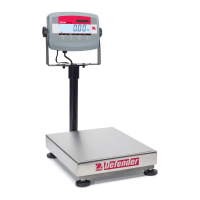
Defender Series
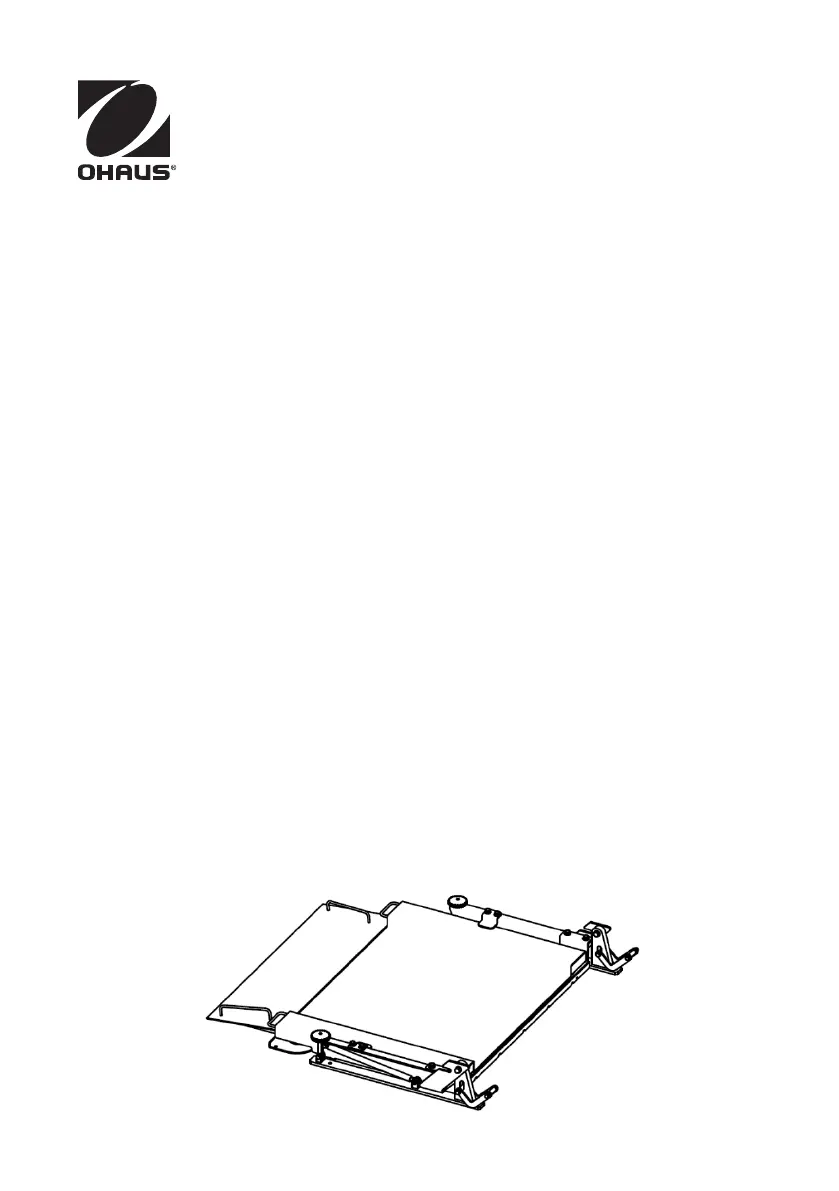
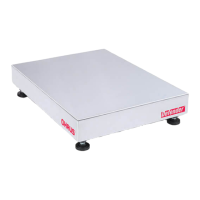
Lift-type Floor Platform
Instruction ManualDFL
Serie Defender
Plataforma Elevadora Tipo Piso
Manual de instrucciones DFL
rie Defender
Plate-forme au sol de levage
Manuel dinstructionsDFL
Defender Serie
Hubbodenplattform
BedienungsanleitungDFL
Serie Defender
Piattaforma a pavimento tipo-lift
Istruzioni per l'uso (DFL)

Table of Contents

Other manuals for OHAUS DEFENDER SERIES

Questions and Answers

  • A
    Angela TurnerAug 20, 2025
    Why won't my OHAUS DEFENDER turn on?
    • P
      Patricia HancockAug 20, 2025
      If your OHAUS Scales unit won't turn on, there are several potential causes. First, check the power cord to ensure it is properly plugged into both the scale and the power outlet. Verify that the power outlet is supplying electricity. If you are using a T31P model, the battery may be depleted, so reconnect AC power to charge it. If none of these steps work, service may be required.
  • W
    wstevensAug 22, 2025
    What to do if my OHAUS Scales won't zero?
    • D
      Douglas RogersAug 22, 2025
      If your OHAUS Scales won't zero, it might be due to a few reasons. Check if the load on the scale exceeds the allowable limits and remove any excess weight. Ensure that the load on the scale is stable before attempting to zero it. If the issue persists, the load cell may be damaged, requiring service.
  • E
    Emily TerryAug 25, 2025
    What does Error 8.3 mean on OHAUS Scales?
    • D
      Dr. Olivia CookAug 25, 2025
      Error 8.3 on your OHAUS Scales indicates that the weight reading exceeds the Overload limit. To resolve this, reduce the load on the scale.
  • N
    Nicole ThomasAug 26, 2025
    How to unlock menu settings on OHAUS Scales?
    • E
      Eric SanchezAug 26, 2025
      If you cannot change the menu settings on your OHAUS Scales, it may be because the menu has been locked. Set the selected menu to Off in the Lock Menu. Also, the lock switch on the circuit board may need to be set to the Off position.
  • P
    Phillip KingAug 27, 2025
    What does error 8.1 mean on OHAUS DEFENDER?
    • D
      Deborah BrownAug 28, 2025
      Error 8.1 on OHAUS Scales means that the weight reading exceeds the Power On Zero limit. Remove any load from the scale and then recalibrate it.
  • R
    Ronald ColeAug 29, 2025
    What does error 8.2 mean on OHAUS Scales?
    • J
      Jennifer LarsonAug 30, 2025
      Error 8.2 on OHAUS Scales indicates that the weight reading is below the Power On Zero limit. Add a load to the scale and then recalibrate it.
  • D
    Diane BrownAug 31, 2025
    What does error 8.4 mean on OHAUS Scales?
    • J
      john89Aug 31, 2025
      Error 8.4 on OHAUS Scales means the weight reading is below the Underload limit. Add load to the scale and recalibrate.
  • D
    David RamseySep 2, 2025
    What does CAL E mean on OHAUS DEFENDER?
    • M
      Michael AndersonSep 2, 2025
      CAL E on OHAUS Scales indicates a Calibration Error, meaning the calibration value is outside allowable limits. Repeat the calibration process using the correct calibration weights.
  • J
    jennathomasSep 4, 2025
    What does Err 9.5 mean on OHAUS Scales?
    • C
      Carol ConwaySep 4, 2025
      Err 9.5 on OHAUS Scales indicates that calibration data is not present. You should calibrate the scale.
  • M
    mitchelltoddSep 6, 2025
    Why is the battery indicator flashing on my OHAUS DEFENDER T31P?
    • L
      levi62Sep 6, 2025
      If the battery indicator is flashing on your OHAUS Scales T31P, it means the battery is discharged. Connect the indicator to a power source to charge the battery.

Summary

Introduction

Safety Instructions

Provides essential safety precautions for operating the Defender series floor scale.

Connecting an Indicator

Details the process of connecting a weighing indicator to the Defender series floor scale, including wiring.

Internal structure and working principle

Internal structure

Illustrates and labels the key components of the Defender series floor scale, including the platform and load cells.

Working principle

Explains how the Defender series floor scale operates, involving load cell deformation and signal processing.

Basic requirements and installation

Basic requirements

Outlines the fundamental prerequisites for installing the Defender series floor scale, focusing on surface flatness.

Standard installation

Provides step-by-step instructions for the standard installation of the Defender series floor scale, including positioning.

Accessory installation

Covers the installation of optional accessories for the Defender series floor scale, such as stop bars and extra ramps.

Operation

Operational Instruction

Guides users on operational procedures after installation, including verification for trade use.

Precautions

Lists important precautions for maintaining optimal operating performance and preventing damage to the floor scale.

Maintenance

Daily Checks

Details routine daily checks to ensure the Defender series floor scale is in good working order and free from debris.

Cleaning

Provides guidelines for cleaning the Defender series floor scale, emphasizing dry environments and appropriate cleaning agents.

Service information

Directs users on how to obtain service or technical assistance for the Defender series floor scale.

Technical Data

Specification

Presents the technical specifications for the Defender series floor scale models, including capacity and dimensions.

Dimensions

Compliance

LIMITED WARRANTY

OHAUS DEFENDER SERIES Specifications

General IconGeneral
CalibrationExternal Calibration
DisplayLCD with backlight
PowerAC adapter or rechargeable battery
ConstructionStainless steel platform
InterfaceRS232
ApprovalNTEP approved
ApplicationWeighing
OperationKeypad
Design FeaturesOverload protection
Units of MeasurementKilogram, Gram, Pound, Ounce (depending on model)

Related product manuals