EasyManua.ls Logo

OHAUS Defender 3000 Series - User Manual

OHAUS Defender 3000 Series
12 pages
Print Icon
To Next Page IconTo Next Page
Loading...
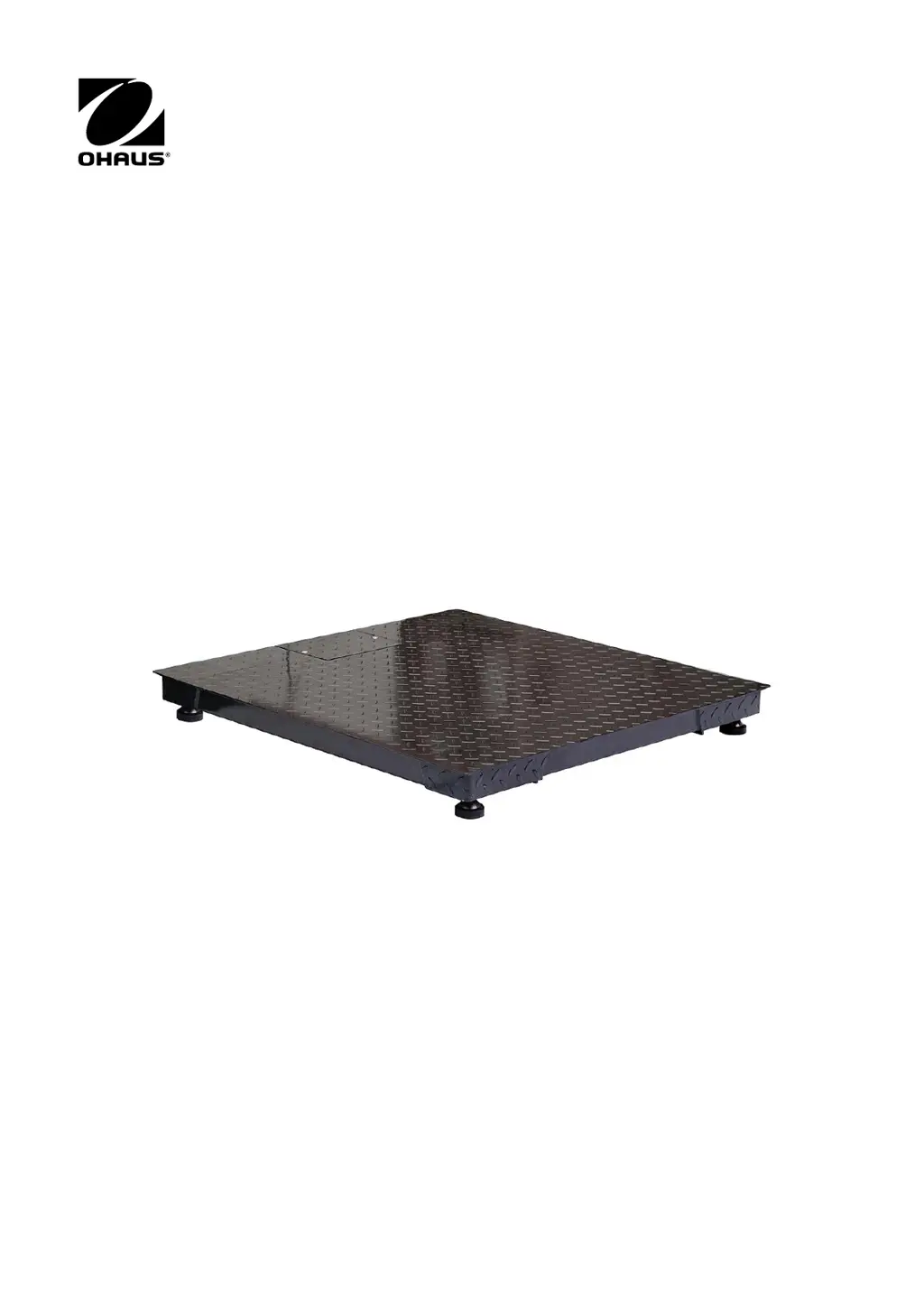
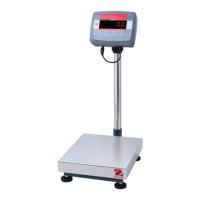
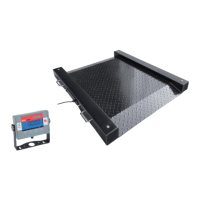
DEFENDER 3000 Series Floor Scale
Instruction Manual

Other manuals for OHAUS Defender 3000 Series

Questions and Answers

  • C
    Colleen LoganAug 18, 2025
    Why won't my OHAUS Defender 3000 turn on?
    • A
      Andre BurtonAug 18, 2025
      If your OHAUS Scales indicator won't turn on, first, check the power cord connections to ensure it's properly plugged into both the scale and the power outlet. Then, verify that the power outlet is supplying electricity. If using battery power, recharge the battery. If none of these steps work, service may be required.
  • J
    jperezAug 20, 2025
    How to fix OHAUS Scales that won't zero?
    • K
      Kevin HensonAug 20, 2025
      If you cannot zero your OHAUS Scales, first, remove any weights from the pan that exceed the allowable limits. Ensure the weight is stable by waiting for any vibration or movement to cease, or increase the filtering. If the issue persists, service may be required, as the load cell may be damaged.
  • M
    Michele CoxAug 23, 2025
    What does Error 8.1 mean on OHAUS Defender 3000 Scales?
    • K
      Kerry KimAug 23, 2025
      If your OHAUS Scales display Error 8.1, it indicates that the weight reading exceeds the Power On Zero limit. Remove weight from the pan. If the issue persists, recalibrate the scale.
  • V
    Veronica RosalesAug 26, 2025
    What does error 8.4 mean on OHAUS Defender 3000?
    • D
      Debra HarrisAug 26, 2025
      If your OHAUS Scales show Error 8.4, the weight reading is below the Underload limit. Add weight to the pan. If the problem continues, recalibrate the scale.
  • Q
    qbergerAug 28, 2025
    What does Error 8.2 mean on OHAUS Defender 3000?
    • J
      jennifer74Aug 28, 2025
      If your OHAUS Scales display Error 8.2, it means the weight reading is below the Power On Zero limit. To fix this, add weight to the pan. If the issue remains, recalibrate the scale.
  • J
    Jon CarterAug 30, 2025
    What does error 8.8 mean on OHAUS Defender 3000?
    • E
      Eric RodriguezAug 30, 2025
      If your OHAUS Scales display Error 8.8, the factory calibration data in the EasyConnectTM module on the load cell cable is not valid under LFT off status. Calibrate the scale to resolve this.
  • K
    Keith HawkinsSep 2, 2025
    What does error 8.9 mean on OHAUS Defender 3000?
    • S
      spittsSep 2, 2025
      If your OHAUS Scales display Error 8.9, it indicates a failure to read the serial number from the EasyConnectTM module, or the serial number does not match the LFT ON status. You can break the seal or replace the original base/indicator. If the issue persists, service is required.
  • M
    michaelfloresSep 4, 2025
    What does error 9.5 mean on OHAUS Defender 3000?
    • W
      William VillarrealSep 4, 2025
      If your OHAUS Scales display Error 9.5, it indicates that calibration data is not present. Calibrate the scale to resolve this issue.
  • C
    caitlinramseySep 6, 2025
    What to do if OHAUS Defender 3000 Scales show Error 8.3?
    • H
      Heather ThomasSep 7, 2025
      If your OHAUS Scales display Error 8.3, it means the weight reading exceeds the overload limit. Reduce the weight on the pan to resolve this issue.
  • J
    jeffrey42Sep 9, 2025
    Why is the battery symbol flashing on my OHAUS Scales?
    • C
      Christopher FisherSep 9, 2025
      If the battery symbol is flashing on your OHAUS Scales, it indicates a low battery. For the i-DT33P model, replace the dry batteries. For the i-DT33XW model, recharge the battery.

Summary

Introduction

Safety Precautions

Installation

Unpacking

Steps for safely removing the floor scale from its packaging.

Positioning

Instructions for placing the floor scale in its final location.

Connecting an Indicator

Guidance on connecting the scale base to the indicator unit.

Operation

Operating Limits

Details maximum admissible static loads for different loading conditions.

Maintenance

Daily Checks

Routine checks to ensure proper function and condition of the scale.

Cleaning

Instructions for safe cleaning of the floor scale, emphasizing electrical safety.

Technical Data

Specifications

Detailed technical specifications for the floor scale models.

Drawings

Floor Scale Dimensions

Diagram illustrating scale dimensions and key measurements.

Accessories

Installation of Optional Foot Plates and Ramps

Dimensions for Floor Plate and Ramp Installation

Dimensions for installing optional floor plates and ramps.

Installation and Dimensions of Pit Frame

Dimensions of Pit Frame

Dimensions for installing the scale within a pit frame.

Compliance

ISO 9001 Registration

Information regarding the ISO 9001 certification of the manufacturing process.

Limited Warranty

OHAUS Defender 3000 Series Specifications

General IconGeneral
DisplayBacklit LCD
CalibrationExternal calibration
PowerAC adapter or internal rechargeable battery
ConstructionStainless steel platform
InterfaceRS232
Operating Temperature-10°C to 40°C
Units of Measurementkg, lb, oz
ApprovalsNTEP
Readability0.1g
Platform Size305 x 305 mm to 600 x 800 mm

Related product manuals