PR Series Balance EN-19
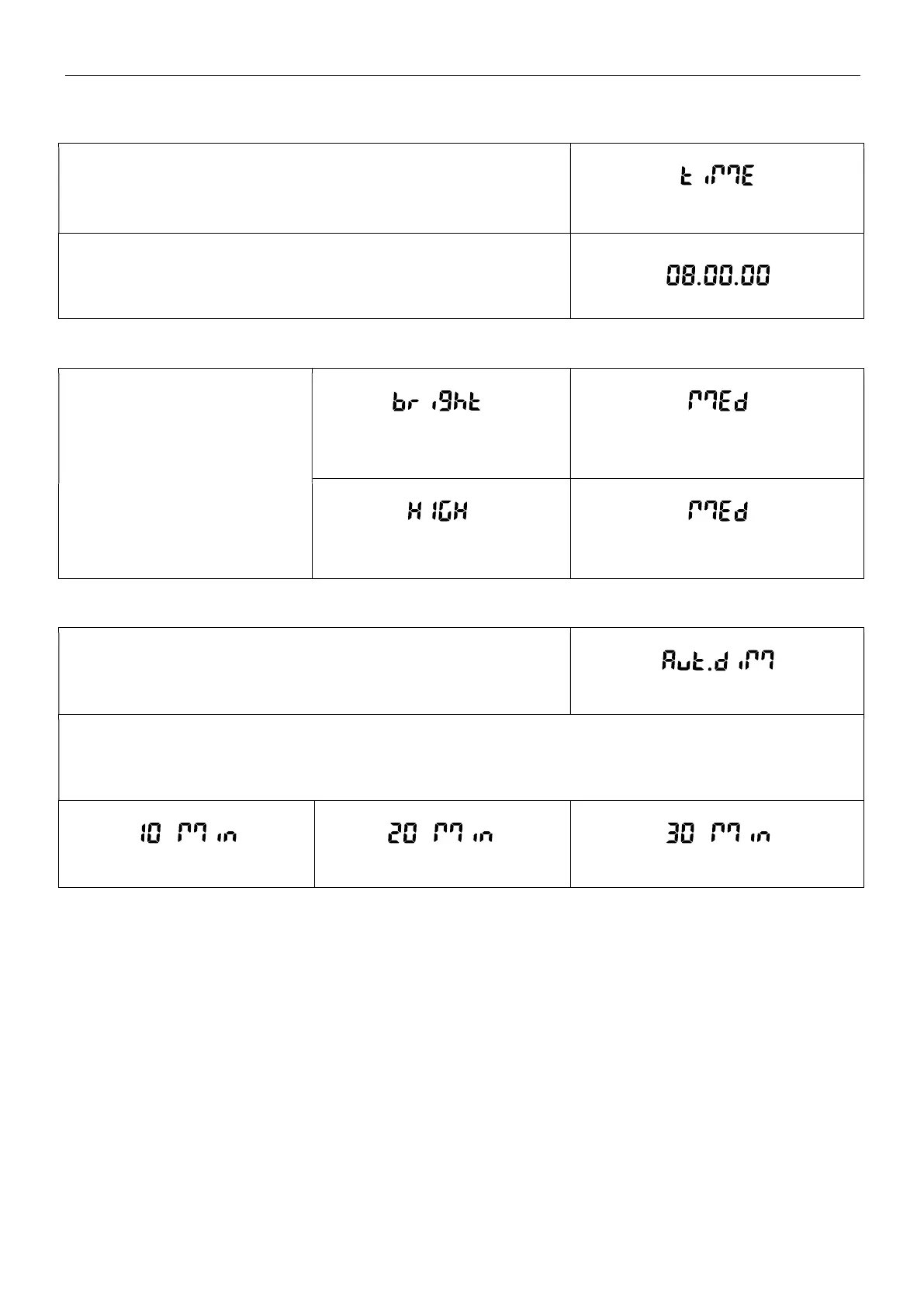
5.3.8 Time Setup
Set the current time in the desired time format.
To set the current time, press No or Back to increase or decrease the
value.
5.3.9 Brightness
Set the brightness of the display.
Medium
High
Low
Brightness
Medium
High Low
5.3.10 Auto Dim
Set whether the balance automatically turns off the display backlight of
the display.
Off = disabled.
10 minutes = become dim if there is no motion for 10 minutes.
20 minutes = become dim if there is no motion for 20 minutes.
30 minutes = become dim if there is no motion for 30 minutes.
10 min 20 min
30 min



 To Next Page