SCOUT
TM
SERIES BALANCES - SPX EN-9
4. MENU SETTINGS
The User Menu allows the customizing of balance settings.
Note: Additional Sub-Menus may be available if Interface Options are installed. See Interface
User Manual for the additional setting information.
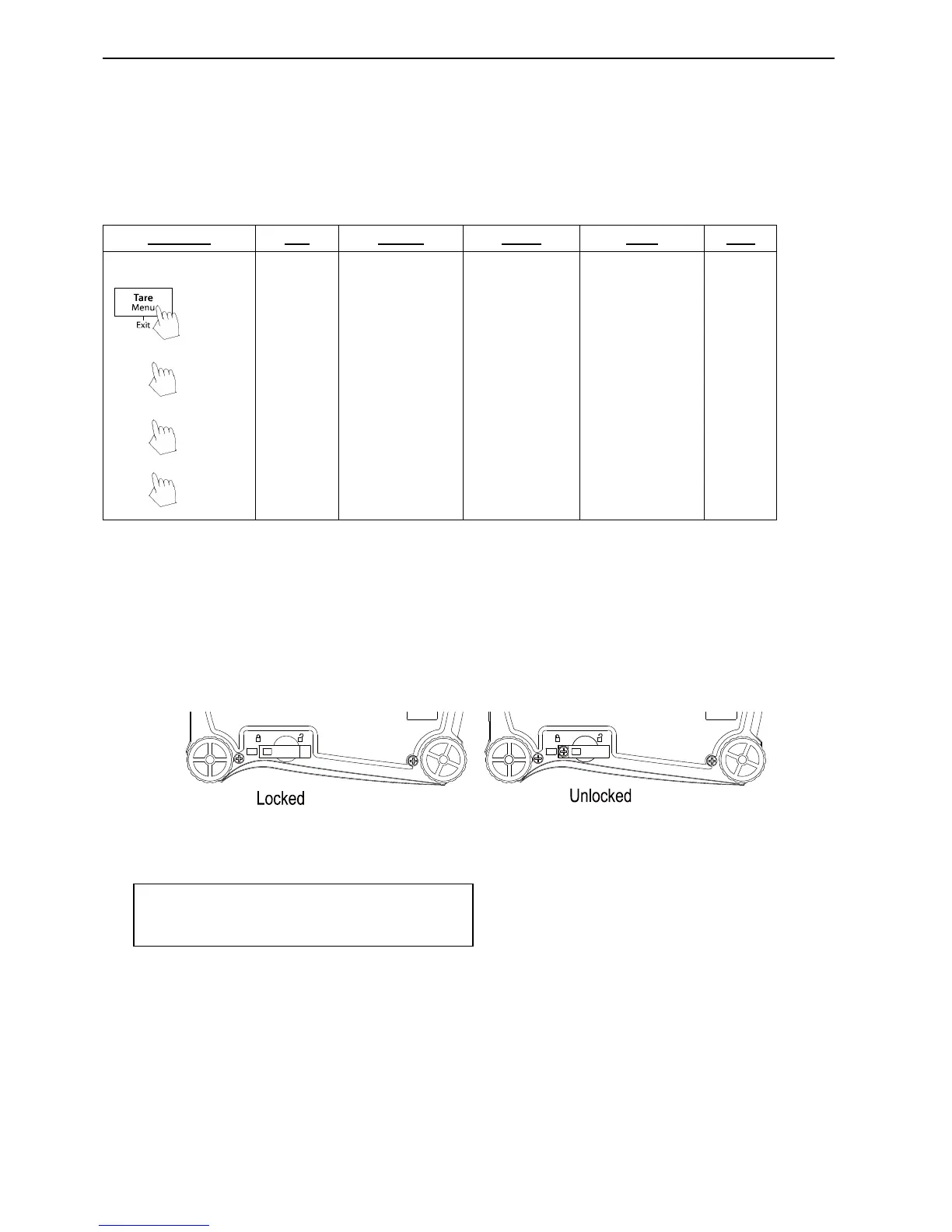
4.1 Menu Navigation
User Menu:
Notes:
* Only available in certain regions.
When the Security Switch is in locked position, the Calibration function is hidden, Units are
locked to the current setting.
Security switch:
4.2 Calibration Menu
Enter this menu to perform calibrations.
Span [SpaN]
Initiates a span calibration procedure (zero and span)
Lin [LIN]
Initiates a linearity calibration procedure (zero, mid-point and span).
End Cal [End]
Advance to the next menu or return to the top of the current menu.




 To Next Page