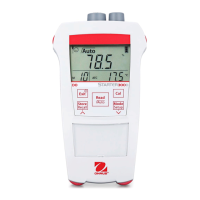
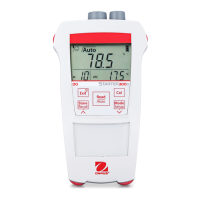
for 3 seconds to recall the stored values from memory
when the current measurement reaches endpoint.
· Press button-
or button- to scroll through the stored results. R01 to R30
indicates which result is being displayed. Press button-
to go back to the
measurement screen.
4.4.3
Clearing the memory
Continue pressing button- or button- to scroll through the stored results until MRCL
appears. Then press button-
, CLr blinks. Press button- again to confirm the deletion or
press button- to return to the measurement mode without deleting all the data in the
memory.


 To Next Page