EasyManua.ls Logo

OHAUS STARTER 300D - Page 8

OHAUS STARTER 300D
80 pages
Print Icon
To Next Page IconTo Next Page
To Previous Page IconTo Previous Page
Loading...
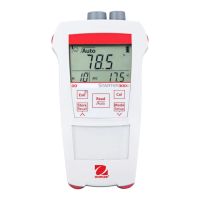
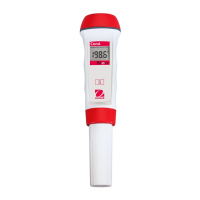
EN-4 STARTER 300D Portable DO Meter
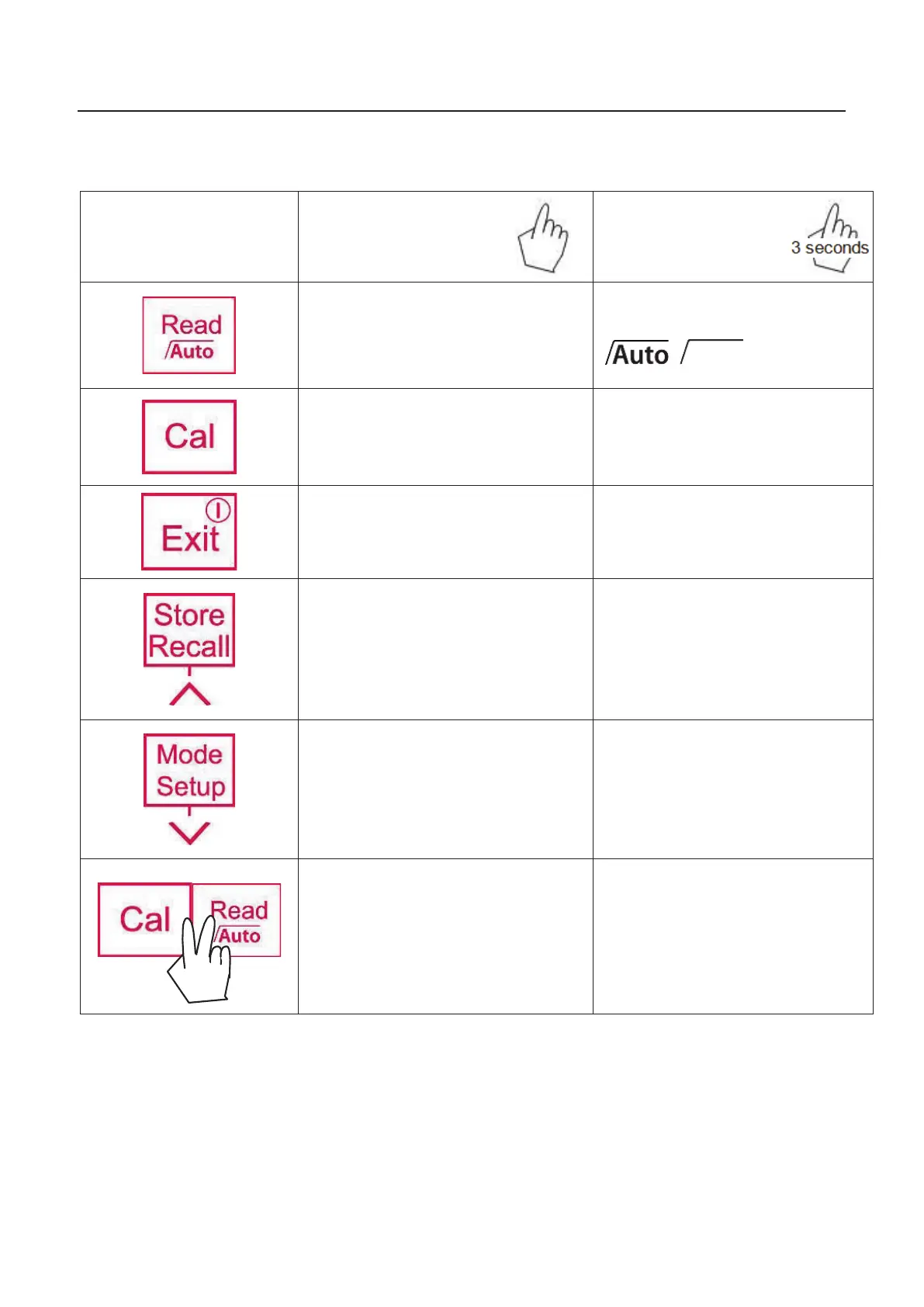
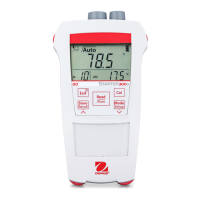
Controls
Button
Press & release
Press & hold
for 3 seconds
-
Start or endpoint me
asurement
(manual endpoint mode)
-
Confirm setting, confirm
entered
value for setting
-
switch between
auto endpoint
and manual endpoint mode
,
-
Start calibration
- Review the latest calibration
data
-
Meter turn on
-
Back to measurement screen
-
Meter turn off
- Store current reading to memory
-
Increase value during setting
-
Scroll up through the memory
-
Recall stored data
-
Switch between ppm, mg/L
and
% measuring modes
-
Decrease value during setting
- Scroll down through the memory
-
Enter setup
- Start self-diagnosis

Table of Contents

Related product manuals