127 – C330/C530 Troubleshooting
Troubleshooting Print Problems
_________
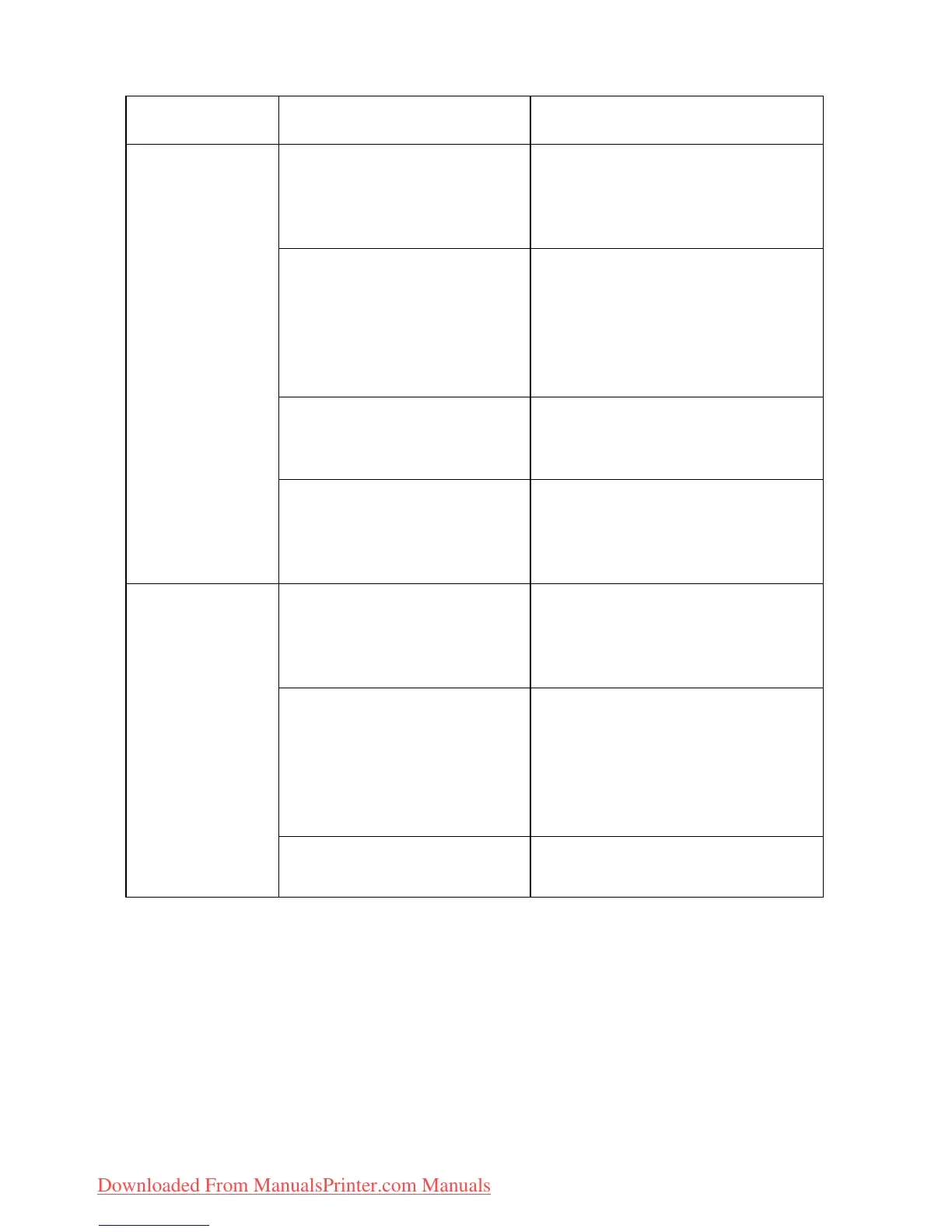
Symptoms Possible causes Steps to take
Vertical white
lines can be
seen on the
printed page.
The LED head is dirty. Open the top cover and wipe
the LED heads with a soft,
lint-free cloth (see page
103).
The toner is low. Open the top cover and tap
the cartridge a few times to
evenly distribute any
remaining toner. If symptoms
persist, replace the toner
cartridge (see page 78).
Foreign materials may
be present in the image
drum.
Replace the image drum
cartridge (see page 84).
Light-shielding film of
the image drum
cartridge is dirty.
Open the top cover and wipe
the LED heads with a soft,
lint-free cloth (see page
103).
Printed
images are
fading
vertically.
The LED head is dirty. Open the top cover and wipe
the LED heads with a soft,
lint-free cloth (see page
103).
The toner is low. Open the top cover and tap
the cartridge a few times to
evenly distribute any
remaining toner. If symptoms
persist, replace the toner
cartridge (see page 78).
The paper is not suitable
for the printer unit.
Use recommended paper
(see page ).
Downloaded From ManualsPrinter.com Manuals



 To Next Page