84 – C330/C530 Replacing Consumables and Maintenance
Image Drum Replacement. ________
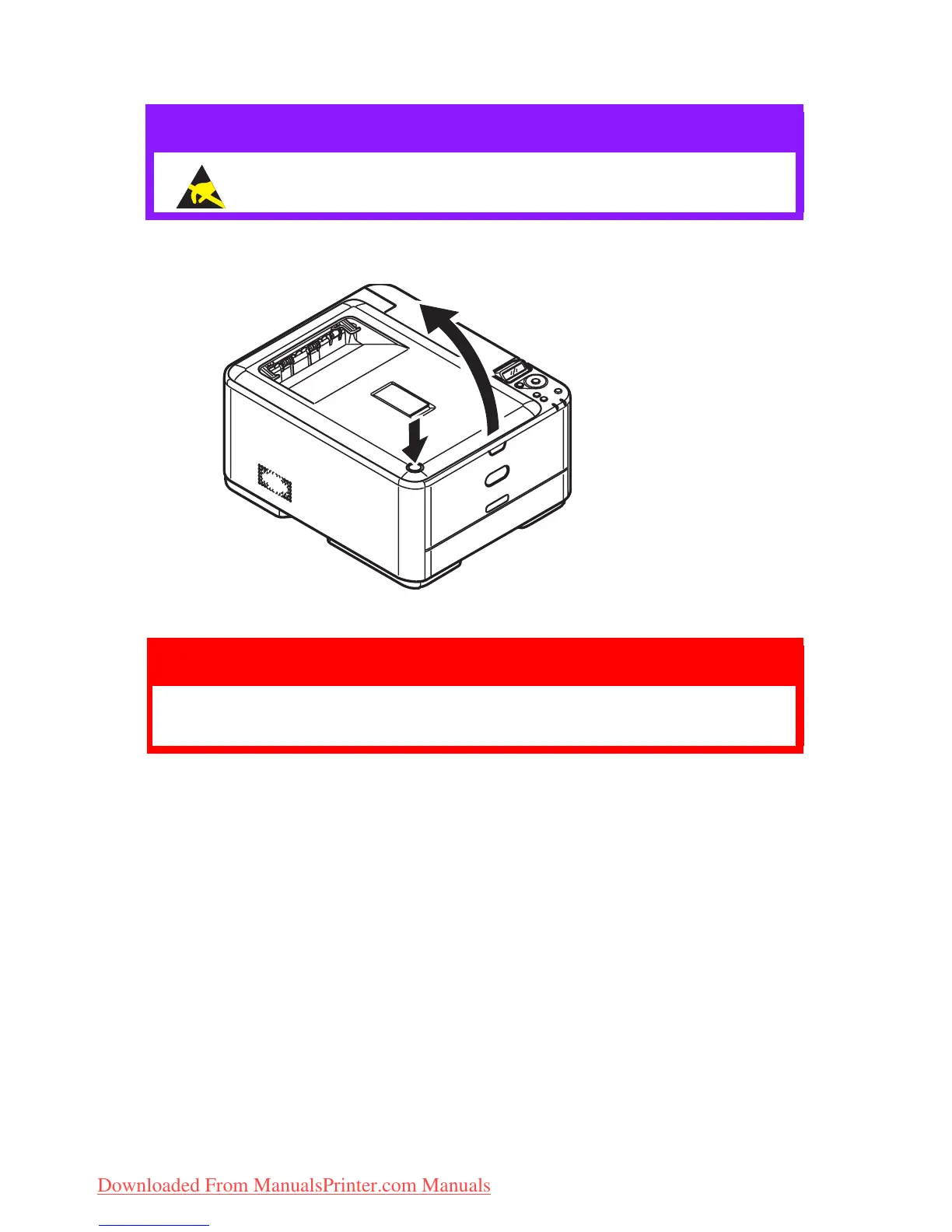
1. Press the cover release and open the printer’s top cover fully.
CAUTION!
Static sensitive devices, handle with care.
WARNING!
If the printer has been powered on, the fuser will be
hot. This area is clearly labelled. Do not touch.
Downloaded From ManualsPrinter.com Manuals



 To Next Page